Guten Tag: LLM Pulse is now available in German

By Esteve Castells




Table of contents
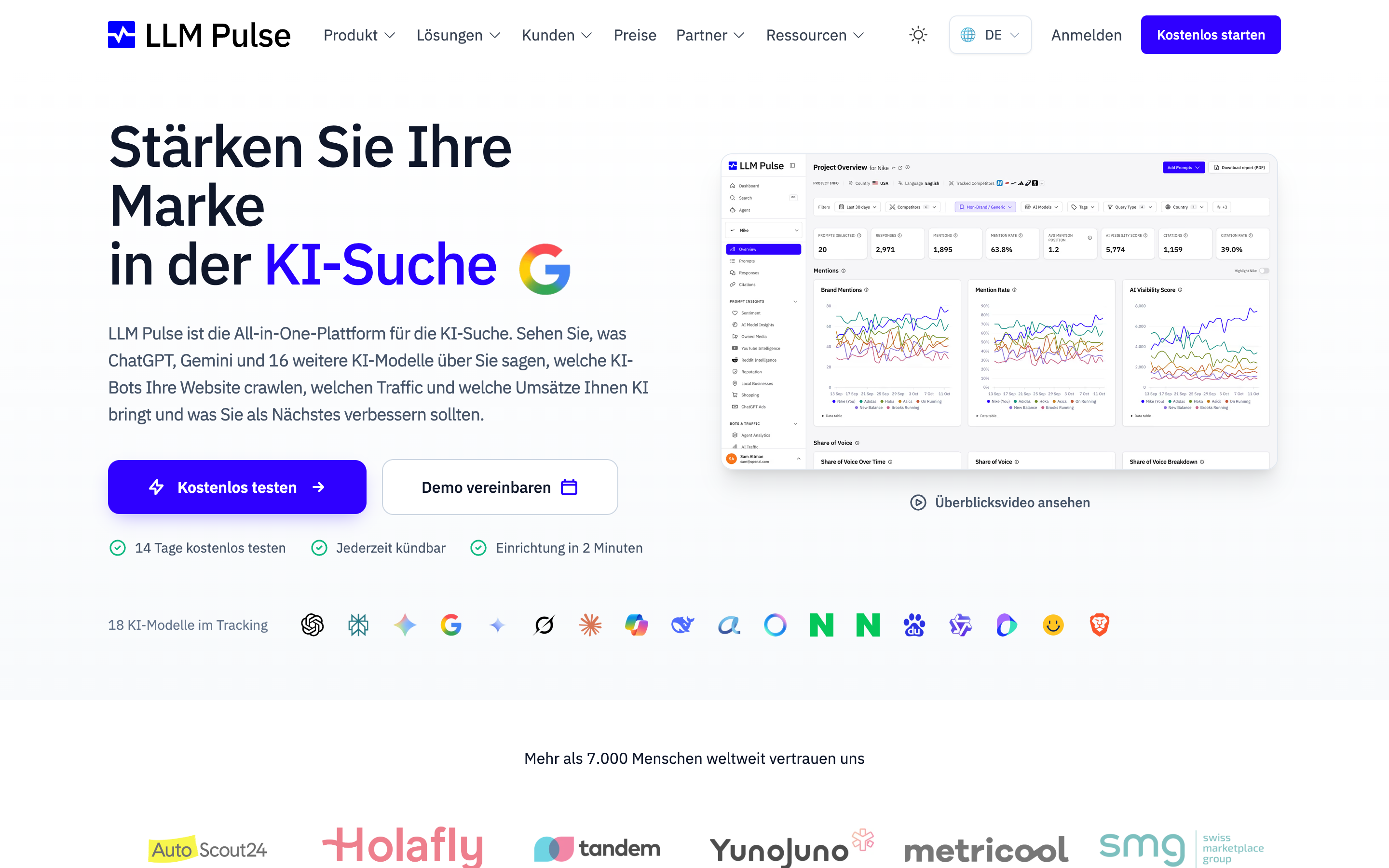
Guten Tag! As of 29 October 2026, LLM Pulse speaks German. The app, the public website, the pricing page, the Help Center, our customer stories and the changelog are all available in German, and the German blog published its first post this week.
German is our fourth interface language, after English, Spanish and Portuguese. Teams in Germany, Austria and Switzerland can now run their whole AI visibility workflow in their own language, from the first look at the pricing page to the weekly report they send to a client.
What is available in German
| Surface | What changes |
|---|---|
| App | Navigation, dashboards, filters, settings, empty states and product messages in German, with German number and date formats |
| Public website | Every page under llmpulse.ai/de, including pricing in euros |
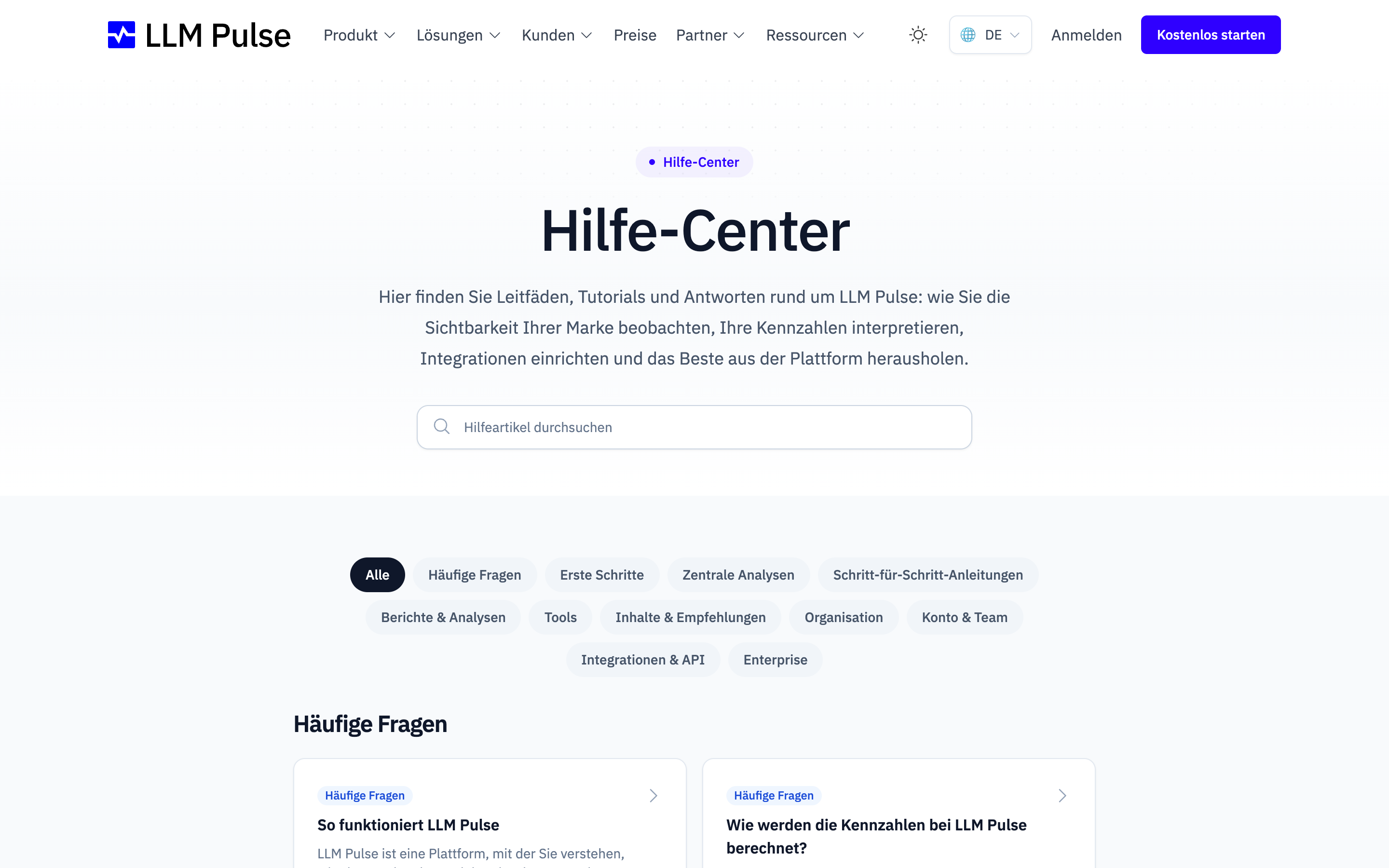
| Help Center | All 76 articles, from getting started to the API and integrations |
| Customer stories | The case studies, including Softonic and VisibilidadOn |
| Emails addressed to you follow the language saved on your account | |
| Embeds | A signed embed can open the interface in German |
| Blog | A German section at /de/blog/, starting with our guide Was ist GEO? |
The German copy uses the formal "Sie" throughout, the register B2B marketing and SEO teams expect from the software they pay for. Numbers and dates follow German conventions, so a mention rate reads 63,8 % and a date reads 05.03.2026.
Some names stay in English on purpose. AI Visibility Score, Share of Voice, Agent Analytics and the plan names (Starter, Growth, Scale) keep the names you see in exports, the API and our documentation. Model names such as ChatGPT, Perplexity and Gemini stay as they are. Everywhere else, "AI" becomes "KI", as German readers and German search use it.
How to switch to German
On the website. Open the language selector in the header and choose Deutsch. German pages live under /de, so llmpulse.ai/pricing becomes llmpulse.ai/de/pricing. If your browser is set to German, the site suggests the German version beside the selector. It never switches on its own.
In the app. Open the profile menu at the bottom of the sidebar, go to Account Settings > Language, select Deutsch and save. The choice is stored on your account, so it follows you to every device. Each teammate picks their own language: one person can work in German while a colleague in another office keeps English.
The Help Center article How to change the interface language covers both paths step by step.
Your data does not change
The interface language and your tracking language are separate settings. Switching the app to German translates menus, labels and messages. Your prompts, the AI answers, the countries and languages your projects track and the API responses stay exactly as they are.
That separation works in both directions. A team in Berlin can read its dashboards in German while tracking English prompts in the US and UK, and a team in London can track German prompts in Germany, Austria and Switzerland from an English interface. LLM Pulse has always tracked every country and language at no extra cost. German-speaking teams can now do it without leaving their own language.
We could have put the whole product through a machine translator in a weekend. We did not, because German readers notice a clumsy sentence or a stray "du" long before they notice a missing feature. Every string was translated in context and checked by a separate reviewer before it shipped.
 Esteve Castells Co-founder, LLM Pulse
Why German, and why now
German-speaking markets are already searching for this. In Germany, terms like "geo seo", "generative engine optimization", "geo-optimierung" and "was ist GEO" each draw hundreds to a few thousand searches a month. Marketing teams there are asking the same questions as everyone else: how often ChatGPT recommends them, what Google's KI-Modus says about them and which sources the models cite.
Google itself has German names for its AI features: AI Overviews appear as "Übersichten mit KI" and AI Mode as "KI-Modus". The German version of LLM Pulse puts those names next to the model names, so you can match what you read in the app with what your customers see in the search results.
For agencies with clients across the DACH region, German changes the handover. A client's marketing lead can log in, read the dashboard and follow the trend lines without a translation step in between. Our guide to measuring AI share of voice explains the metrics they will see first.
What comes next
German joins the same rule as our other languages: every new feature ships with reviewed German copy on the day it launches, so German never falls behind English. The German blog will keep growing with localized versions of our guides, starting with the GEO guide that became "Was ist GEO?".
If you track brands in Germany, Austria or Switzerland, the comparison in our list of the best AI visibility tools shows how tracking coverage differs between platforms.
Track your AI visibility in German
Start a 14-day trial, switch the app to Deutsch and see how ChatGPT, Gemini, Perplexity and Google's AI features describe your brand.
Frequently asked questions
Which parts of LLM Pulse are available in German?
The app, the public website at llmpulse.ai/de (including pricing), all 76 Help Center articles, the customer stories, the changelog, emails addressed to you and the German blog at /de/blog/. A signed embed can also open the interface in German.
How do I switch LLM Pulse to German?
In the app, open the profile menu at the bottom of the sidebar, go to Account Settings > Language, select Deutsch and save. On the website, choose Deutsch in the language selector in the header.
Does switching to German change my prompts or tracking data?
No. The interface language only changes the labels around your data. Your prompts, the AI answers, the countries and languages each project tracks and the API and MCP responses stay the same.
Can I track German-language prompts in Germany, Austria and Switzerland?
Yes, and you could before this release too. LLM Pulse tracks every country and language at no extra cost, independently of the interface language you choose.
Can each team member choose a different language?
Yes. The language is saved per user account, so one person can work in German while a colleague keeps English or Spanish.
Which languages does LLM Pulse support?
English, Spanish, Portuguese and German. In the app, Portuguese is offered as Portuguese (Portugal) and Portuguese (Brazil).






Discover your brand's visibility in AI search effortlessly
Esteve Castells
Co-Founder of LLM Pulse and AI search expert. With extensive experience working as an SEO for global brands and large enterprises, he's the subject matter expert building the product to deliver value to our users.