Measure AI traffic and prove the ROI
Connect your analytics stack and your server logs to see the humans AI answers send you and the AI agents reading your site, then report both where executives already look.
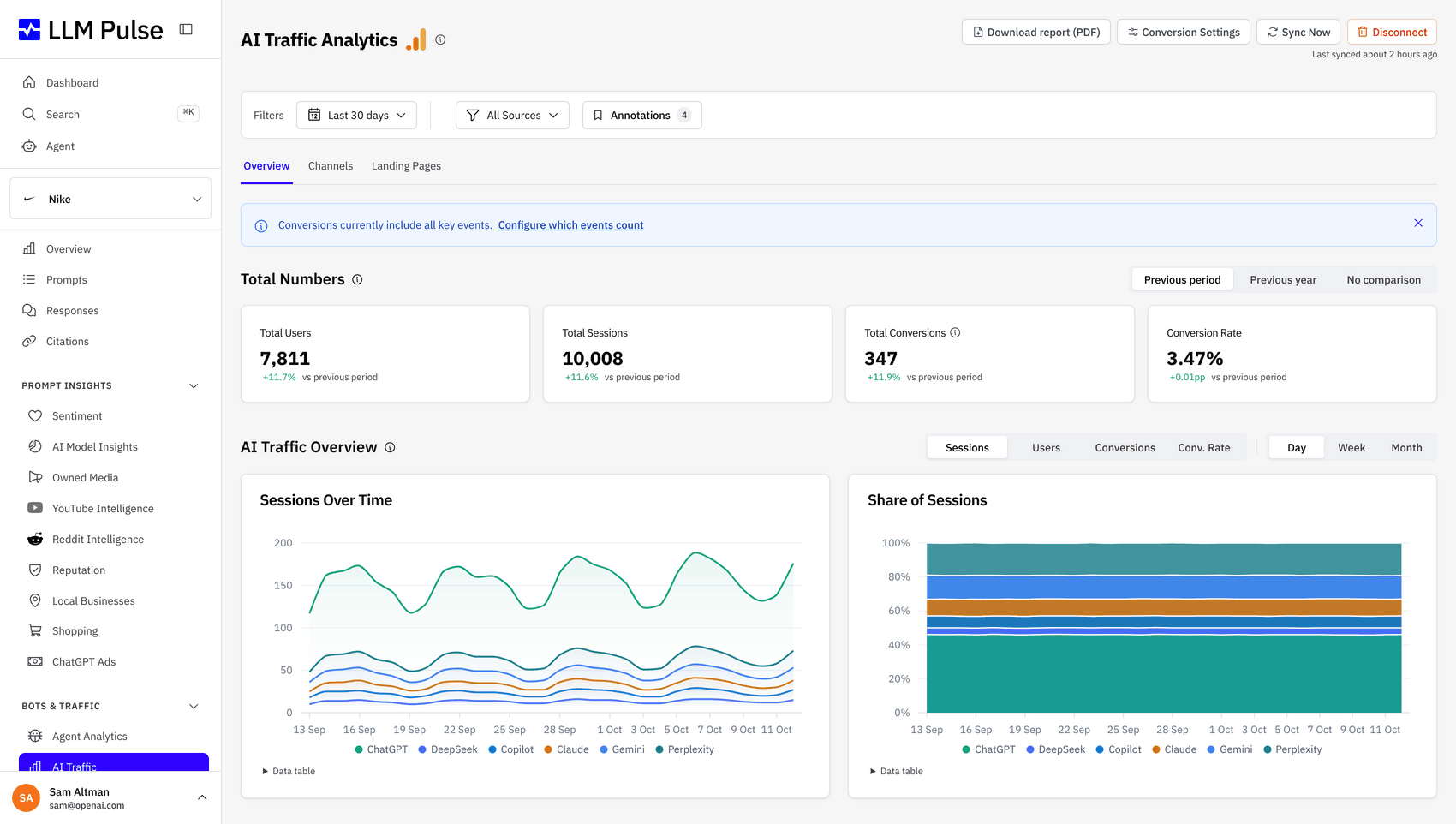
Prove the AI channel in the reports you already send
Referral sessions, agent visits, and the visibility behind them land in your dashboards, your assistant, and your warehouse.
BI Dashboards
AI sessions in Monday's dashboard
Leadership reads the dashboard it always reads, so that is where the AI channel has to show up. The Looker Studio connector puts AI referral and visibility metrics next to paid and organic in that report, Power BI gets the same metrics, and nobody assembles CSVs the night before the review.
- AI beside paid and organic in one report
- Same metrics through the Power BI connector
- No CSV assembly before the Monday meeting
MCP Server
Stakeholder questions answered from live data
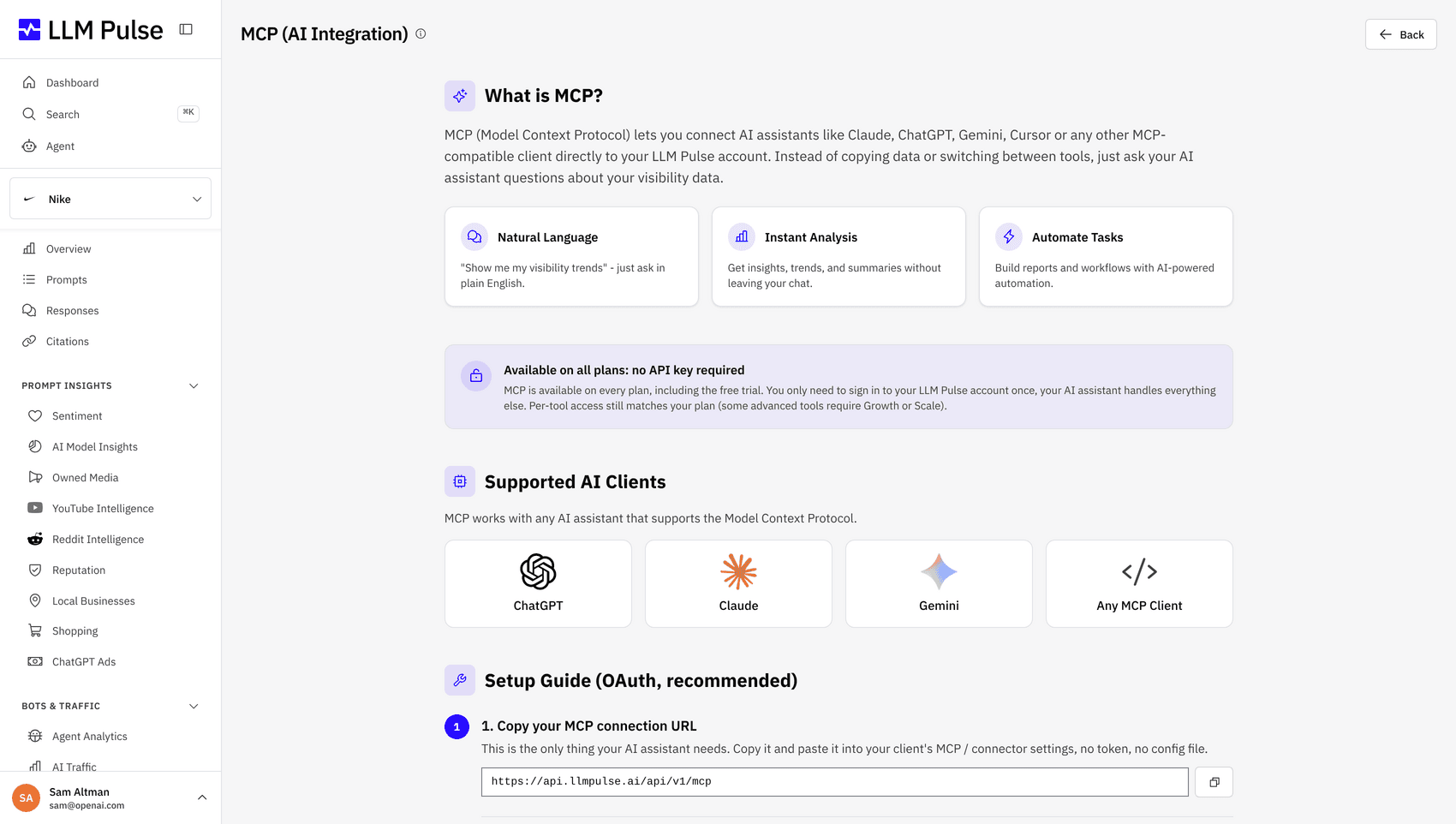
When a stakeholder asks how ChatGPT referrals trended last month, the analyst asks their AI assistant and gets numbers from the live account over MCP. No ticket, no export, and the figure matches the dashboards because it comes from the same data.
- Query traffic and visibility in plain language
- Referral trends and model splits on demand
- Authenticated with your existing API keys
API Access
AI traffic as a channel in your warehouse
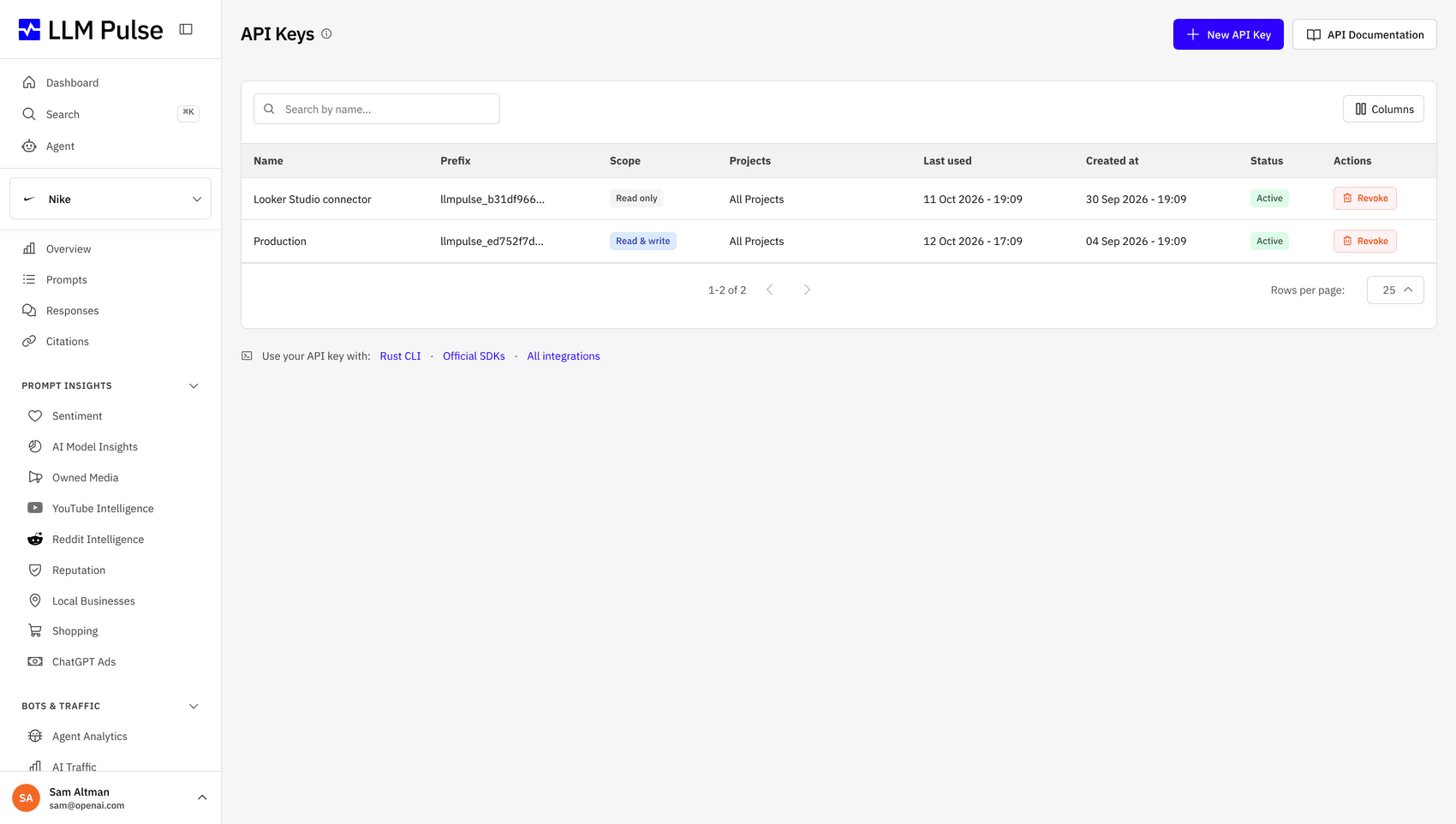
Attribution models only respect channels that arrive as clean rows. The REST API and CSV output feed your warehouse loaders on schedule, and webhooks plus the Zapier, Make, and n8n connectors push changes as they happen, so AI traffic gets modeled with the same rigor as paid spend.
- Clean rows for warehouse loaders
- Model AI alongside paid and organic
- Webhooks push events as they land
Why Analytics Teams Measure AI Traffic Here
Human referrals, agent visits, and executive reporting from one data set.
See Who AI Sends You
Track the sessions arriving from ChatGPT, Perplexity, and Gemini referrals, next to the visibility that produced them.
Count AI Agents on Your Site
Ingest logs from Cloudflare, Vercel, Fastly, Netlify, Akamai, AWS CloudFront, or nginx to see which AI crawlers and agents visit which pages.
Plug In Your Analytics Stack
Native integrations for GA4, Adobe Analytics, Plausible, Piano, and PostHog bring your traffic data next to your visibility data.
Report Where Execs Look
Looker Studio and Power BI connectors feed AI traffic into the dashboards your leadership already reads.
Connect Traffic to Visibility
The traffic line and the visibility line sit in one view, so you can explain a referral spike with the answers that caused it.
Take the Data Anywhere
REST API, MCP, CLI, CSV and Excel exports, webhooks, and Zapier, Make, and n8n keep your warehouse and workflows fed.
How AI Traffic Measurement Works
Four steps from scattered referrer rows to an executive-ready ROI report.
-
1
Connect Your Analytics
Link GA4, Adobe Analytics, Plausible, Piano, or PostHog to pull AI referral sessions into one view.
-
2
Add Your Logs
Point Agent Analytics at your CDN or server logs to capture every AI crawler and agent visit.
-
3
Read Traffic Against Visibility
Compare referral and agent trends with your mentions and citations to see what drives visits.
-
4
Report the ROI
Push the numbers to Looker Studio or Power BI, or pull them by API into your warehouse.
How Analytics Teams Use It
From budget defense to warehouse pipelines.
Prove the Budget Case
Show finance the sessions AI answers deliver, in the reporting format they already expect.
Split Humans from Bots
Separate real AI referral visitors from agent fetches so nobody reports inflated numbers.
Watch Crawler Appetite
See which pages AI crawlers fetch most, an early signal for where answers may change next.
Feed the Warehouse
Pull everything by API or webhooks into your warehouse and model AI traffic alongside paid and organic.
Euroinnova
"LLM Pulse has allowed us to better organize our work and prioritize the actions that matter most. It gives us much greater clarity when implementing new ideas, and it makes reporting far easier, with metrics that were previously complex and difficult to obtain. Today it is part of how we plan and measure our visibility in AI search."

Sandra Vargas
LinkedInFrequently Asked Questions
Common questions about measuring AI referral traffic and agent activity.
Explore the features behind this solution
Go deeper on AI traffic
Agent Analytics
How AI crawler and agent visits are extracted from CDN and server logs, and what to do with them.
Read moreWeb analytics integration
Connecting GA4, Adobe Analytics, Plausible, Piano, and PostHog to your visibility data.
Read moreLooker Studio connector
Building AI search reports in the dashboards your stakeholders already use.
Read more









Ready to put a number on AI traffic?
Connect your analytics and logs, and get your first AI traffic report this week. Trials run 14 days.
Trusted by 7,000+ users worldwide