Generate query ideas from saved AI answers
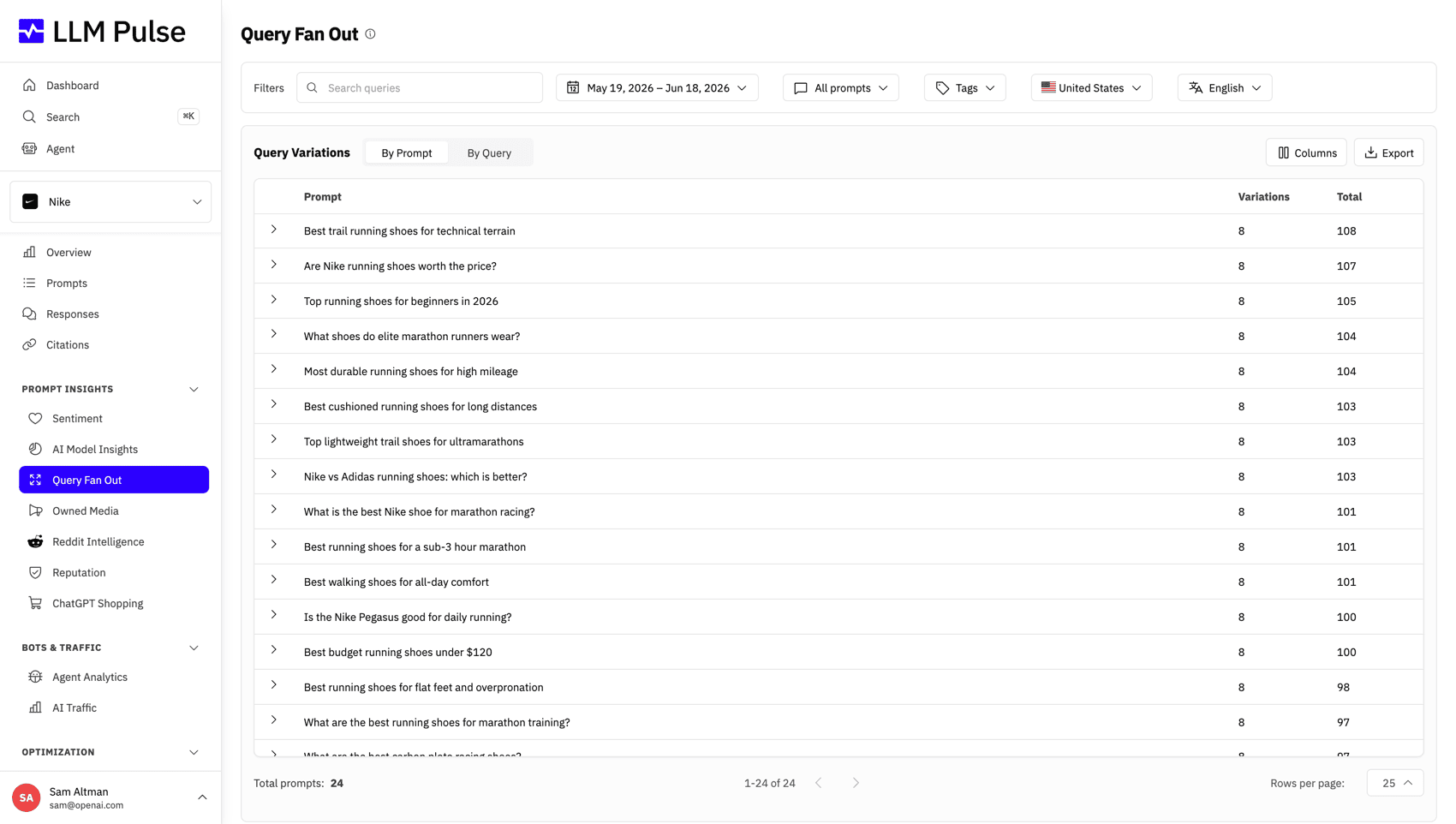
The new Synthetic view in Query Fan Out suggests related searches from saved responses. Review ideas by prompt and export them separately from searches the models actually ran.
Stay up to date with the latest features and improvements
The new Synthetic view in Query Fan Out suggests related searches from saved responses. Review ideas by prompt and export them separately from searches the models actually ran.
Overview, Citations, Responses, Sources, and the project dashboard now open faster, especially on large accounts and long result lists.
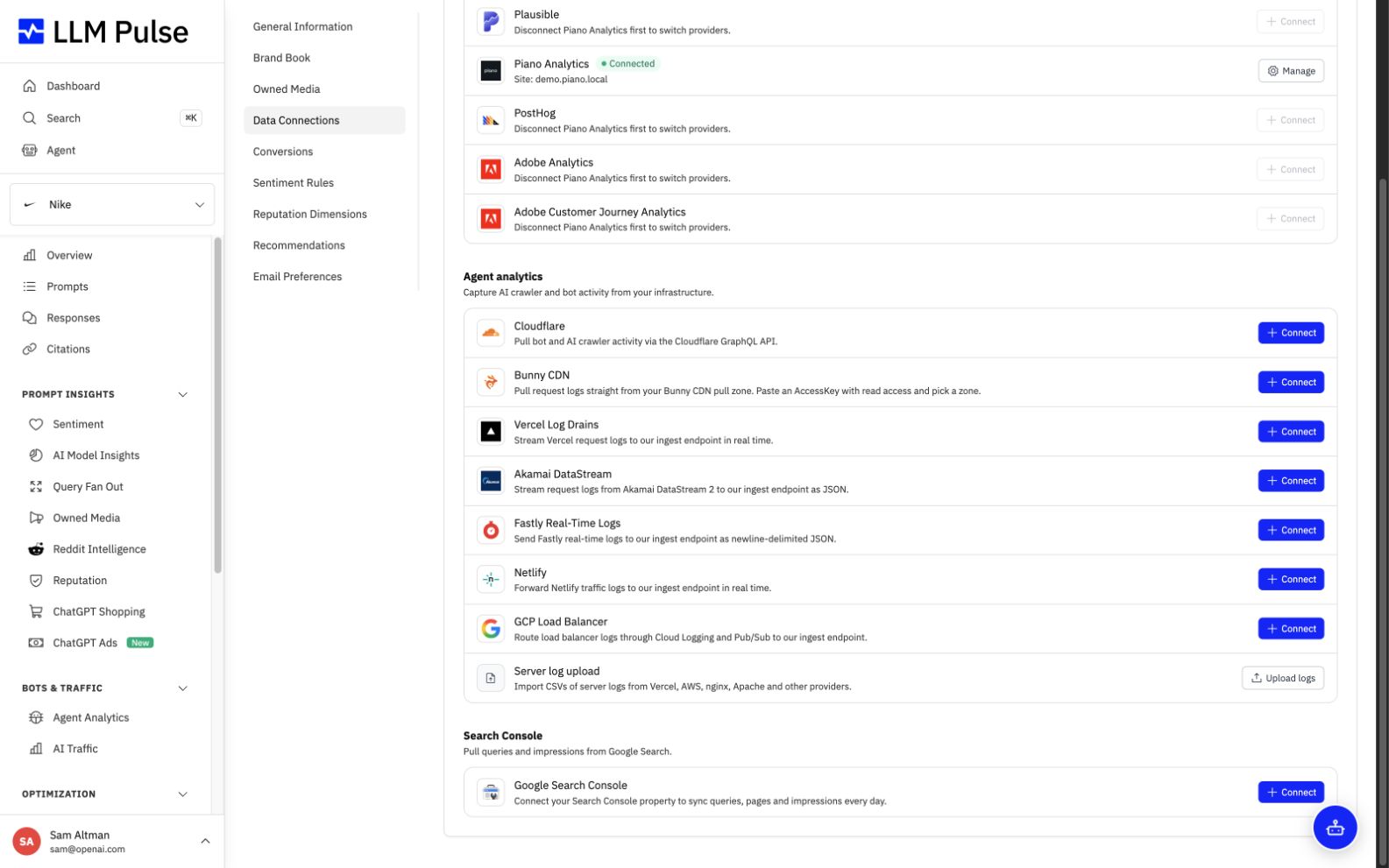
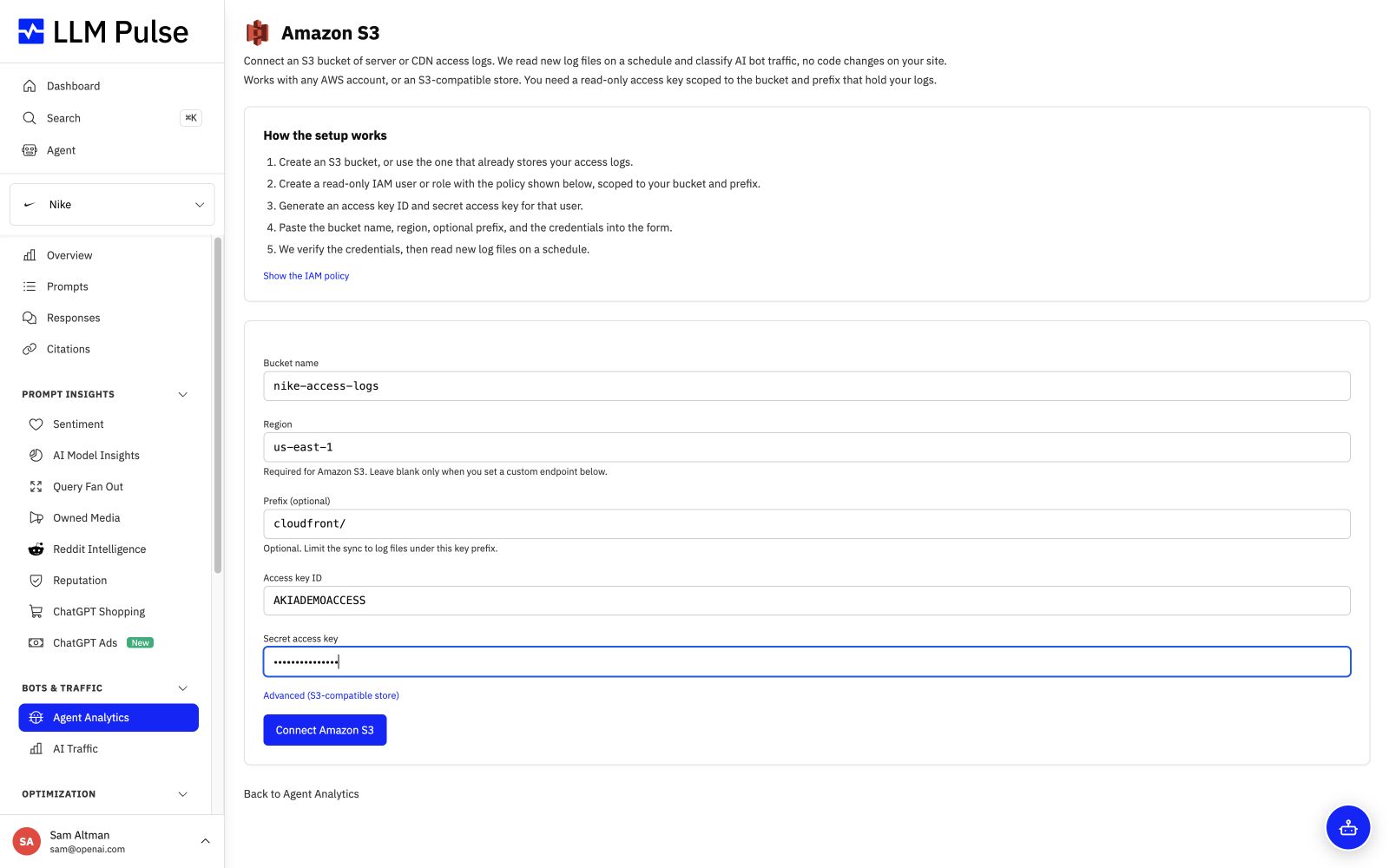
Connect the Amazon S3 bucket behind your CloudFront access logs. Agent Analytics imports new W3C log files each day, including gzip-compressed files, and still lets you sync on demand.
Walmart Sparky, Naver AI, Baidu AI, and Brave AI are available through Talk to sales for approved paid accounts. Once set up, they follow the account's weekly or daily tracking schedule.
Choose whether each competitor's citations match every subdomain, one exact host, or one host and path. Changes reprocess past citations so reports follow the new rule.
Your marketing email preference now carries across account settings, newsletter links, and campaign emails. One-click unsubscribe also works for project digests in supported email clients.
If you refresh project setup or the Add Prompts dialog, the draft returns in the same browser tab. An invalid social link no longer stops the rest of the project from being saved.
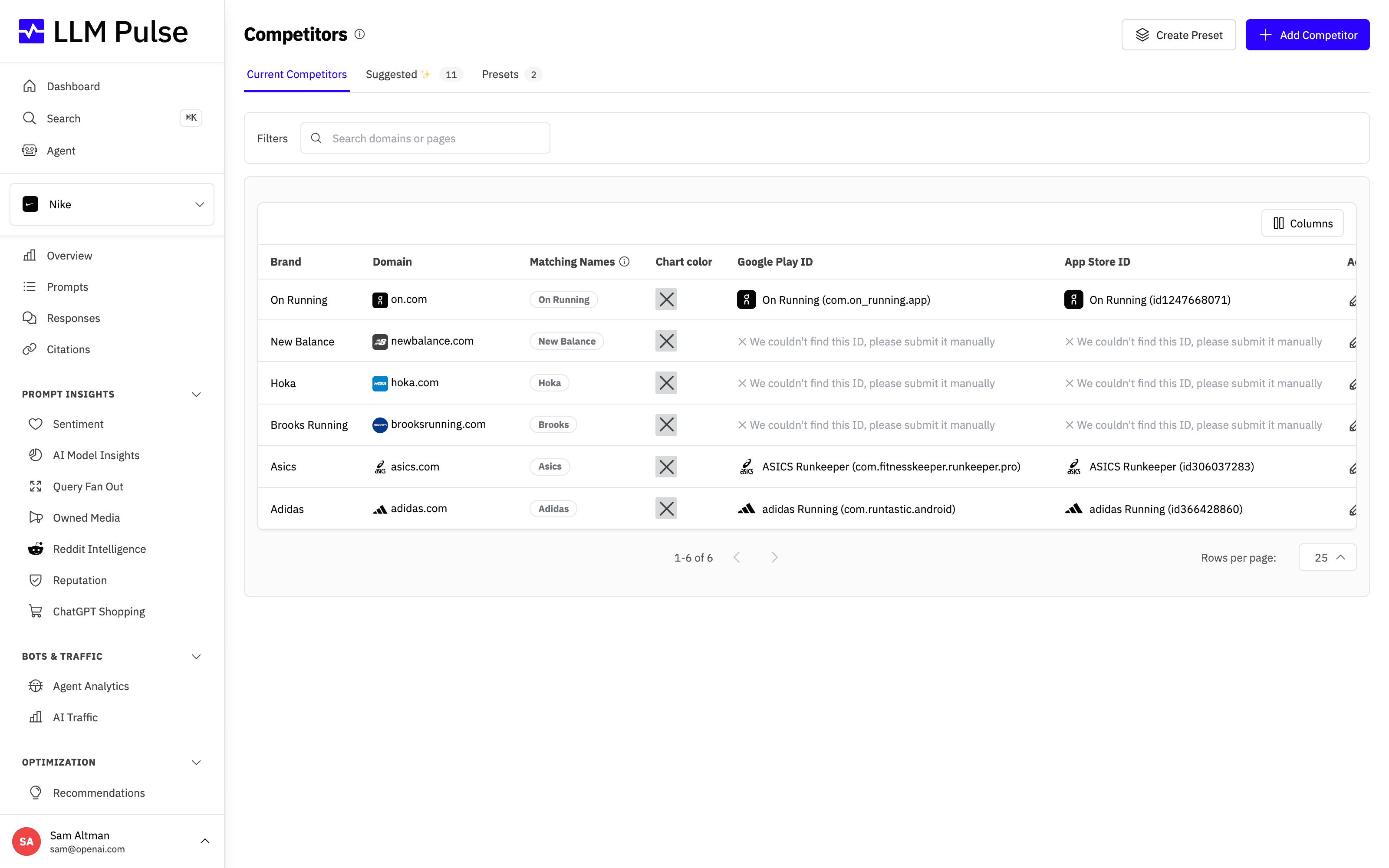
The new Brand discovery view suggests companies that compete with your core business. Review suggestions saved during setup or refresh them from the Competitors page.
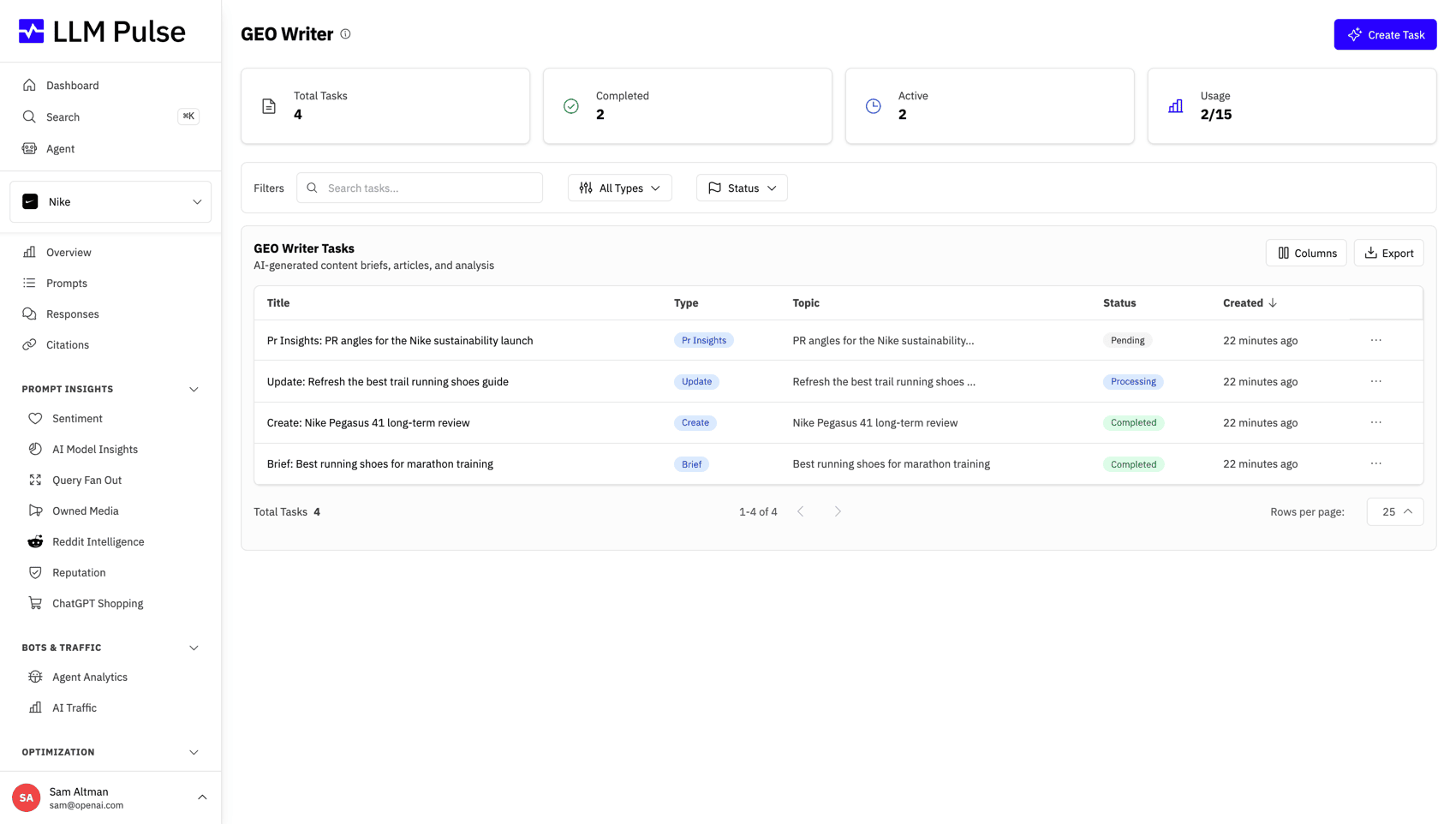
Change the title or individual text blocks of a completed GEO Writer task without regenerating it. Your edits appear in exports, and you can restore the original AI version.
Skip links and visible focus states make common pages easier to navigate by keyboard. Form hints and errors are connected to their fields for screen readers.
New daily reporting data now uses the correct response counts and position samples. Overview, Custom Reports, PDFs, and exports also apply selected dates and filters consistently.
The Agent now summarizes older exchanges as a conversation grows while keeping recent messages in full. A context indicator appears when space runs low.
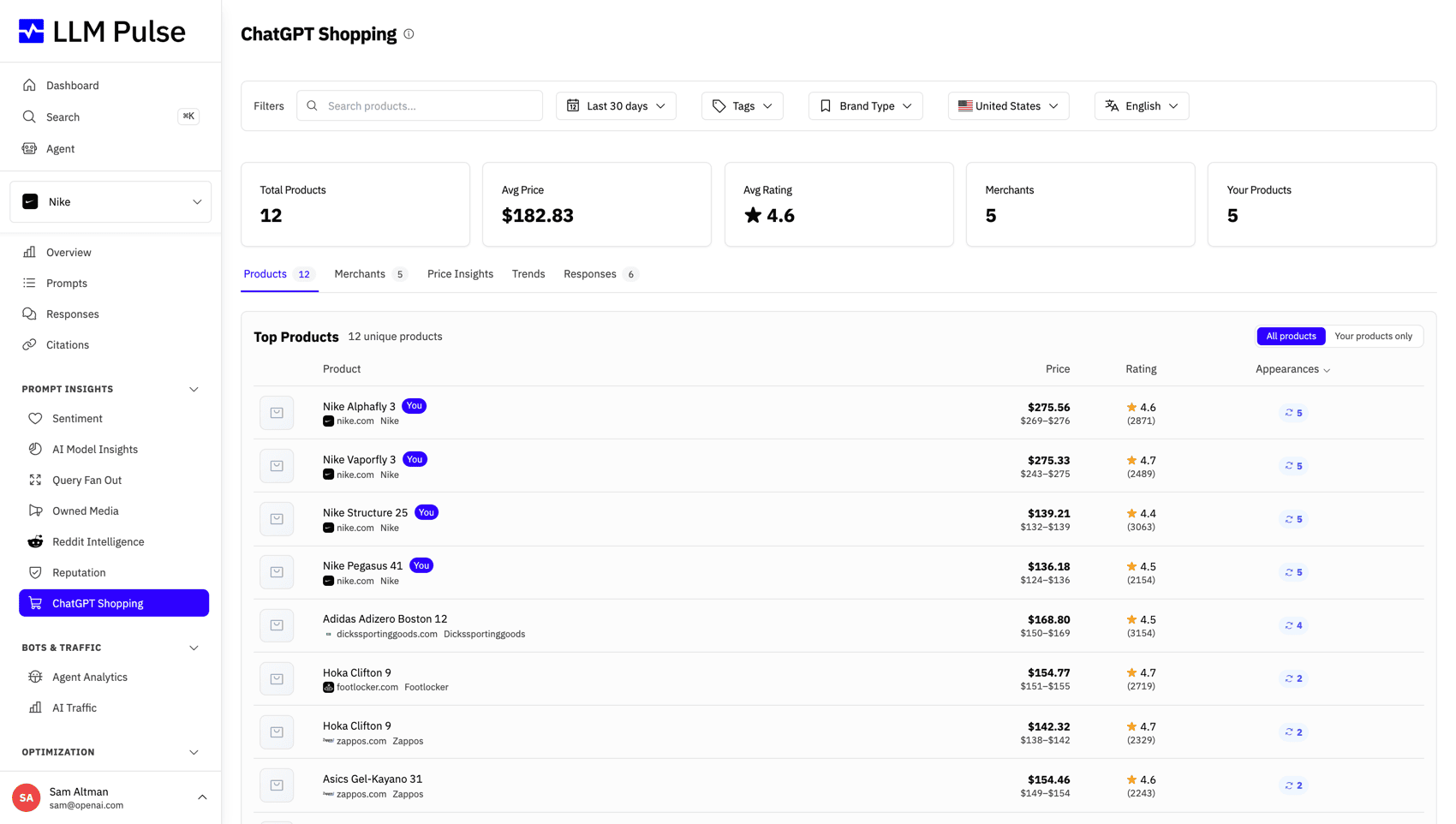
ChatGPT Shopping now labels product and merchant prices with their currencies. Price averages and trends use one currency at a time, and the currency filter carries through to exports.
LLM Pulse now warns when a Google Analytics or Search Console property appears to belong to another project. Switching properties clears the old property's data before the new sync begins.
55 product updates
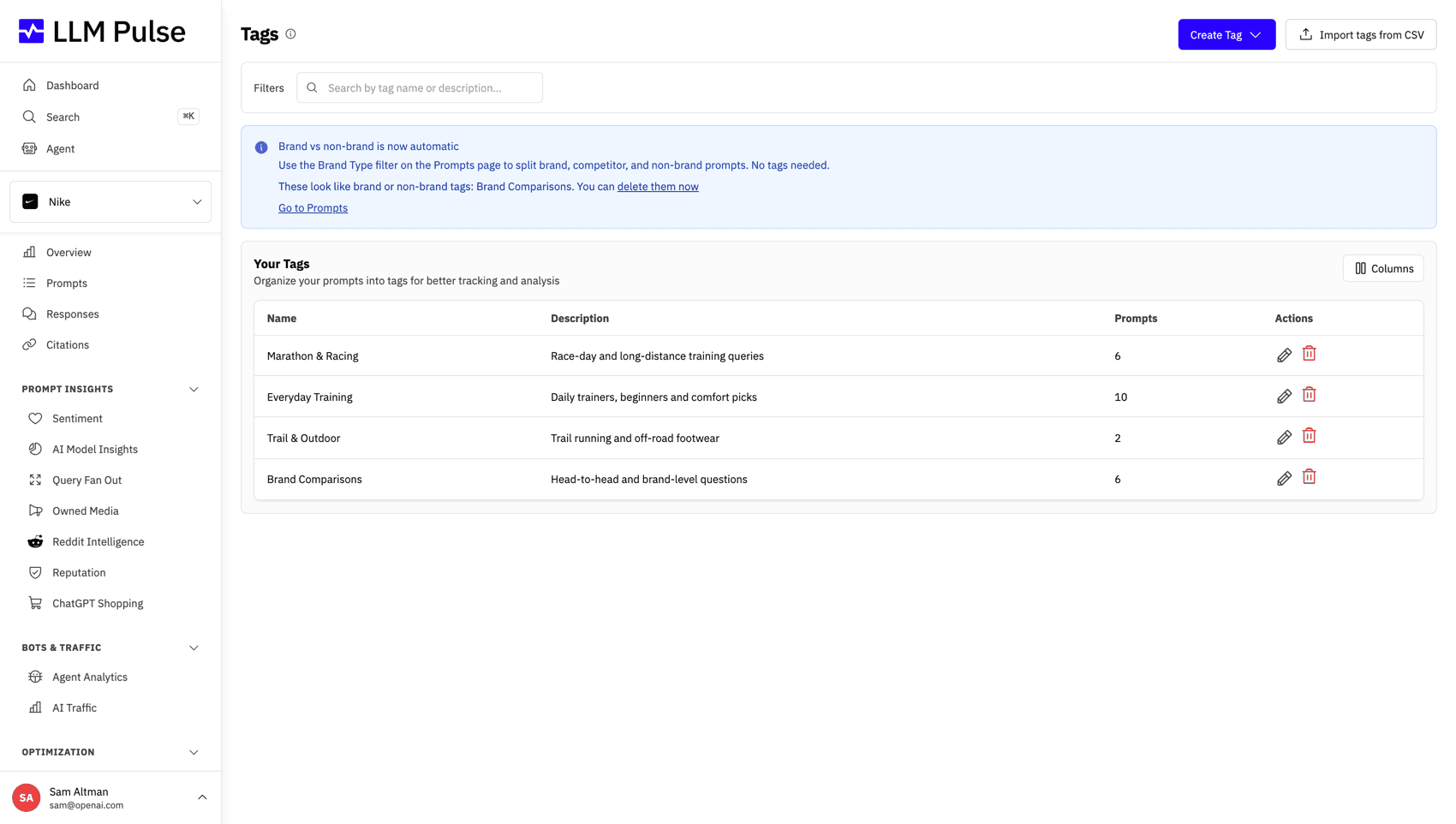
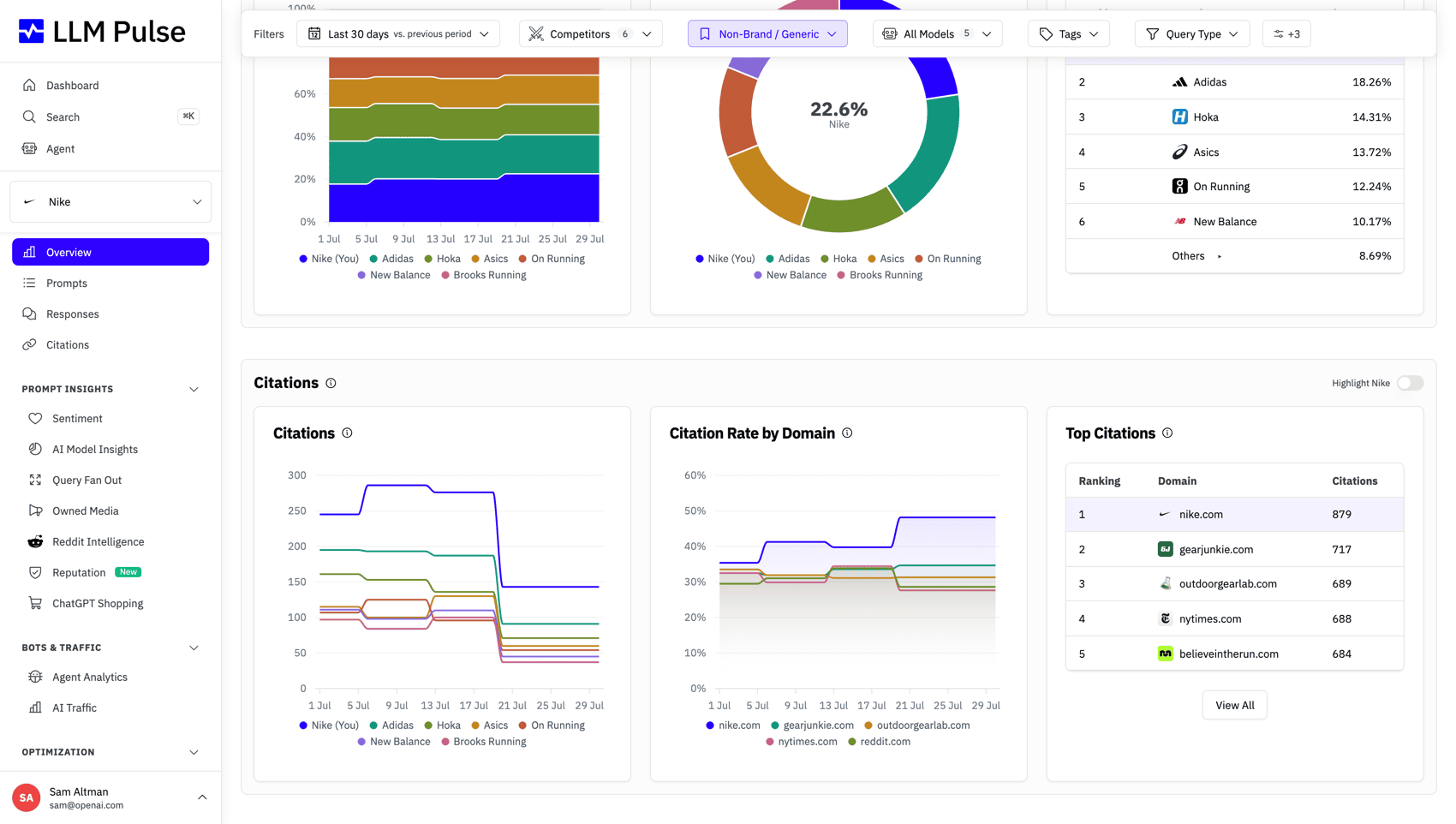
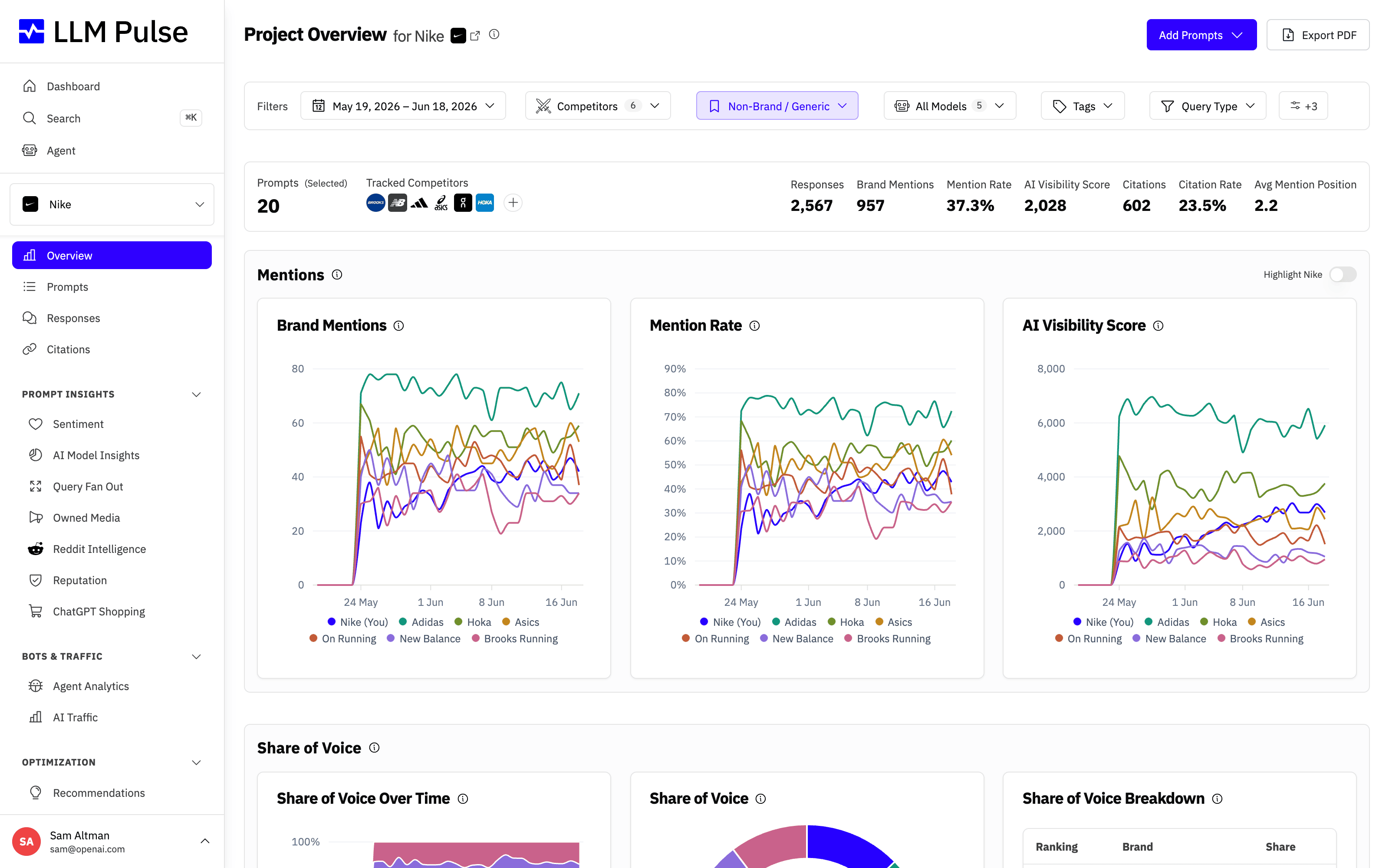
The new Citations Overview shows KPIs with previous-period comparisons and charts for models, your brand, competitors, and top domains.
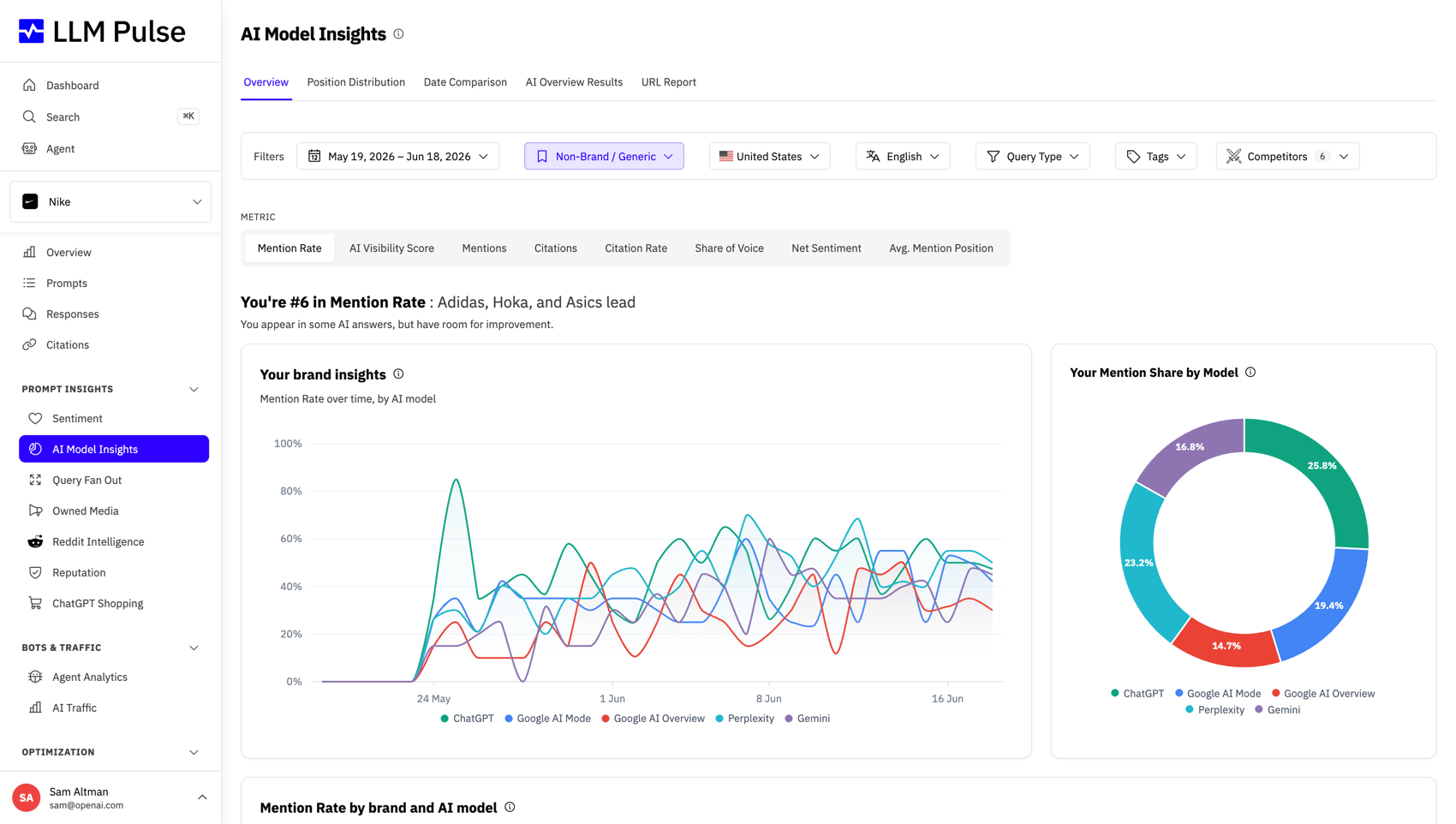
Select several AI models, countries, languages, tags, prompt types, or sentiment values and keep the same choices in reports and exports.
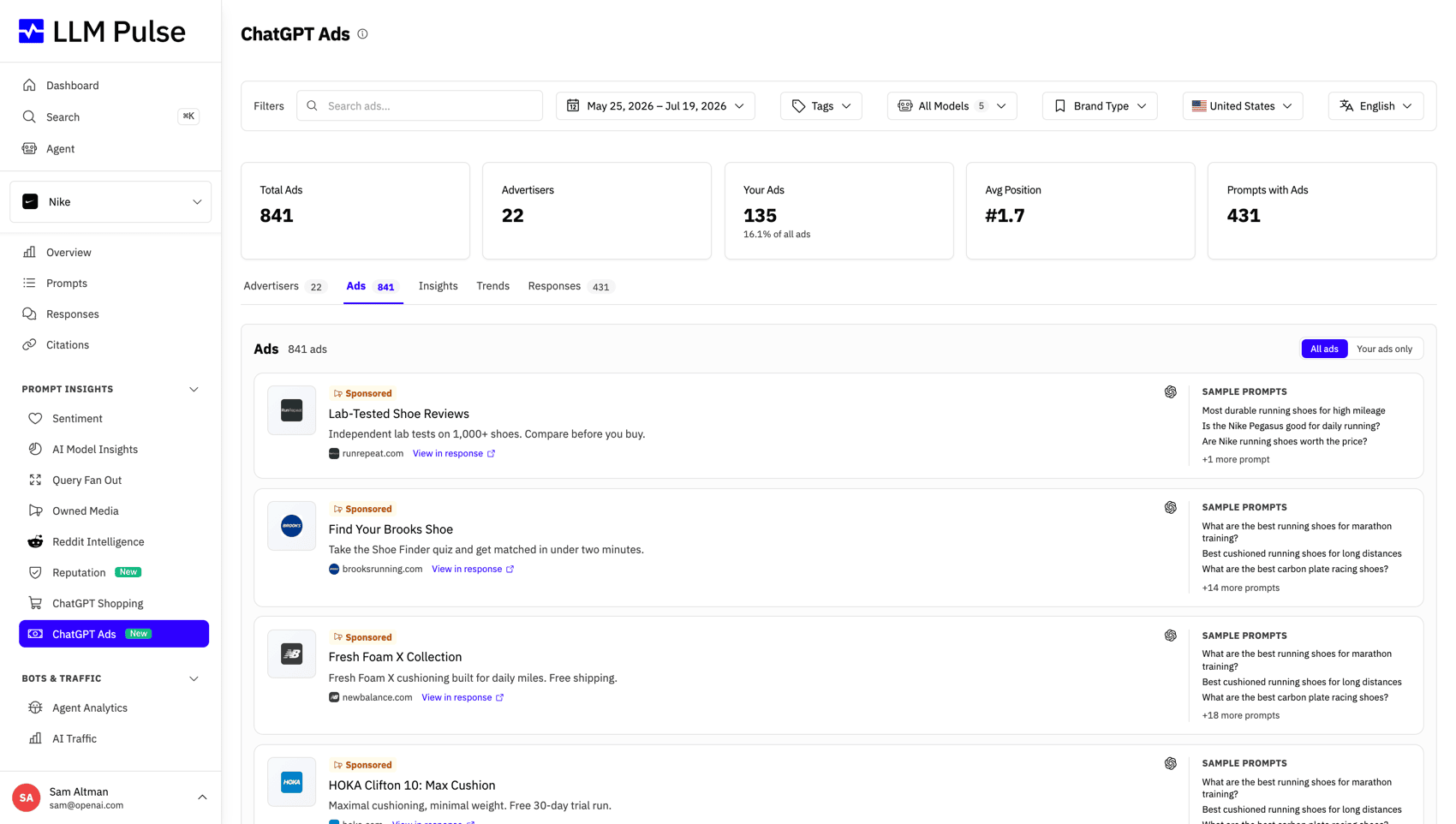
Search sponsored placements observed in ChatGPT by advertiser, country, message, and date, including the 31 European markets added in August. Open each ad's history and available creative.
Switch the app and public website to Spanish, including the Help Center, changelog, case studies, and blog.
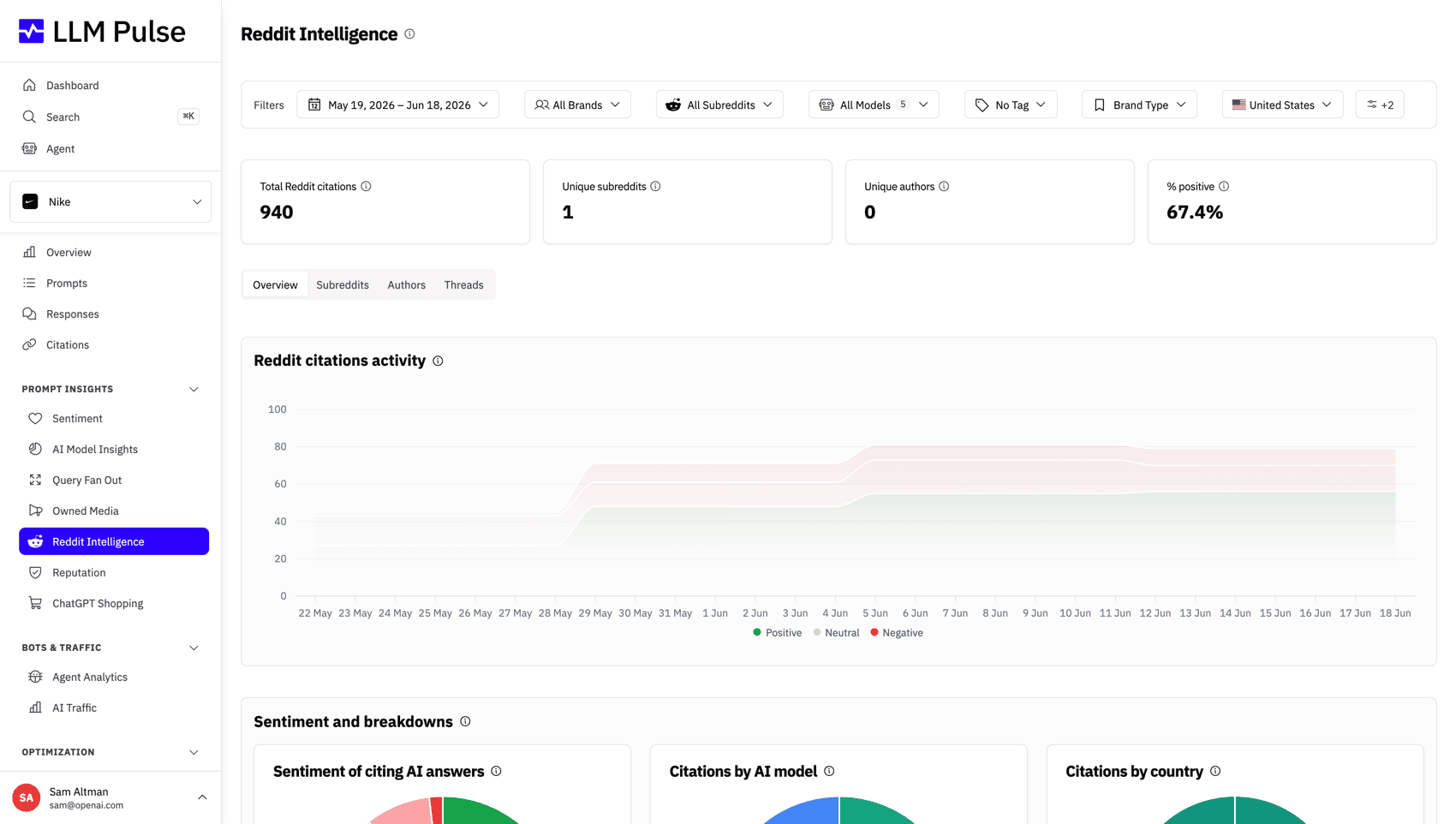
Use a cross-platform Overview, connect several profiles per platform, and claim Reddit communities and accounts.
Looker Studio now stores each user's LLM Pulse connection key in its private credential storage instead of the shared report configuration. Existing reports keep working.
Search Help Center article titles and summaries from Quick Search in English or Spanish. Product pages still appear first.
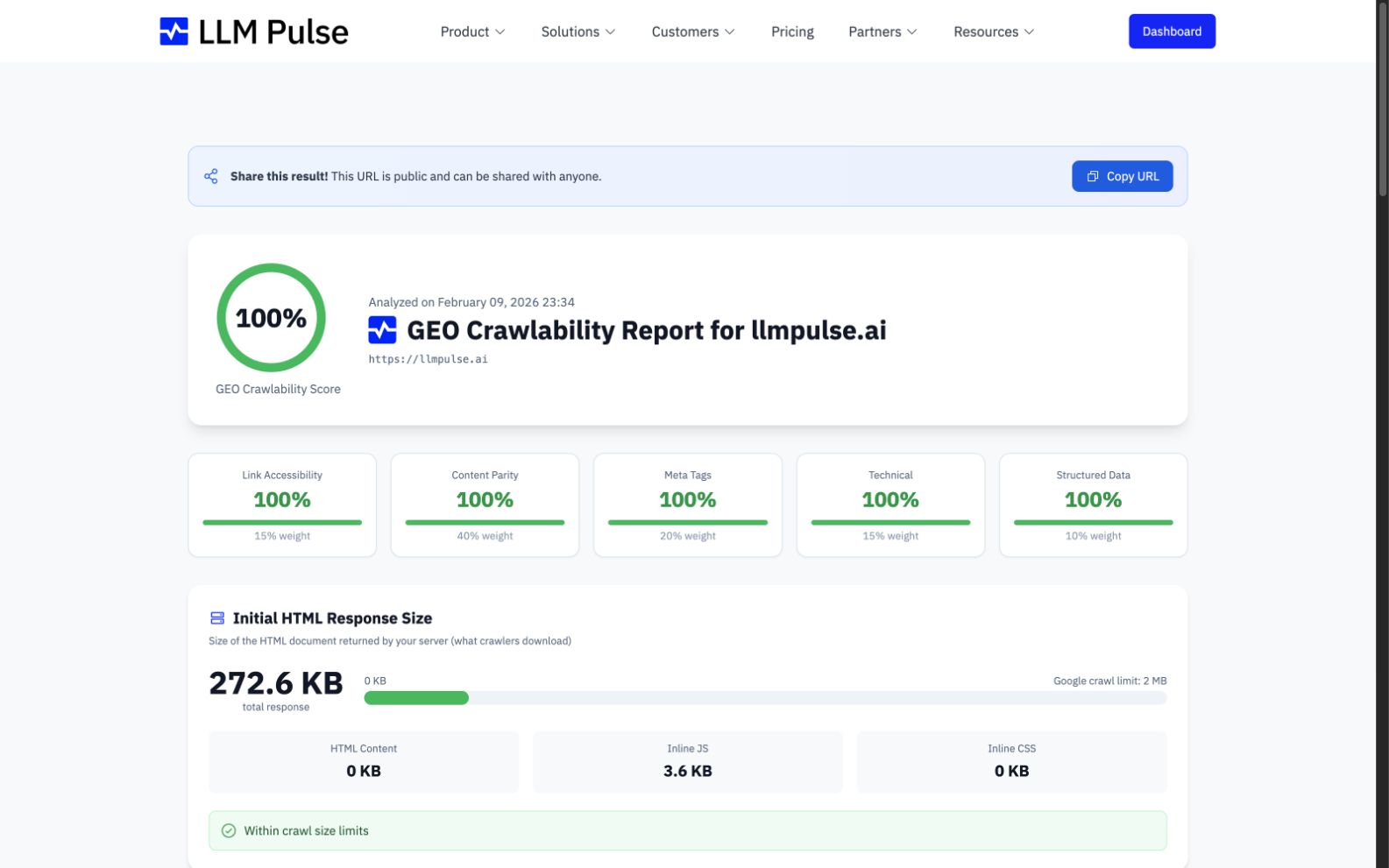
GEO Crawlability now retries protected pages with additional access methods. When only a limited comparison is possible, the report explains why.
See when a plan or model purchase is waiting for 3D Secure approval, then reopen the secure payment step from Billing or email before it expires.
Open the same Brand Book from Project Settings or GEO Writer, then review optional AI suggestions for your industry, audience, voice, products, goals, and other brand context before saving.
When you add a model to your account, LLM Pulse runs your current prompts on it immediately instead of waiting for the next scheduled run.
Update the owned domain from Project Settings, reprocess historical citations for the new website, and optionally keep the old domain as a competitor.
Switch to a compact icon rail and keep that view as you move between pages or reopen the browser.
Use the new YouTube Intelligence report to compare cited channels and videos, measure the share earned by your connected channels, filter the results, and export them.
Open long date ranges in Responses and Citations faster, including workspaces with several projects and large histories.
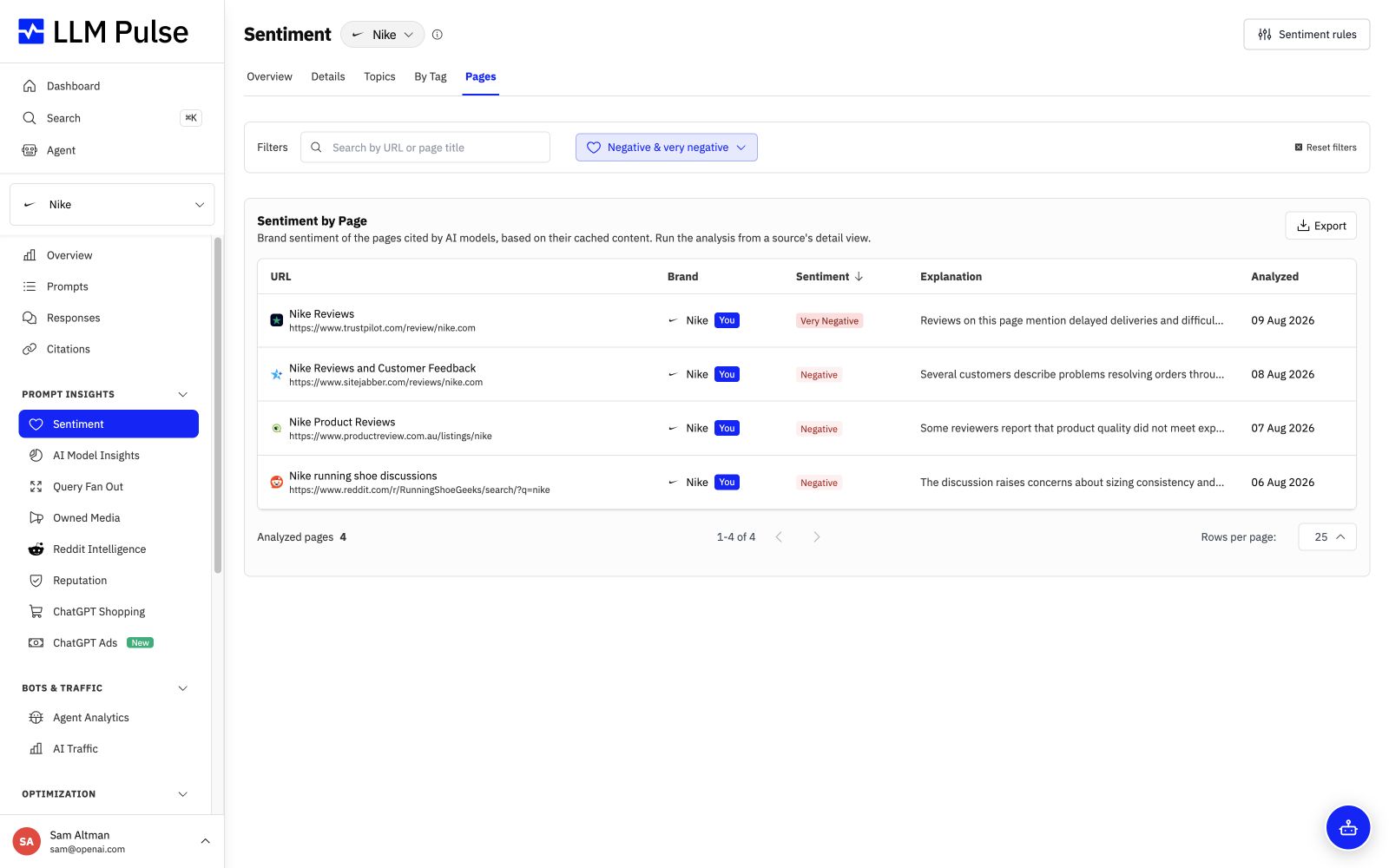
Find cited pages that speak negatively about your brand, then track negative citations, distinct negative URLs, and newly negative URLs over time.
Build reports for the previous calendar month and add Sentiment by Brand to the report page, public link, scheduled email, PDF, and Excel workbook.
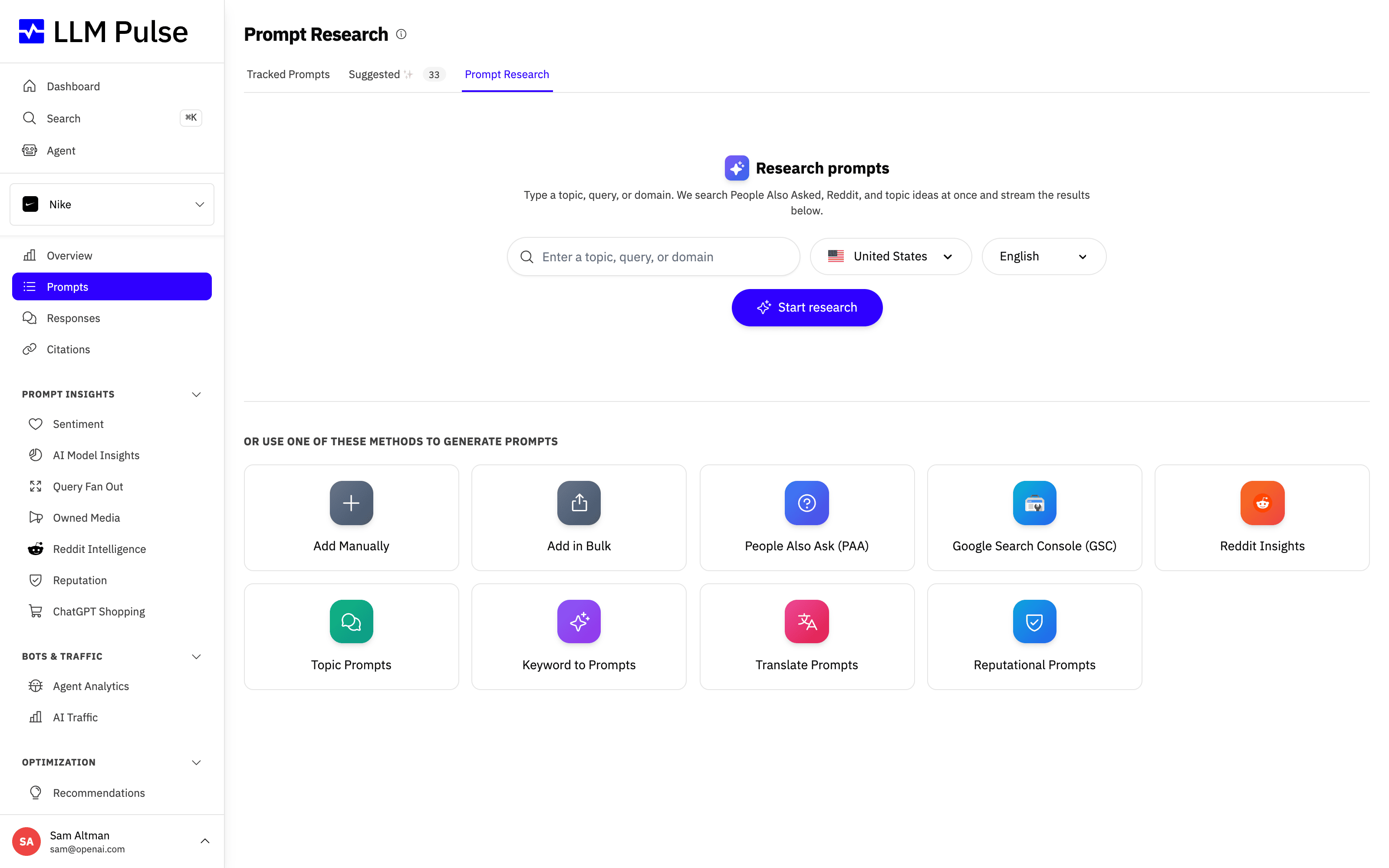
Start with a topic, keyword, query, prompt, or domain and get focused suggestions built around that exact input for the selected market.
See who wrote each message, rate assistant replies, and get more reliable answers about dates, markets, sources, and account data.
Navigate headers, sidebars, tabs, filters, and wide tables on smaller screens without controls running off the page.
Open the latest stored content for a cited page, including YouTube video transcripts, see its crawl date and status, and jump to the live URL when needed.
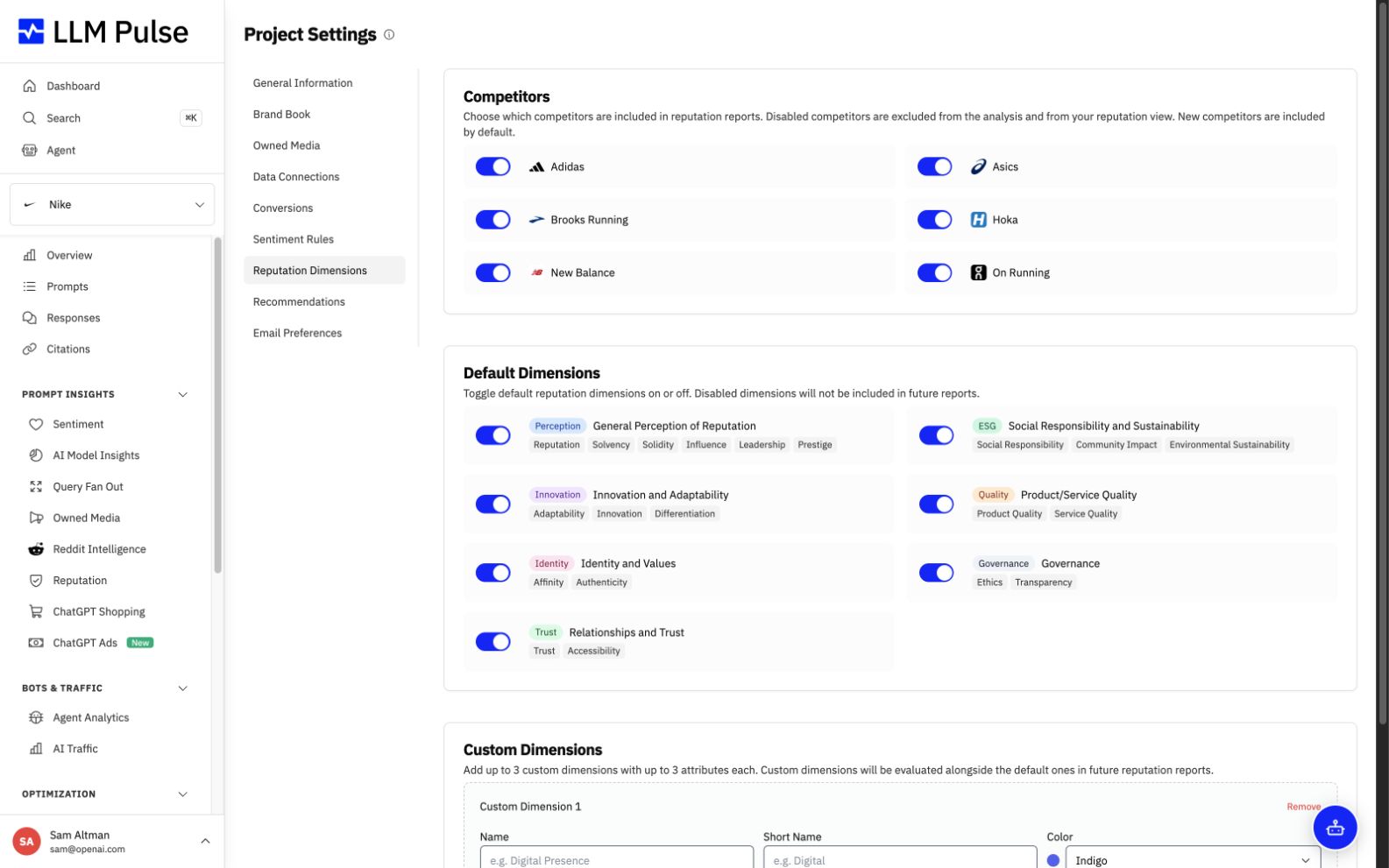
Hide disabled dimensions from every report view, then create one fresh report per month to apply dimension and competitor changes right away.
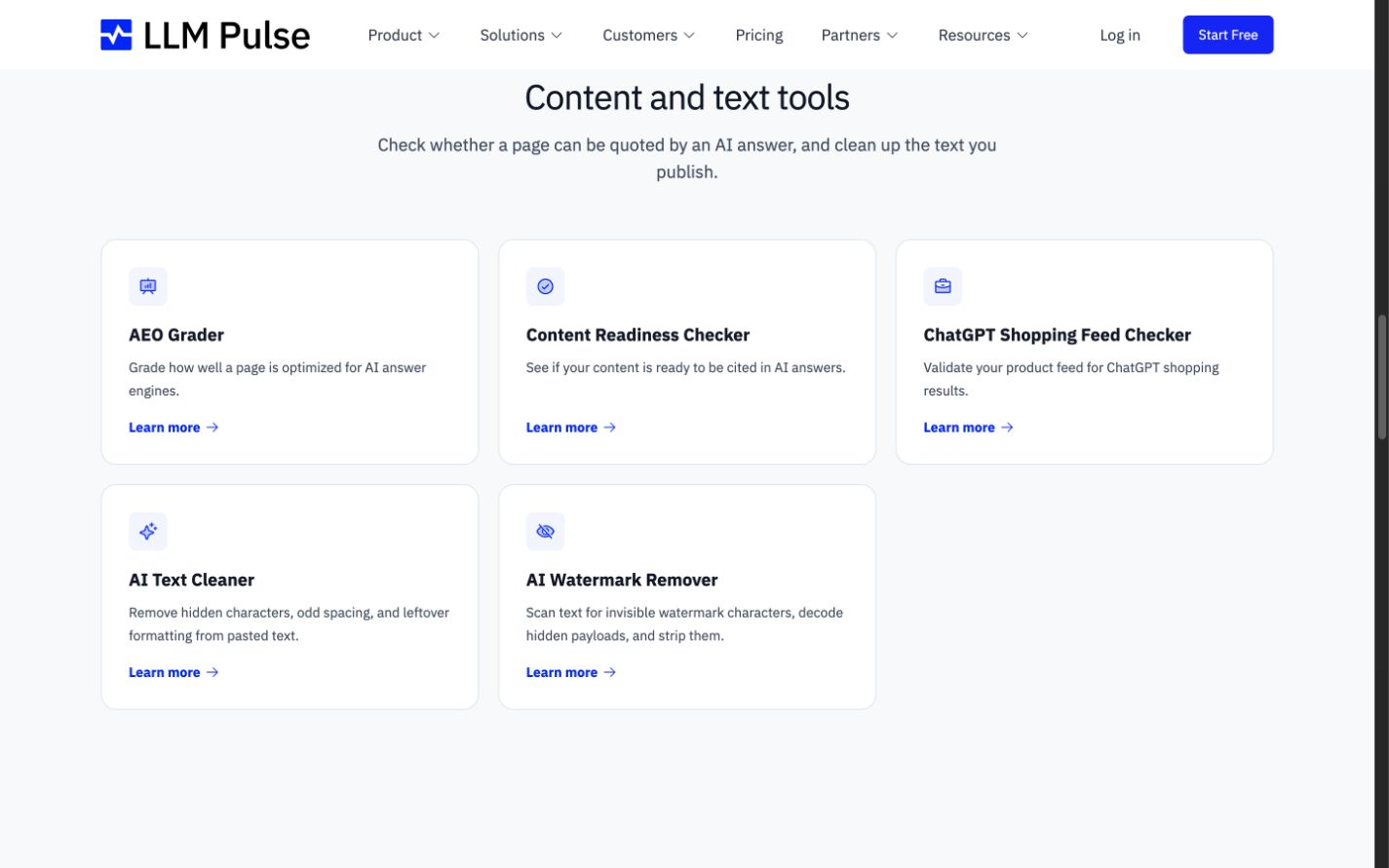
Use two new browser tools to clean copied formatting or detect and selectively remove hidden Unicode marks without uploading your text. Find both, plus every free LLM Pulse checker, in the new Free AI Search Tools hub.
Repeated versions of the same creative are now merged, and long ad lists keep their spacing as more results load.
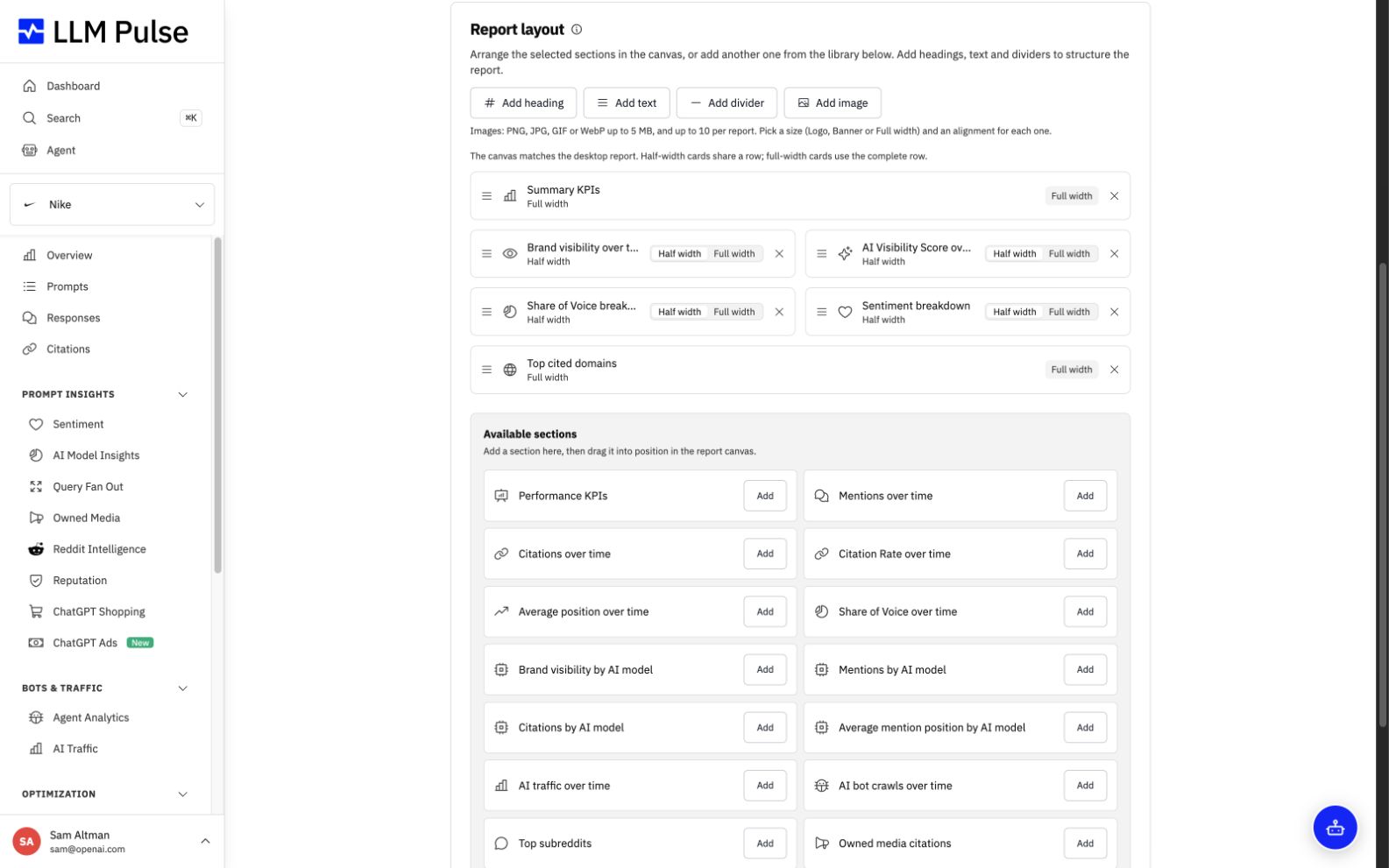
Add Performance KPIs, Citation Rate trends, model breakdowns, Tag Leadership, and Country Leadership to reports, public links, PDFs, and Excel workbooks.
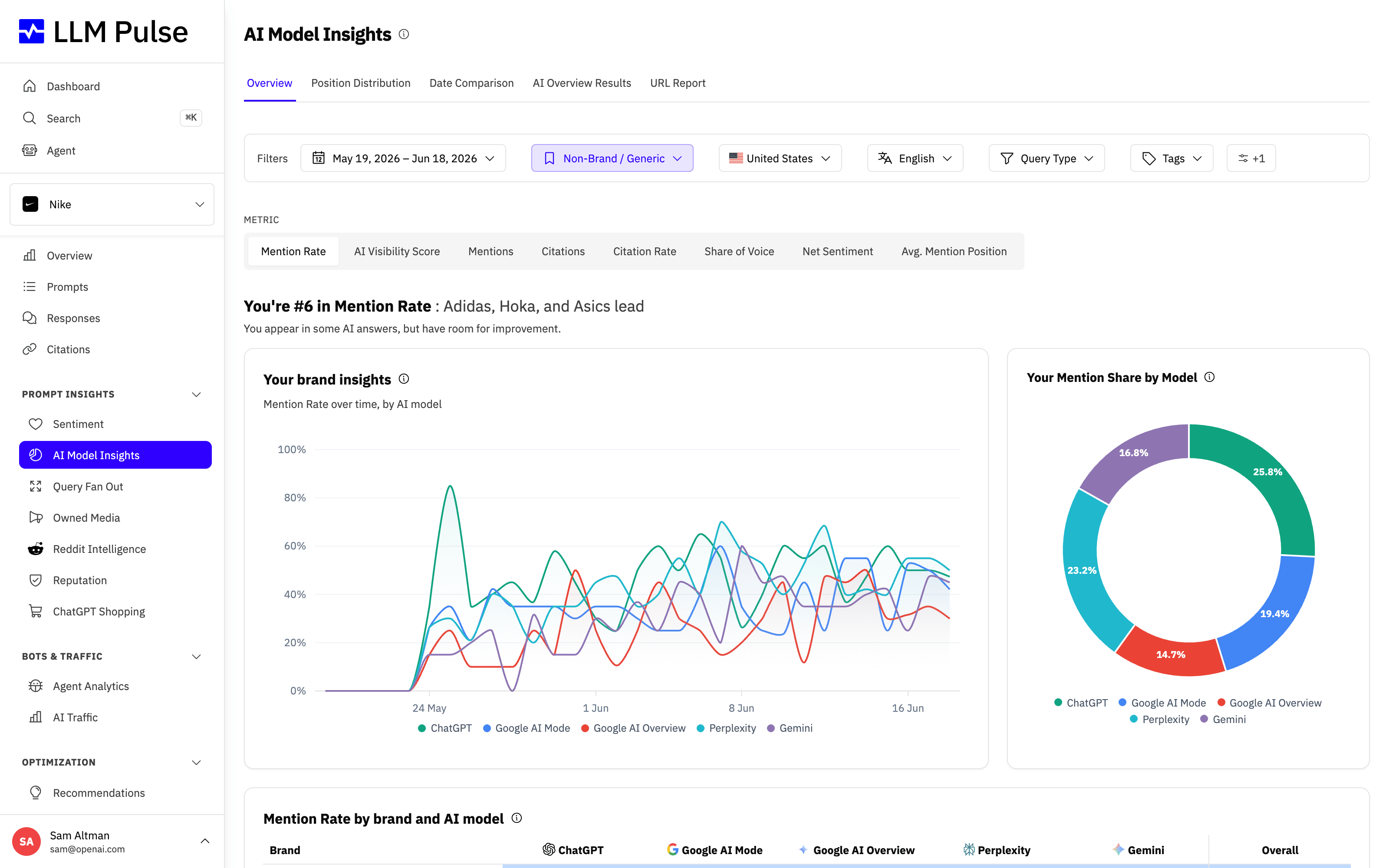
The Average column in AI Model Insights now averages enabled model scores instead of adding them together.
Pair compact half-width sections or use full-width sections across the report page, public link, and PDF, with aligned chart heights.
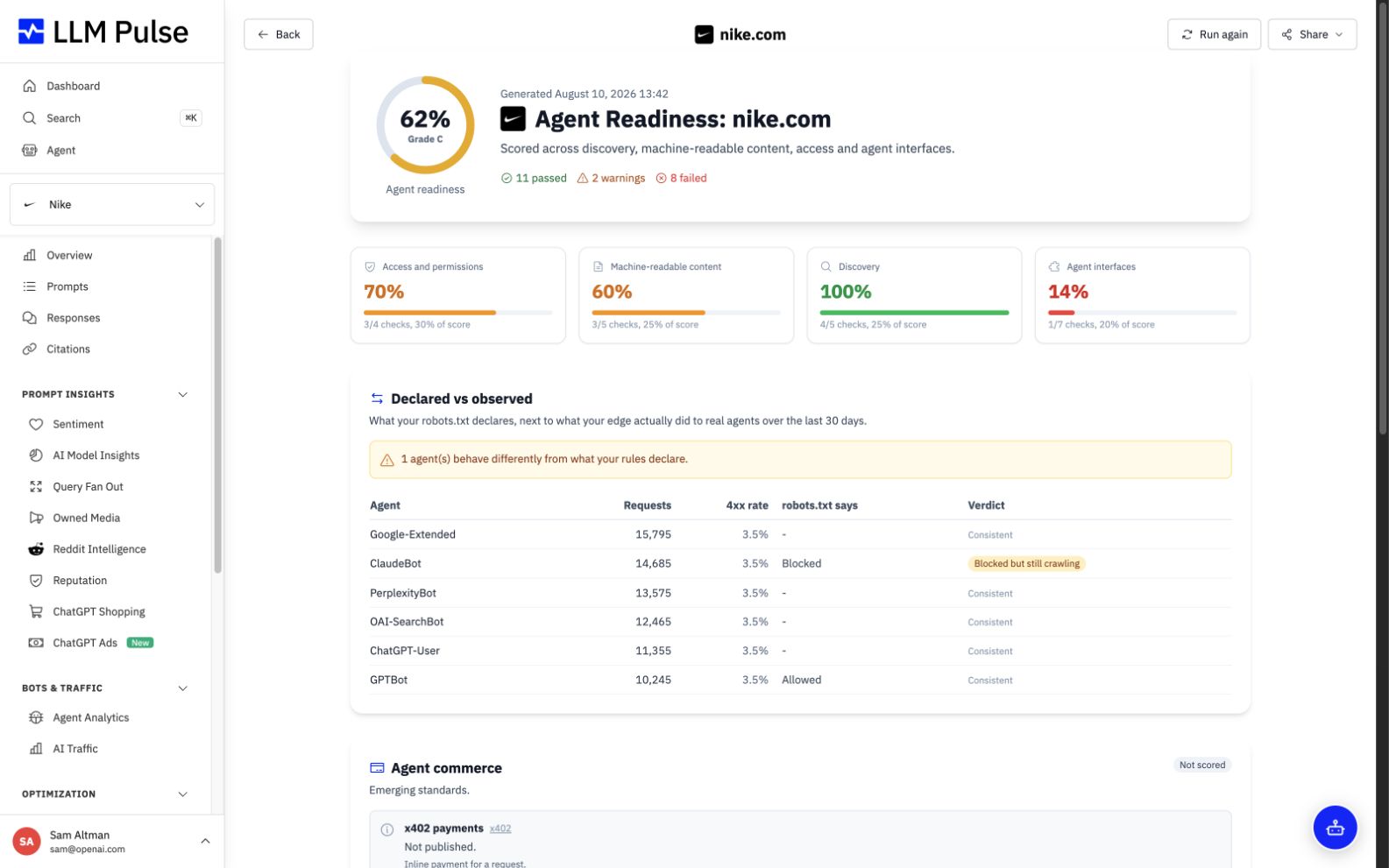
Open Agent Readiness and Shopping Feed results from GEO Optimization without landing on the wrong page.
See when competitor metrics are rebuilding and recover abandoned rebuilds instead of leaving numbers unexplained.
Start weekly charts in the correct period, keep useful donut breakdowns, and remove unused position reporting.
Add both models to the same execution and comparison pipeline as other optional models.
See project countries, languages, and competitors in a dedicated information row with clearer KPI definitions.
Control prompt deletion independently from prompt creation, with clear bulk action errors.
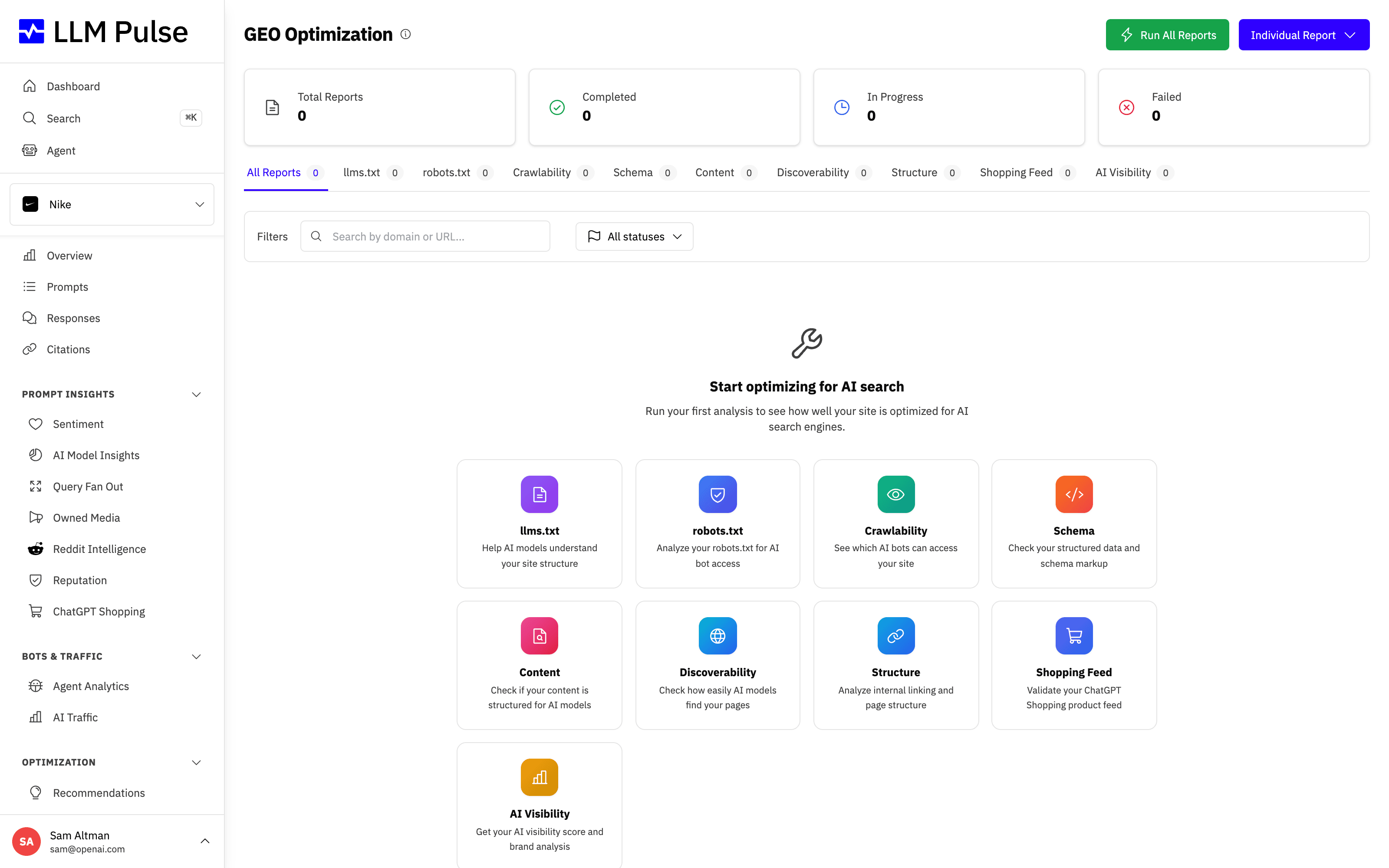
Analyze the signals AI agents look for and save the result as an Agent Readiness report.
Find completed files first and launch the available PDF report types from the export page.
Change plans, add models, review itemized pricing before confirming, see renewal totals, and cancel a scheduled change from one place.
Let team members open Recommendations when they can read the report but cannot export it.
Attach an Excel version of report data to scheduled Custom Report emails.
Create Sentiment PDF reports through the shared Export History flow.
Receive permanent prompt capacity for qualifying public mentions, warm introductions, and verified trial referrals.
Read PDF KPI cards that use the same mention and citation totals as Project Overview.
Read KPI widgets that use the same totals as the study dashboard.
See why an export failed and avoid starting Reputation exports when no report data exists.
Manage project notification choices through the account email preference center.
Set up time-based and split tests more easily and read comparisons across reports with clearer tables.
Download advertiser, response, merchant, price, product, and shopping response tables.
Focus reports on own-brand, competitor, or non-brand prompts across private, public, PDF, and scheduled views.
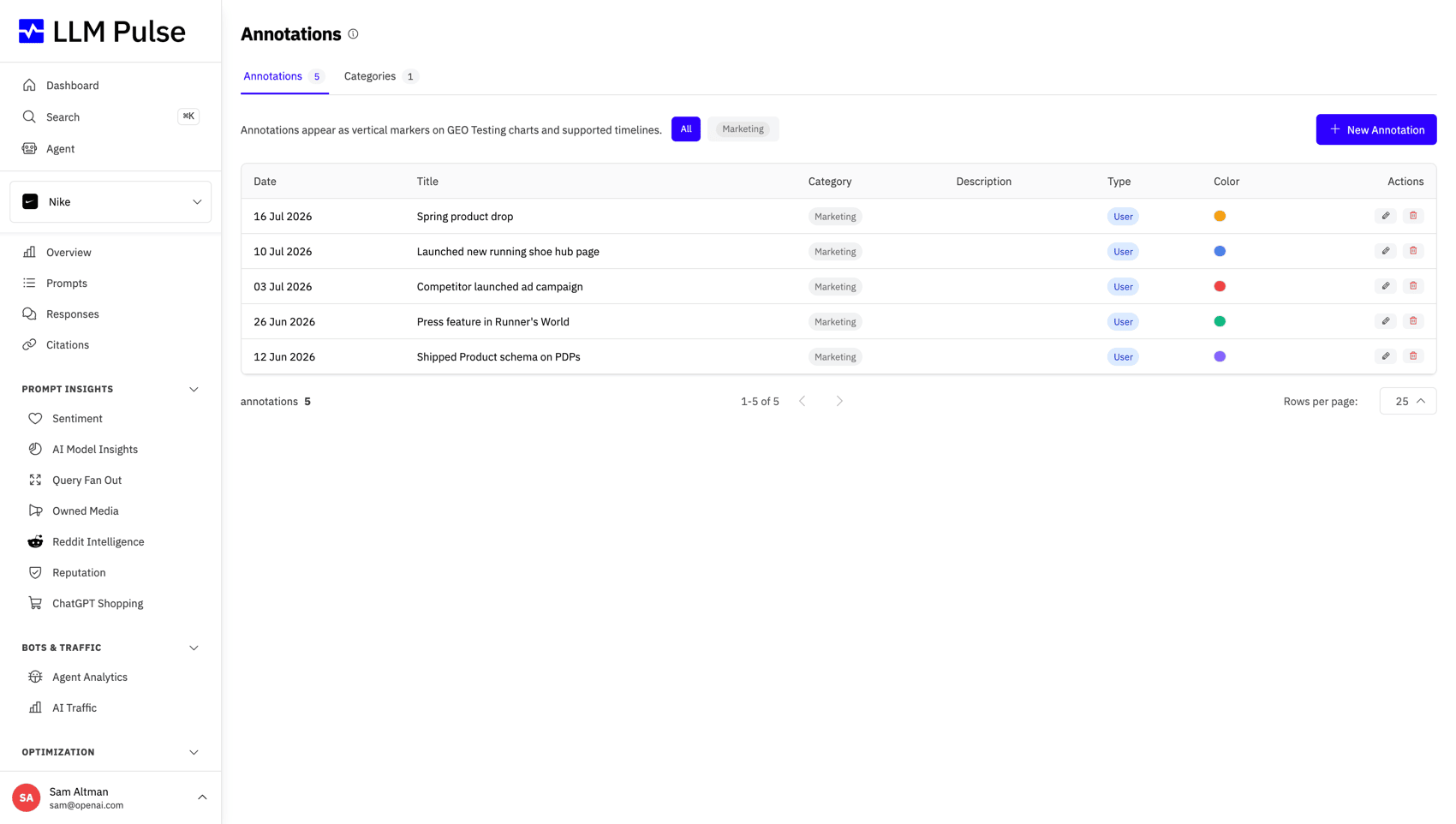
Create annotations when prompts, enabled models, or tracking frequency change, with controls to disable or hide them.
Open Alexa for Shopping responses and review product results as structured, linked items instead of flattened raw fields.
Team members with export access can download the Master XLSX, with each sheet limited to the product areas they can view.
Create an account with one password field, built-in requirements, and a control to show or hide what you typed.
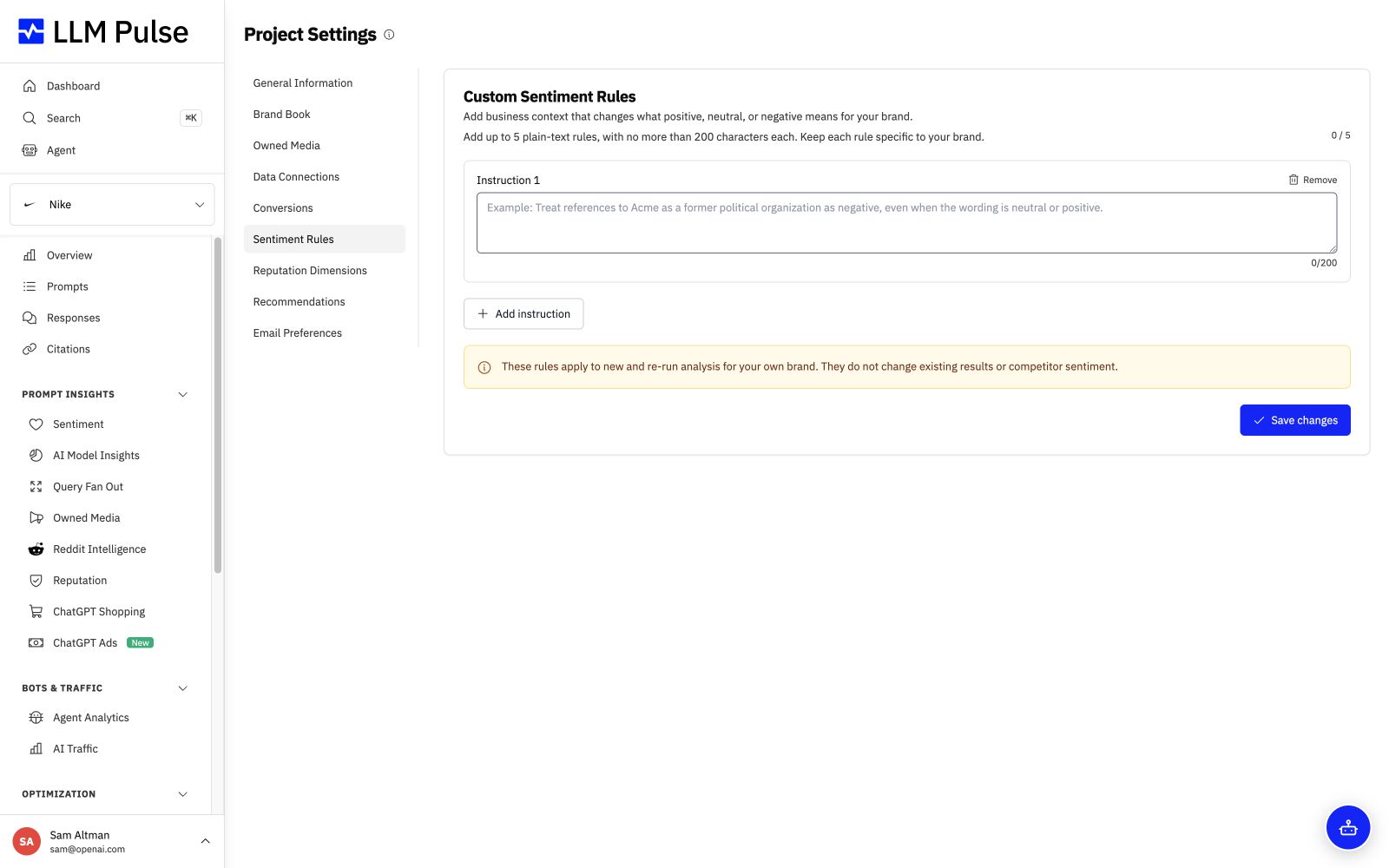
Give Sentiment custom classification instructions and rerun analysis with the new guidance.
Keep a manually selected tracking schedule when a subscription or billing setting changes.
Repair malformed report output that previously hid competitor brands or analysis sections.
Download report and data exports for a full week instead of 48 hours.
32 product updates
Review the latest sentiment analysis for each cited page, surface negative coverage first, and export the filtered results.
Sync server logs from an S3 bucket and include them in Enterprise crawler reporting.
Claim LinkedIn company pages and review their profile and citation data alongside other owned channels.
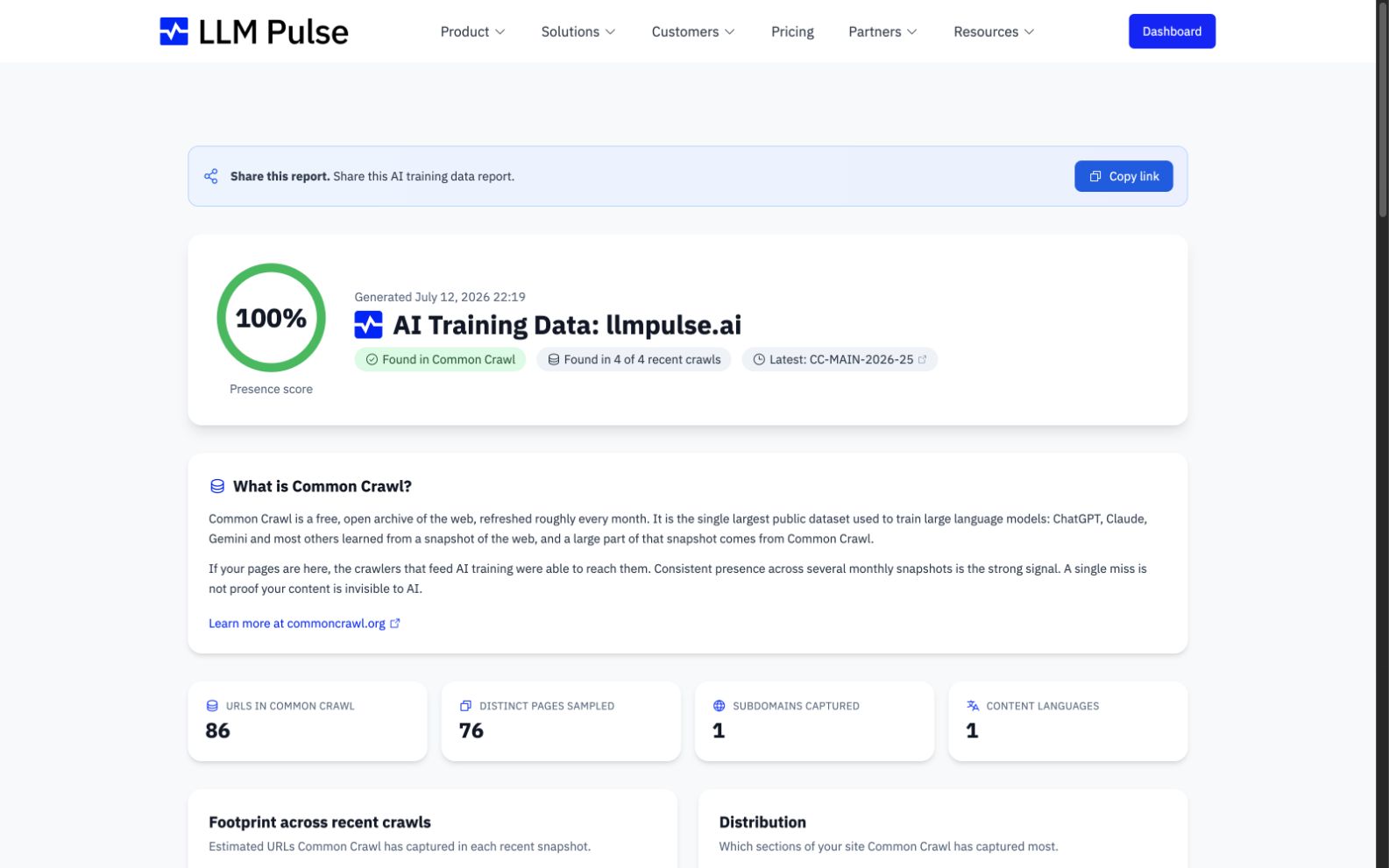
Use the public AI Training Data Checker to search Common Crawl and save a presence report.
Compose reports from product metrics, add text and images, share a private link, schedule delivery, and download the result.
Receive generated sentiment comments using the project's selected language.
Include cited pages that criticize the brand in negative sentiment email summaries.
Download AI Overview, leadership, model comparison, prompt, and execution tables as CSV or Excel.
Download the scores and explanations available in a Custom AI Study.
Protect product counts, prices, and merchant data by keeping distinct products in separate rows.
Add Claude tracking to the same execution and comparison reports used by other models.
See when an AI model answered from its own knowledge instead of using web search.
See available add-on models and open a prefilled access request as the account owner.
See sample prompts, eligible-country coverage, and more accurate merchant and advertiser ownership.
Preserve inline citation markers while avoiding a duplicated source list in response details.
Configure analyst reports beyond brand reputation through a guided setup and dedicated Studies workspace.
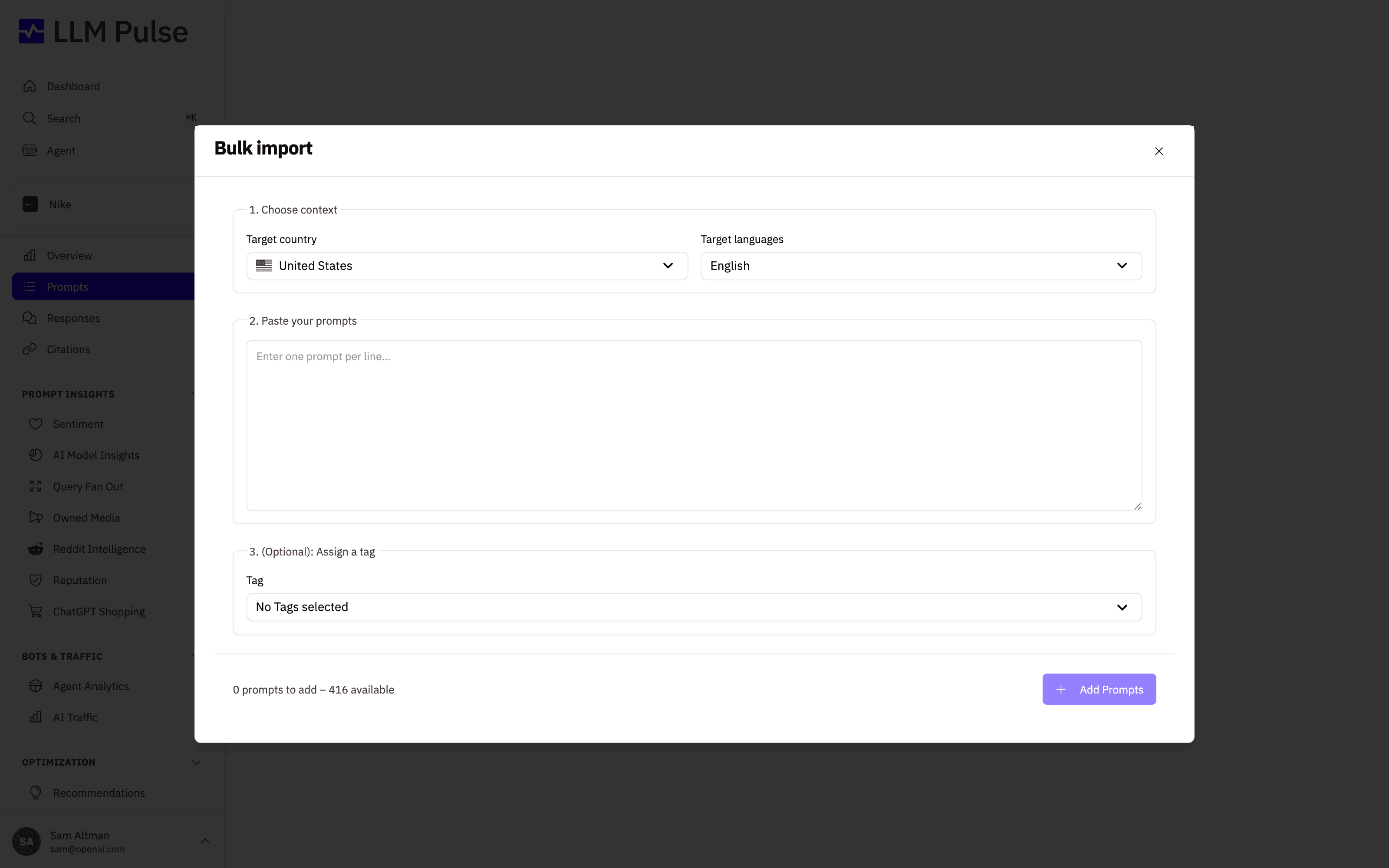
Import prompts with countries, languages, and tags through a previewed migration flow and downloadable template.
Start a new analysis directly from any saved GEO tool report.
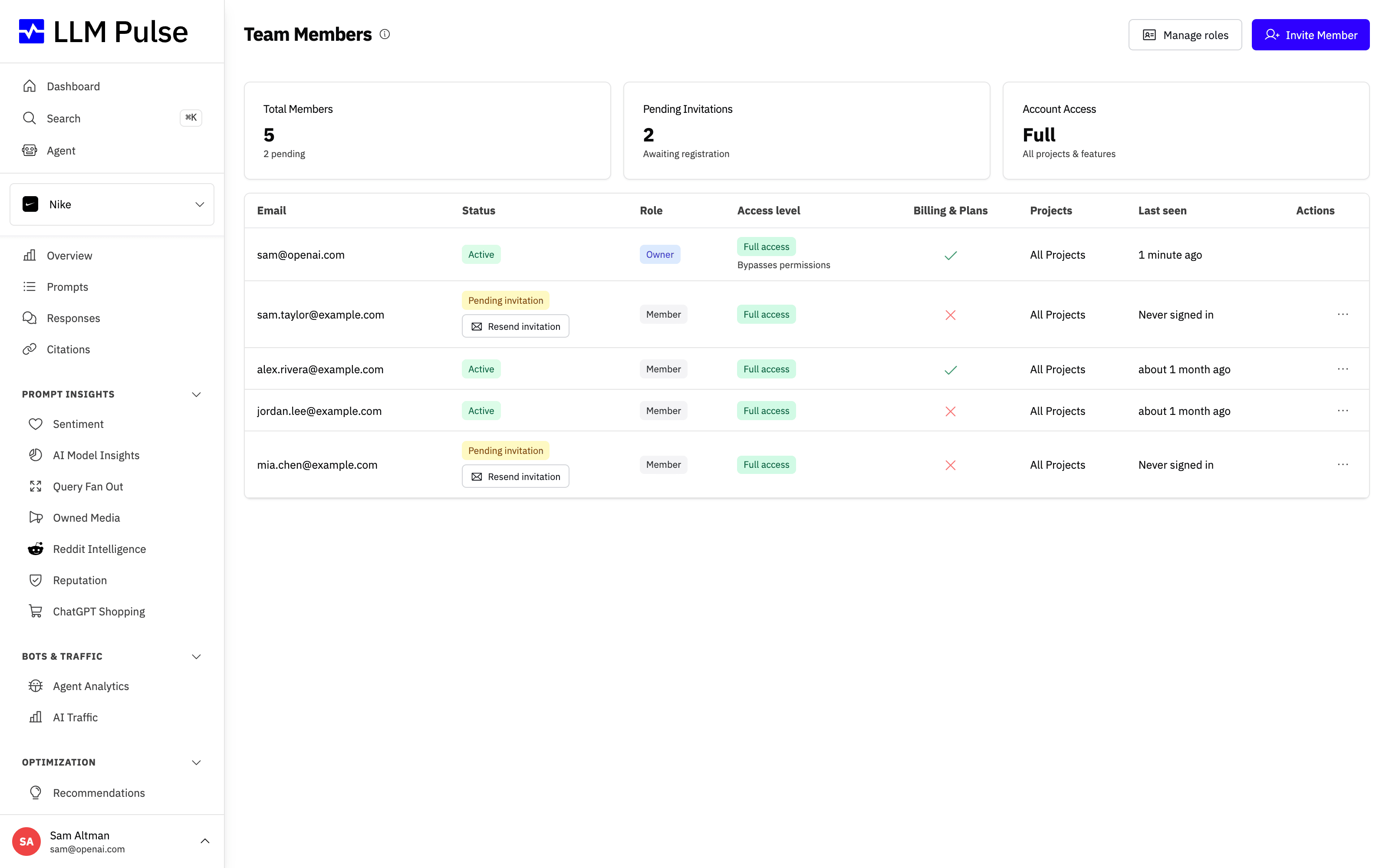
Resend a pending invitation from the team list with a controlled resend limit.
Narrow the Integrations page by category and find the Webhooks connection more quickly.
Add a new tag inline while creating prompts.
Add Alexa for Shopping to prompt tracking and AI Model Insights as an optional model.
Read charts through a shared role-based palette and optionally emphasize the project brand.
Keep the Brand Type filter on non-brand prompts by default and carry the saved project choice between reports.
Use one ownership rule for citations, background references, aliases, and sentiment coverage across reports.
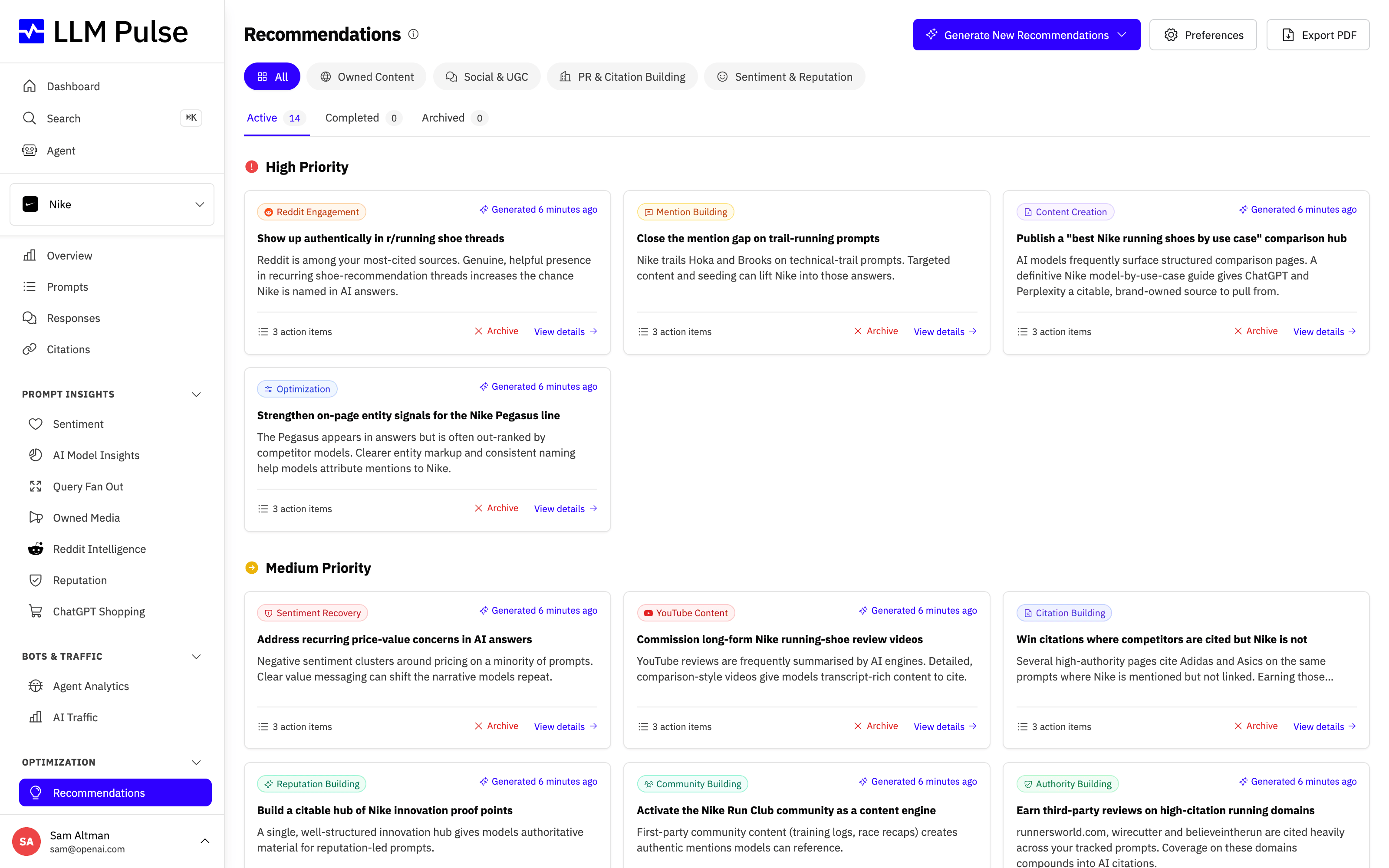
Get recommendations shaped by brand context, owner guidance, and the data available in the project.
Manage email categories and unsubscribes from one self-service page in Account Settings.
Save a named group of competitors and apply it to report filters in one action.
Remove selected competitors from both Reputation analysis and the finished report.
Drill from YouTube channel and video rows into related prompts, with a consistent chart palette across Owned Media.
Create PDFs through the same queued history, status notifications, download flow, and expiry model as CSV and Excel.
Compare current and previous periods across AI Model Insights, ChatGPT Ads, Shopping, Owned Media, and Reddit.
27 product updates
Select a Search Console property and sync queries, pages, and totals each day.
Connect social profiles and review their metrics, citations, profiles, and posts from one reporting pattern.
Stream ideas from topic research, People Also Ask, Reddit, and Keyword to Prompts with review actions and locale controls.
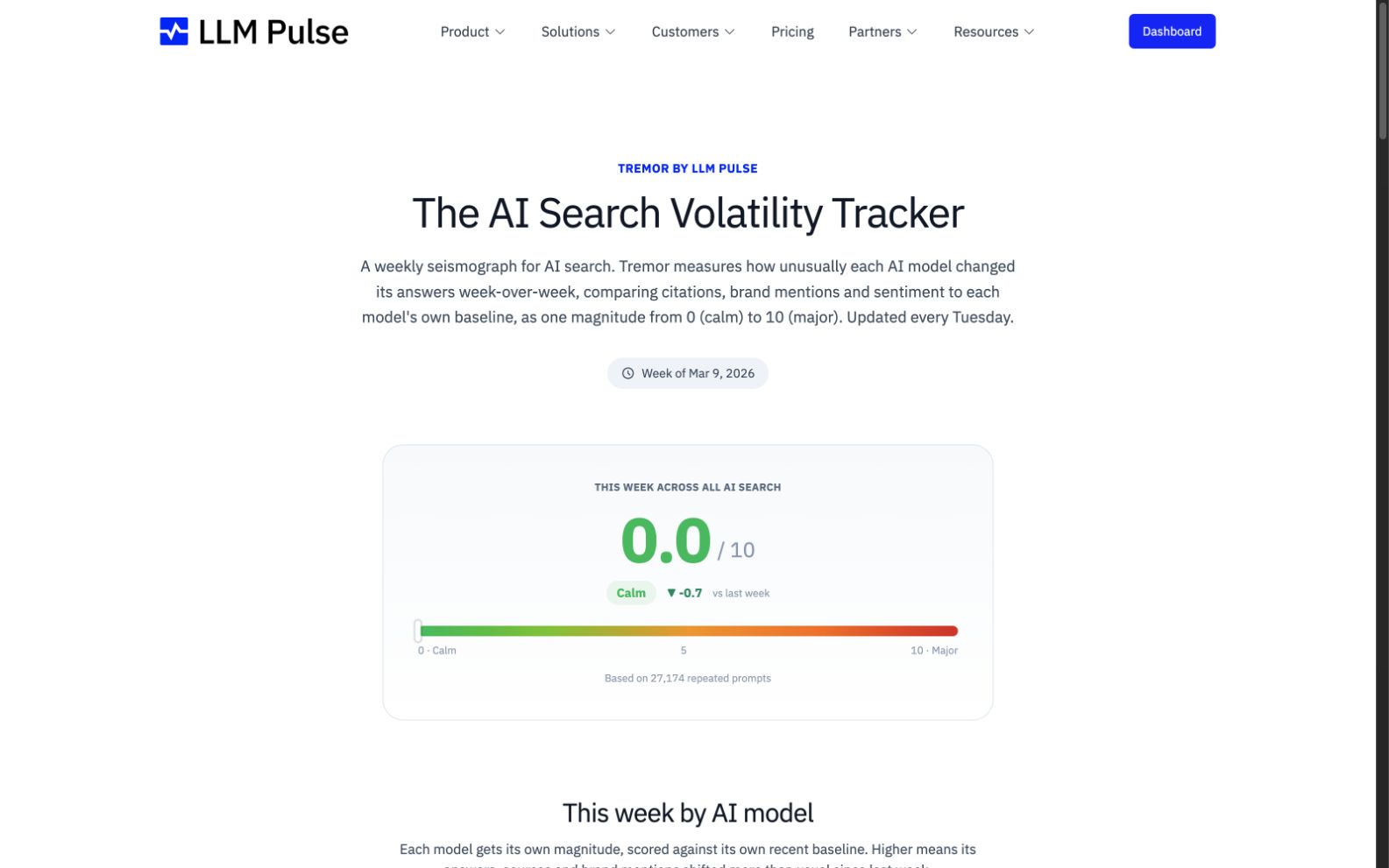
Follow a weekly volatility index by AI model to separate broad search movement from brand-specific changes.
Analyze advertisers, creatives, responses, trends, and insights for paid placements found in tracked answers.
See labels and values in the Overview matrix and distribution adapt to the selected metric.
Keep the project brand easy to find in Tag and Country Leadership tables.
Review every available recommendation type together from the default All view.
Purchase capacity add-ons in the app with clear usage and per-unit pricing.
Add custom guidance to a collection so AI-assisted categorization follows the project's needs.
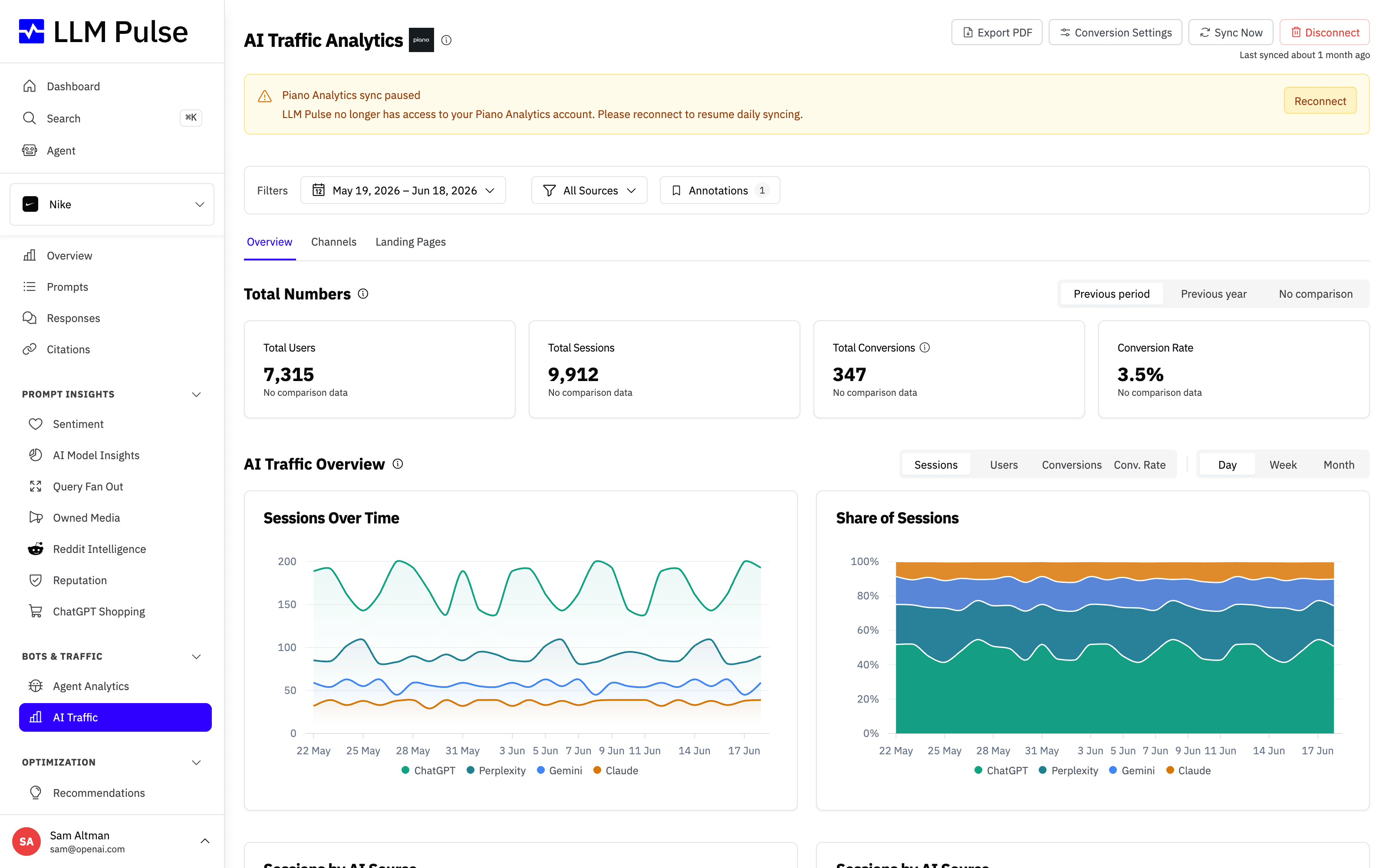
Explore AI Traffic through Overview, Channels, and Landing Pages, with conversions available as a channel metric.
Star the prompts you use most and keep them at the top of the Prompts view.
Compare average mention position across tracked models in AI Model Insights.
Use permission templates or set feature and action access for each teammate, including prompts and invitations.
Send invoice copies to extra email addresses from Billing settings.
Receive one completion email for the all-in-one GEO analysis instead of a separate email for every check.
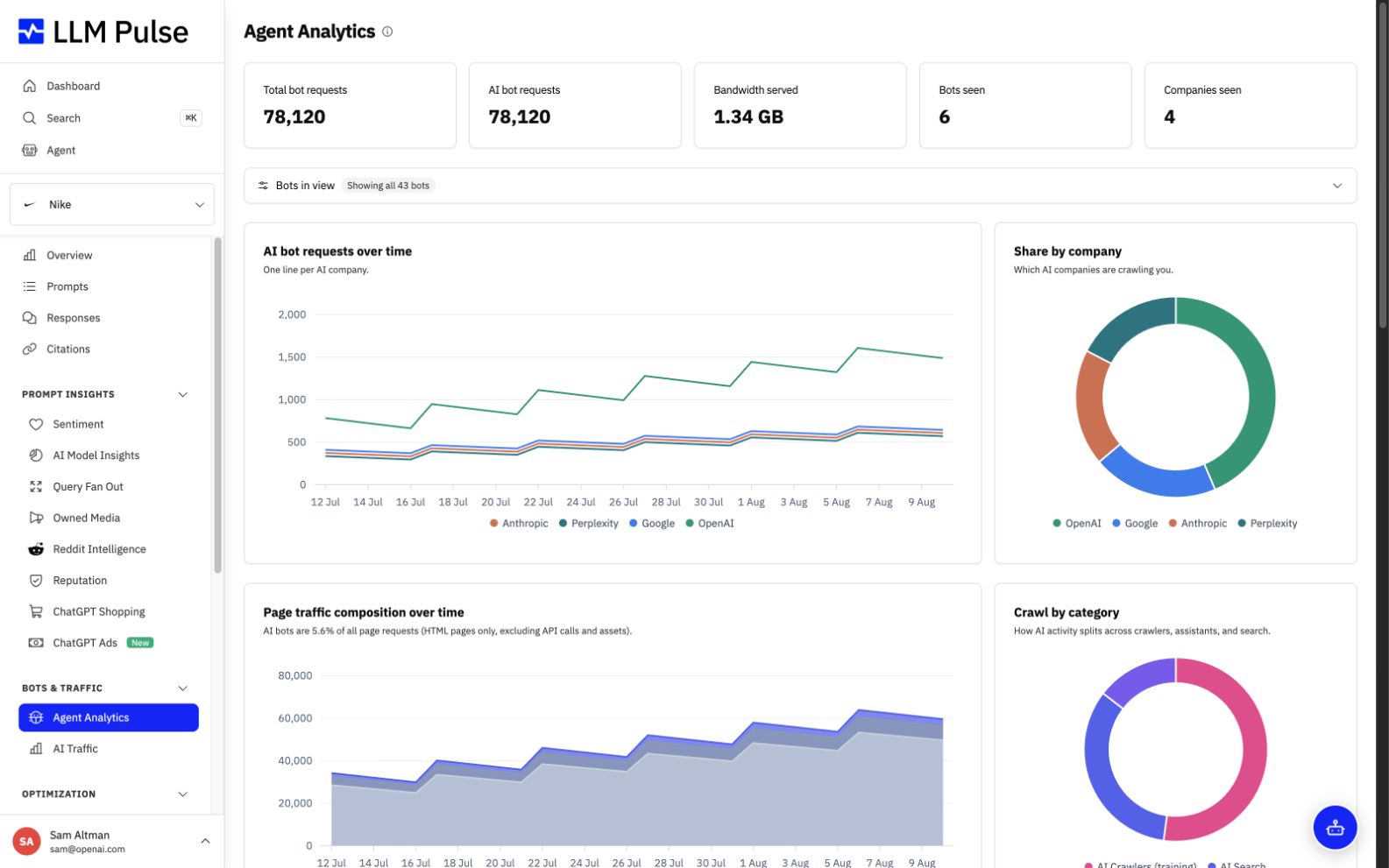
Explore composition and bandwidth charts, company filters, broader connection options, and per-URL crawl data.
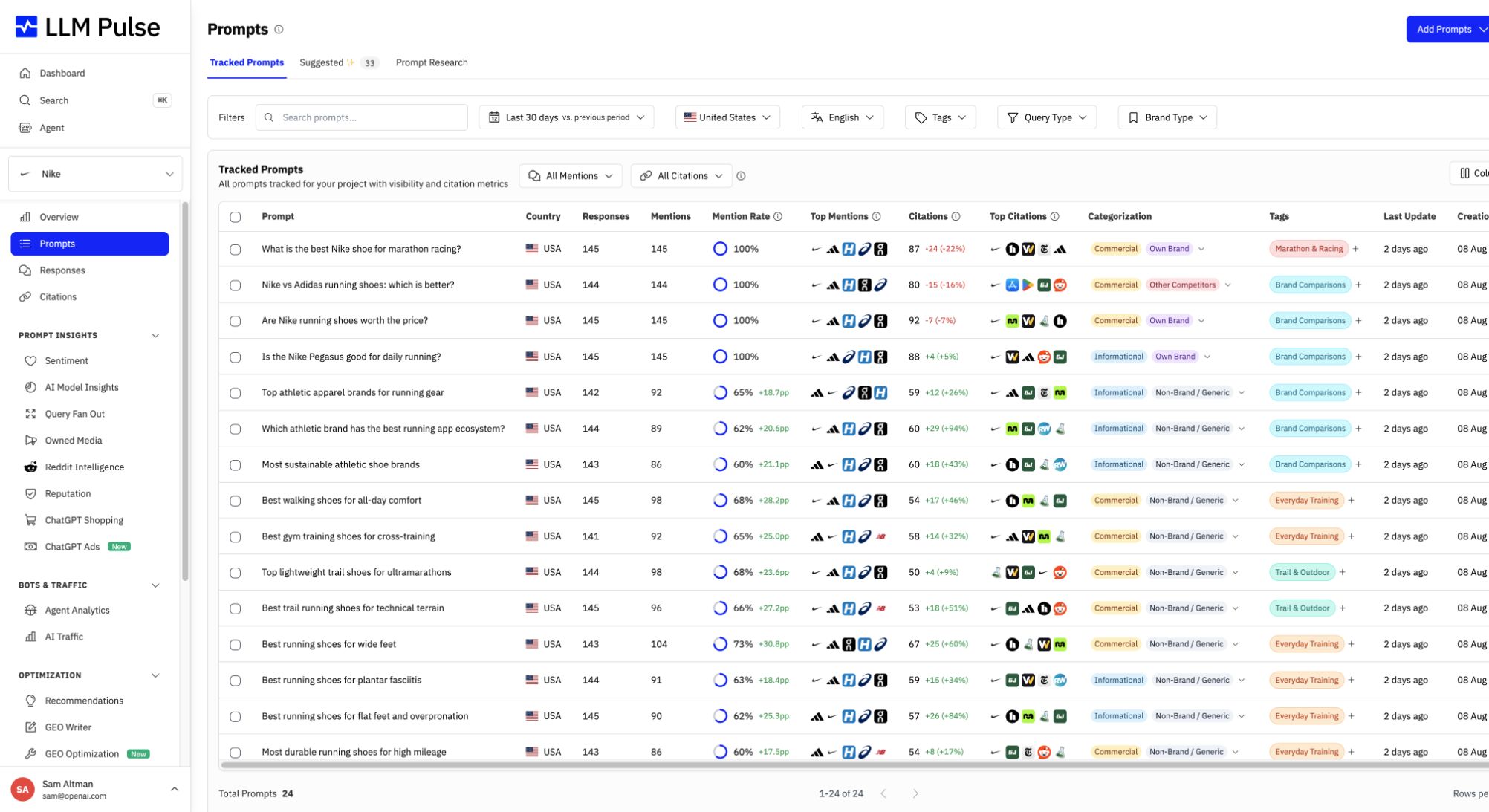
Create prompts with collections, own-brand controls, competitor assistance, and consistent research methods.
Send product events through outbound webhooks or connect LLM Pulse with Zapier, Make, and n8n.
Filter Responses and Citations by whether your brand or selected competitors were mentioned or cited.
Download the YouTube tab as CSV or Excel with support for larger result sets.
Drag columns into the order that best fits your workflow and keep the choice for future visits.
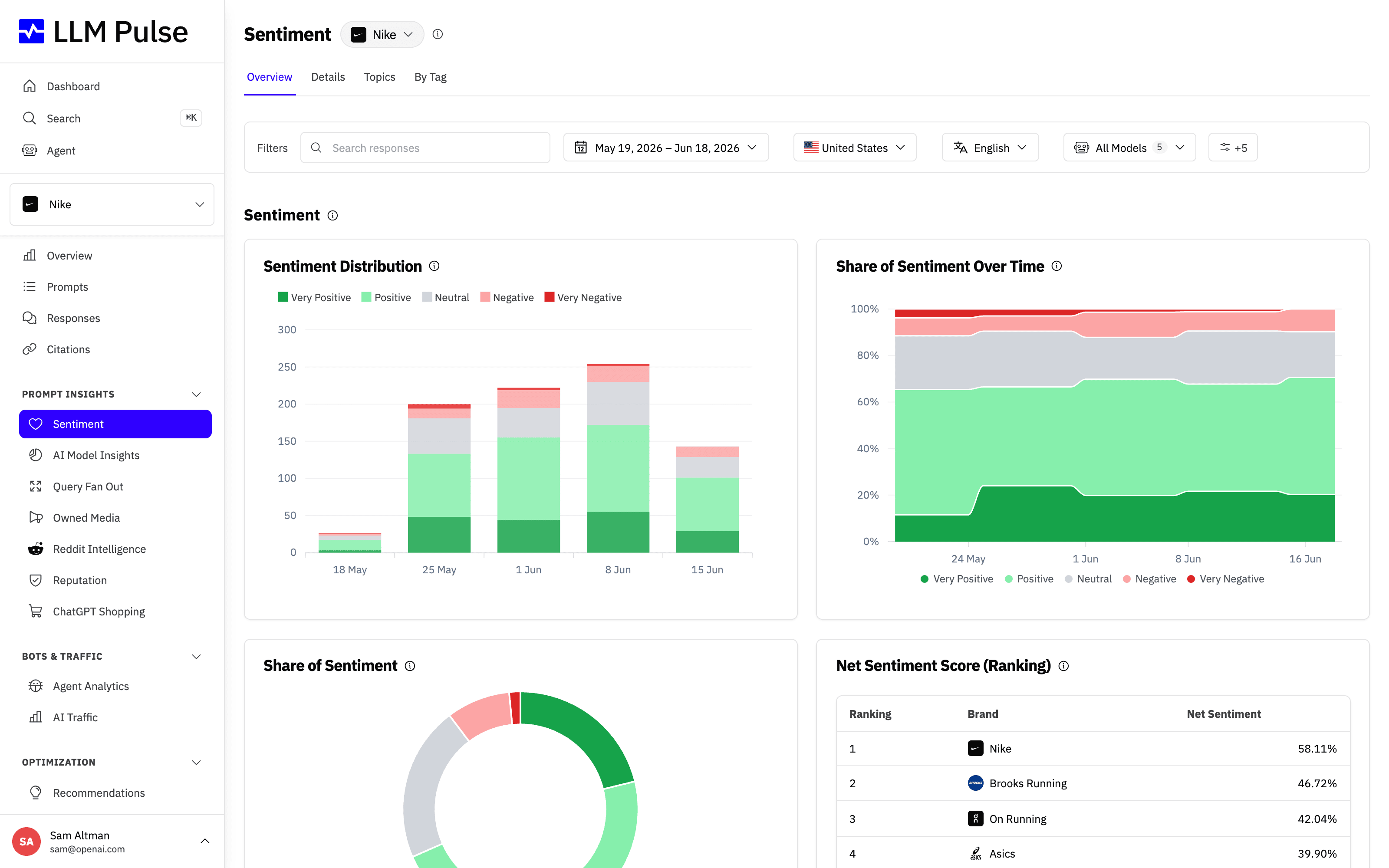
Apply country and language selections across Sentiment views.
Run recommendations with multiple filters and include social sources from TikTok, Facebook, and Instagram.
Focus headline visibility and Share of Voice on generic prompts so brand-name queries do not inflate the result.
Open the LLM Pulse Agent on its own page and copy or export its tables to CSV and Excel.
Use Adobe Analytics or Adobe Customer Journey Analytics as an AI Traffic source.
21 product updates
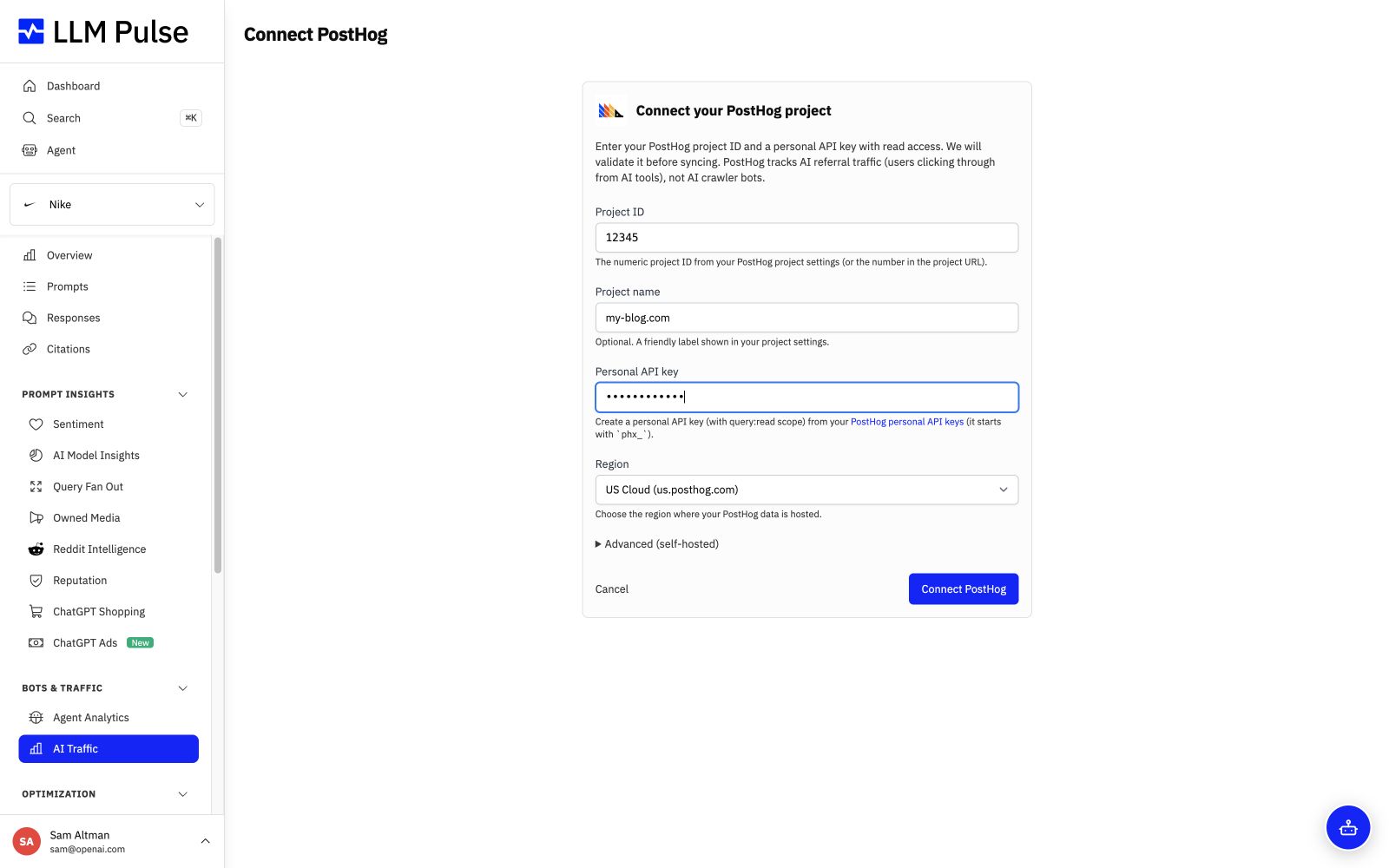
Add a PostHog host and project so its traffic data appears with other analytics connections.
Organize prompts by intent and by own brand, competitor, or non-brand across product reports.
Find active conversations through subreddit, author, and thread views with richer metadata and filtering.
Follow streamed answers with live Markdown and inline charts, then confirm actions such as adding prompts.
Add a YouTube channel and review its channel, video, and citation data from the Owned Media workspace.
Compare brand leadership by country alongside the existing tag-based view.
Generate dedicated Sentiment and Reputation strategies with fewer duplicate suggestions.
Get broader analysis and richer results across content readiness, crawlability, discoverability, schema, and site structure.
Start new projects with their detected country instead of a fixed default.
Use an account token with guided account and zone selection in Agent Analytics.
Read model comparison percentages that use the same totals as Project Overview.
Add Piano Analytics as a traffic source and compare it with other analytics connections.
Save brand context in Project Settings so Content Intelligence can produce more useful drafts.
Open completed files directly while duplicate and overlapping export notices stay out of the way.
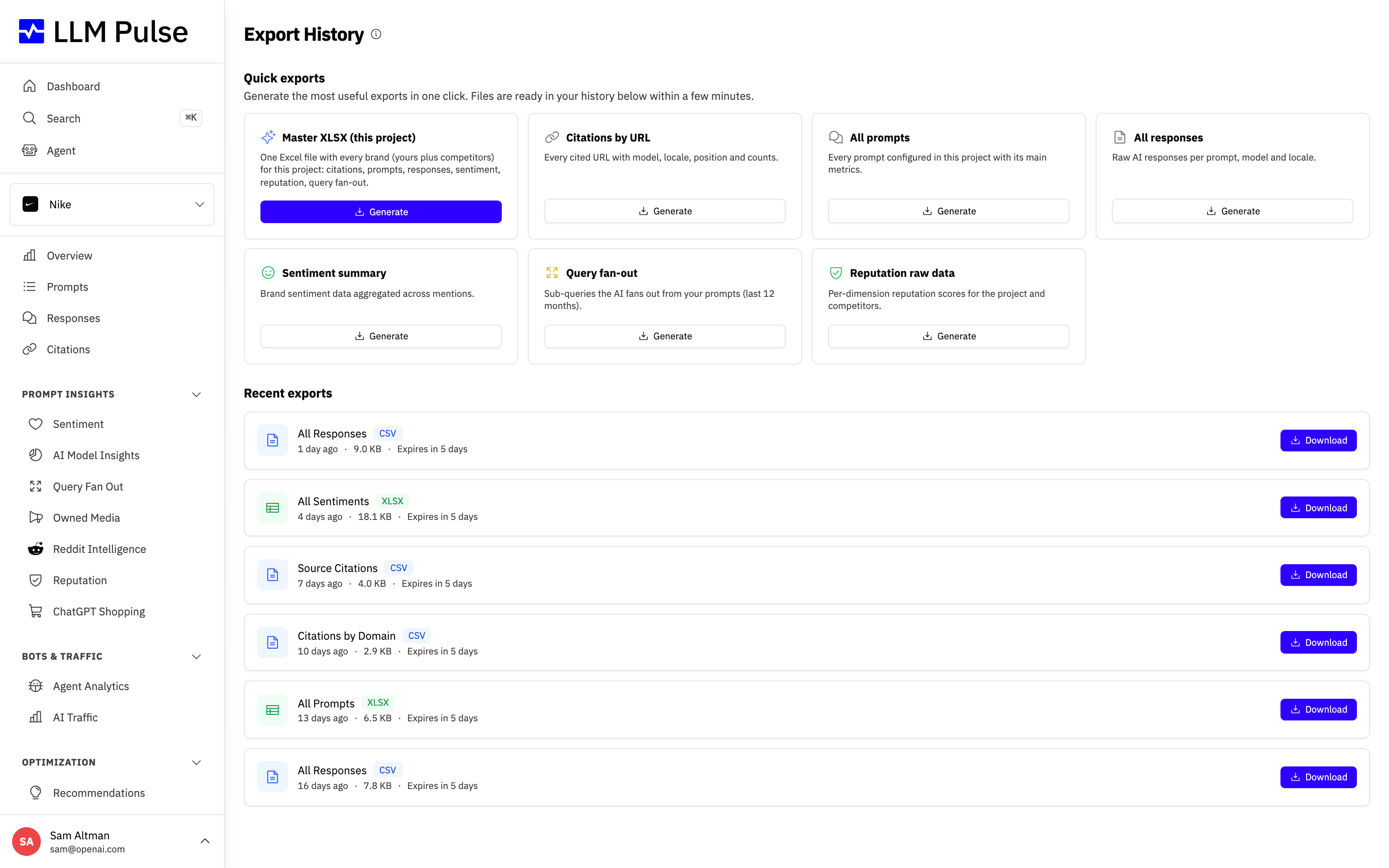
Create a Master XLSX alongside focused Quick Exports from one place.
Keep the same Sentiment and Citation filters in downloaded data that you used on screen.
Find profile, currency, password, two-factor security, and data connections through clear settings tabs.
Restrict a teammate to selected projects with clear feedback if the change cannot be saved.
Paste prompt lists during onboarding or start from a dedicated Suggested prompts tab.
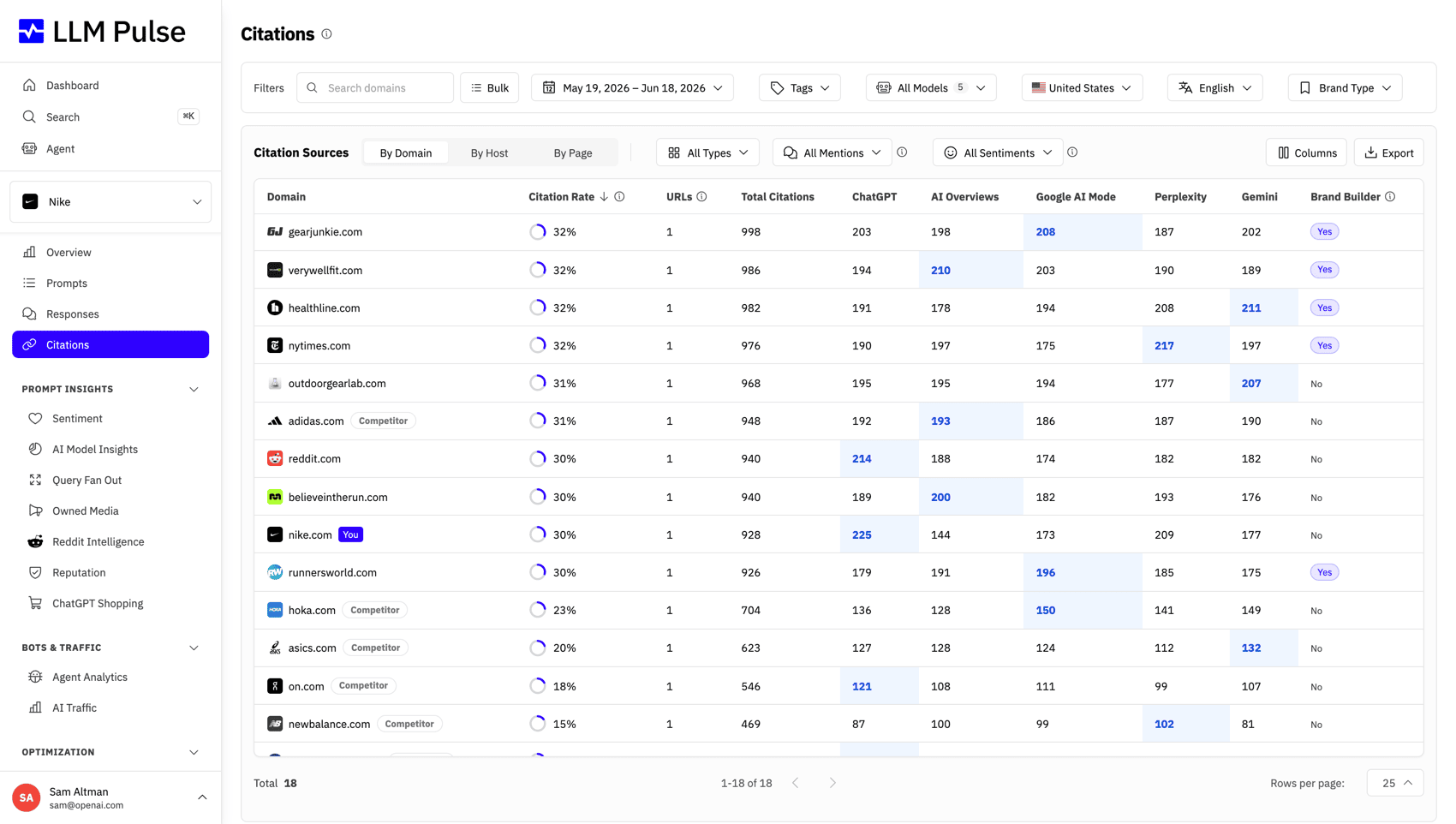
Paste up to 1,000 domains, hosts, or URLs to narrow Citation results at once.
Explore products, merchants, price insights, trends, and responses in dedicated views.
25 product updates
Connect or import server logs to chart AI crawler activity, filter by bot, and export the results.
Analyze a URL or URL pattern across citations, audits, sentiment, mentions, and freshness signals.
Review products, brands, top domains, and source details found in ChatGPT shopping results.
Add business events to supported charts, organize them by category, and automate recurring annotations.
Run technical GEO checks from one place, then delete or download completed reports as PDF.
Use the tracked brand name in charts, exports, reports, and prompt execution while keeping a distinct project label.
Match Cyrillic, CJK, and mixed-language brand names more accurately in mention and position metrics.
Override a sentiment label, inspect its edit history, and revert the change on Growth and higher plans.
Use tables, tabs, date filters, and the assistant panel more comfortably on narrow screens.
See when a selected period has no data and whether a score covers the period or all tracked history.
Protect an account with authenticator codes and backup codes from Account Settings.
Add Copilot to an account and keep reports, exports, and emails limited to enabled models.
Follow long answers more easily with smart scrolling, clearer statuses, and revised chart styling.
Open Query Fan-Out from the main sidebar and see its data requirements when empty.
Understand unavailable sections through sidebar locks, upgrade guidance, and clearer empty states.
See when a new project is collecting its first data and refresh as soon as results arrive.
Create AI Reputation reports on Scale and Enterprise plans.
Use Cmd+K to find and open any product section available to the account.
Collect related pages and review their results as one group.
Compare visibility, traffic, sources, models, and prompts before and after a GEO change.
Jump from sentiment quick filters to the matching source pages and brand mentions.
Compare daily analytics totals with the share attributed to AI sources.
Ask the assistant for product guidance and see its conversation limit clearly.
Create prompts through clearer settings steps while preserving each suggestion's source and status.
Review a product feed's structure and page readiness for ChatGPT Shopping.
19 product updates
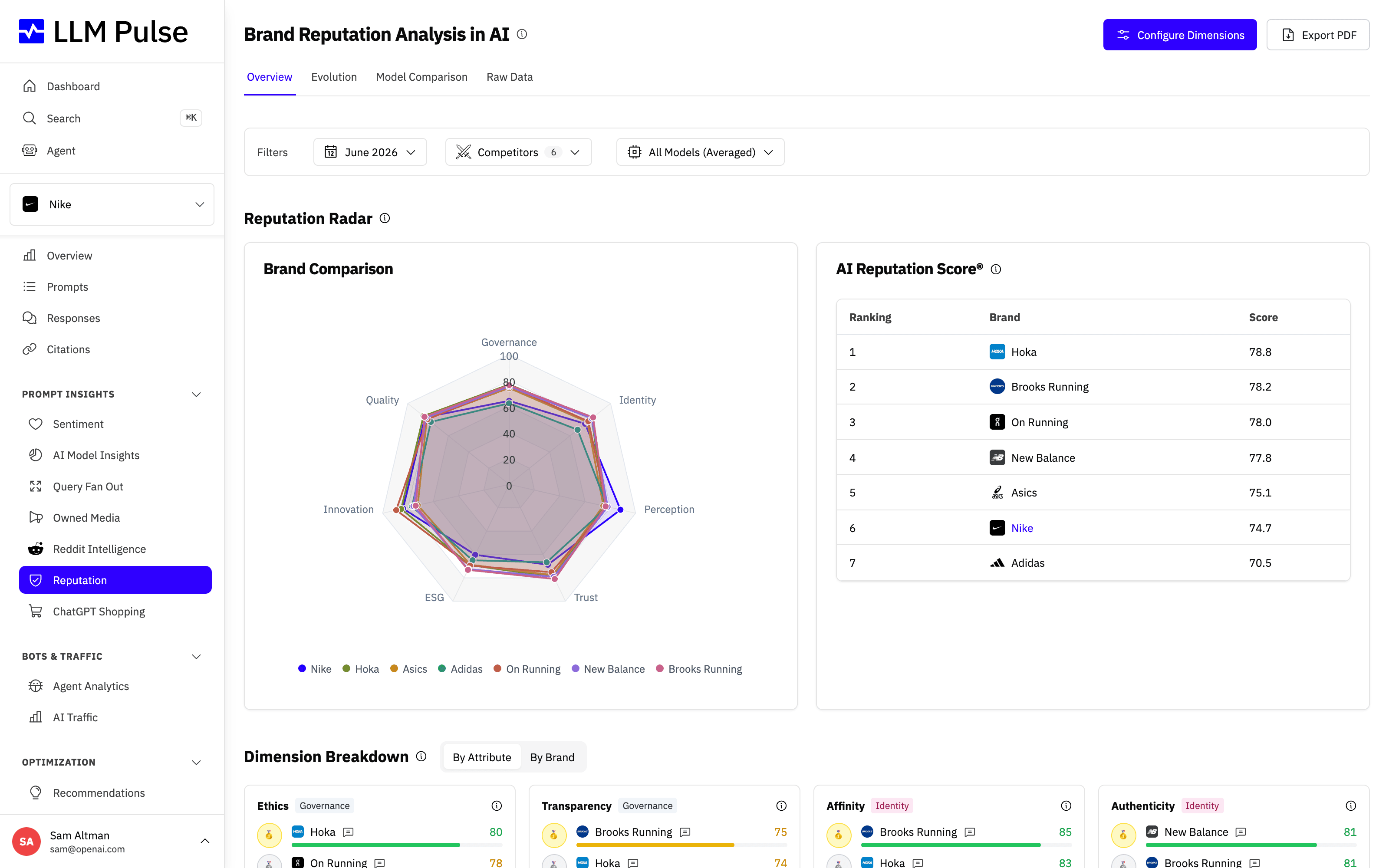
Define up to three dimensions and their attributes for reputation reports.
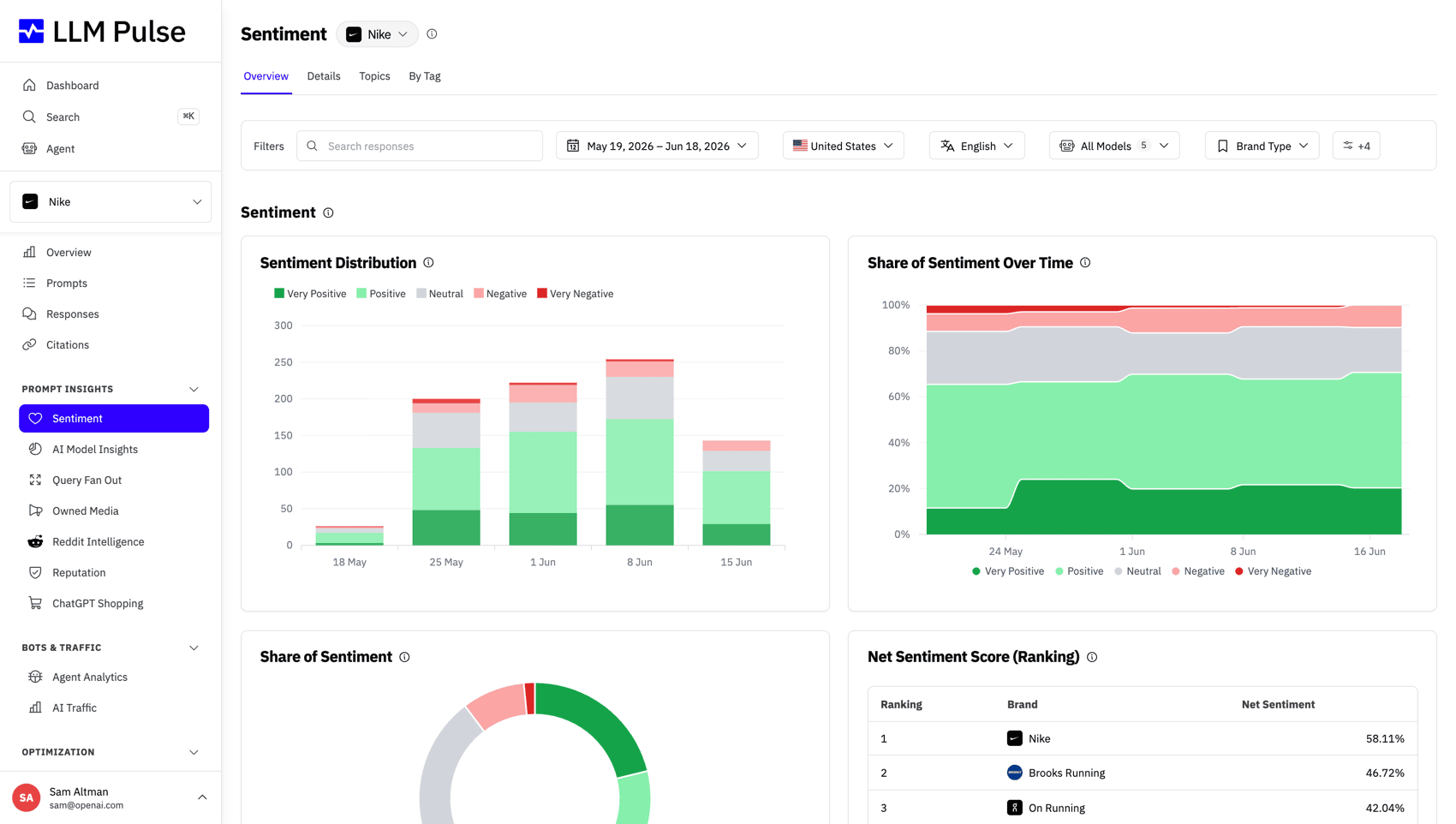
Explore sentiment through Overview, Details, Topics, and Tags, with filters on every view.
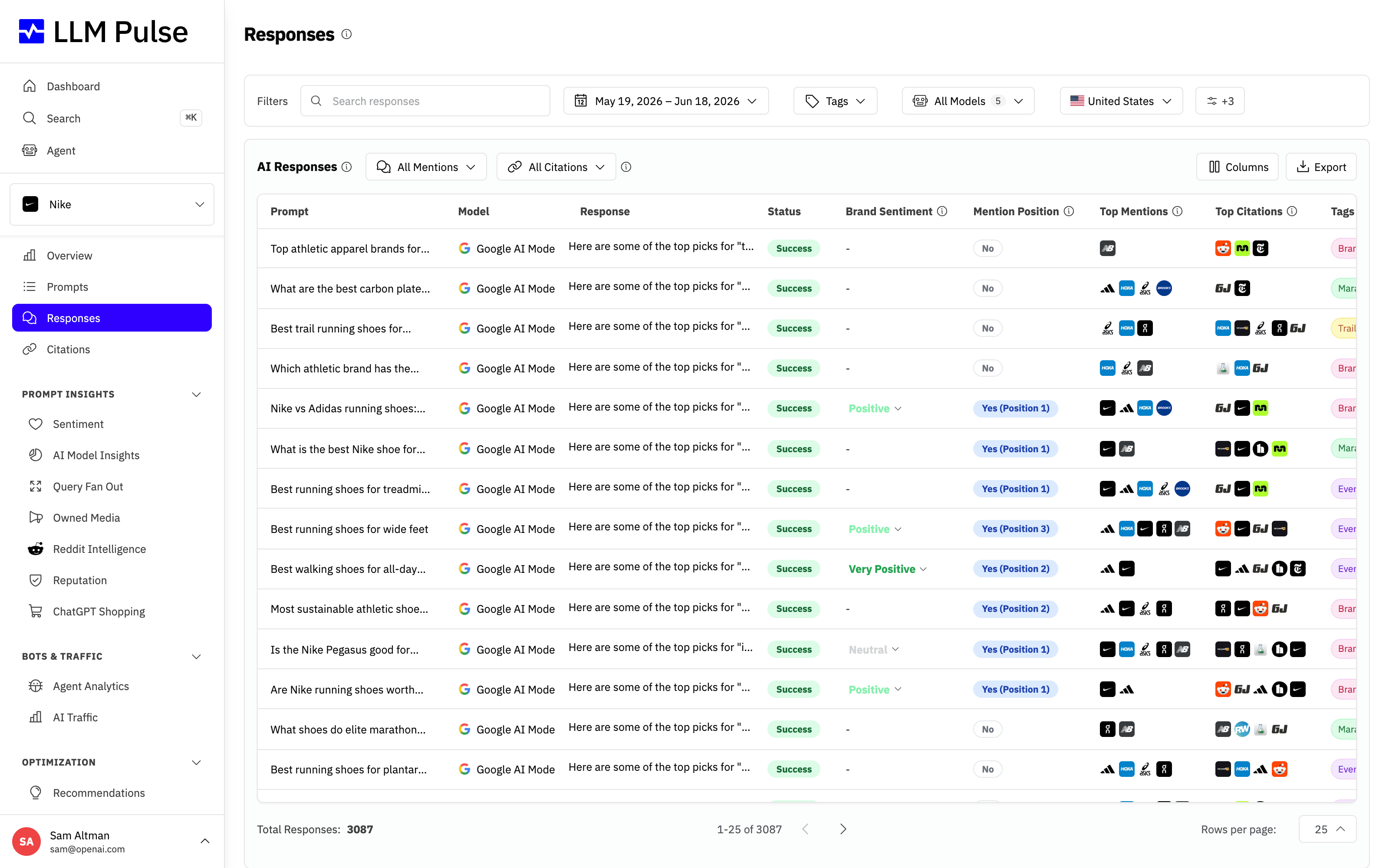
Narrow Responses to your brand, competitors, or all mentions.
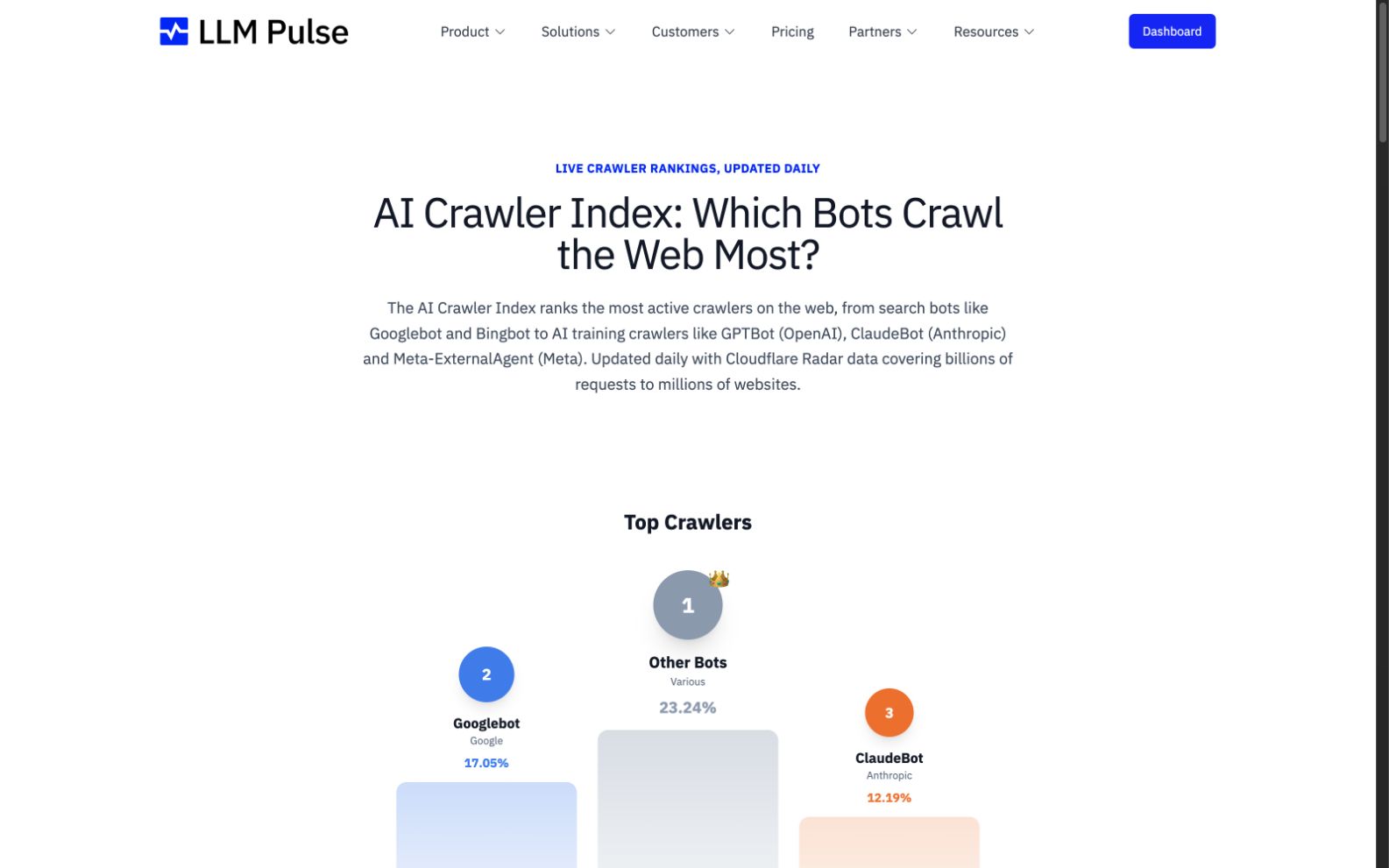
Browse crawler profiles, activity data, and a full ranking for known AI bots.
Download completed reputation reports as PDFs or schedule them for monthly email delivery.
Import quoted values correctly from comma-separated tag files.
Read AI Visibility Score as a daily average and use the full selected period in Sentiment and brand filters.
Track more prompts across every self-serve plan.
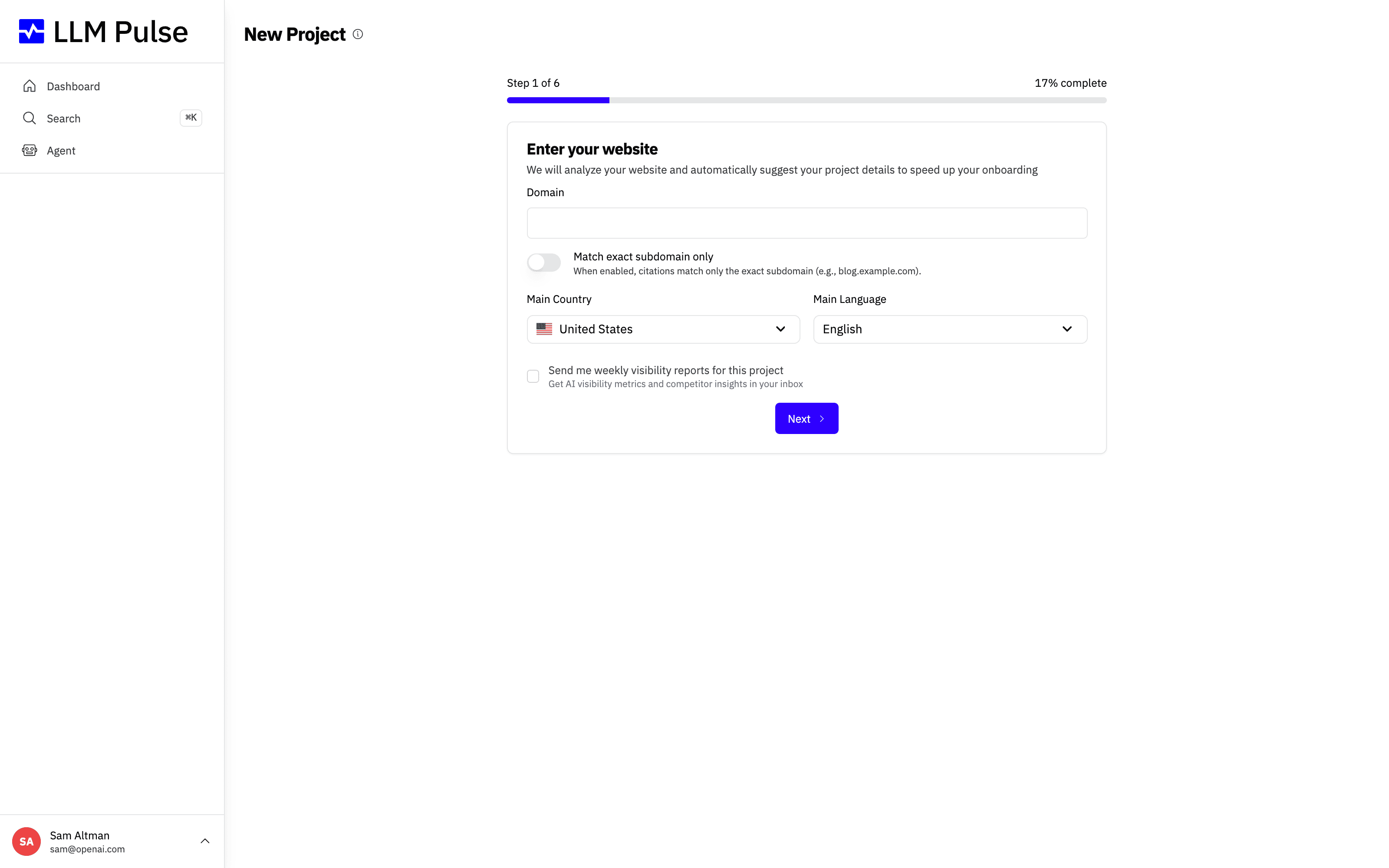
Carry supported date, country, language, and other filters through sidebar navigation.
Keep a past-due subscription notice visible until the account issue is resolved.
Let selected team members create new projects without granting broader account control.
See which sign-in method you used last time directly on the login page.
Compare AI Visibility Score by competitor in AI Model Insights.
Open a response citation directly from the control beside Copy.
Filter Citation Sources by URL error status.
Save a preferred billing currency and see supported conversions throughout the account.
Find public help articles with search and category filtering.
Include the first observed date for each result in citation exports.
Share generated GEO tool reports with the whole account instead of only their creator.
19 product updates
Ask questions about project data and receive streamed answers with charts inside the app.
Follow large exports from processing to download in one place, with notifications, email delivery, and expiry details.
Choose which GA4 events count as conversions and see conversion rate alongside traffic metrics.
Check whether AI bots can access a site, including partial access and broader crawler coverage.
Compare two periods with AI analysis, sortable tables, source badges, and a useful default range.
Start projects through a more guided flow with richer prompt and competitor suggestions.
Manage supported payment methods such as SEPA and PayPal without billing assuming a card.
Find opportunities that combine citation and mention evidence with marketplace listings.
Review marketplace availability, authority metrics, purchase links, and local-currency prices with citation details.
Generate large Magic Prompt sets in the background without keeping the page open.
Identify and filter the background sources used in ChatGPT responses.
Use AI Traffic on Growth and higher plans, with Search Console prompt generation available on every plan.
See when each cited page first appeared in LLM Pulse tracking.
Compare You and Competitor results with an Average column and corrected position distribution.
Read citation rate and AI Visibility Score on dashboard and prompt cards with clearer empty states.
Explore AI Overview results with source-type filters and competitor selection in AI Model Insights.
Keep a selected custom range while moving between analytics pages.
Sign in with Google from the authentication page or Google One Tap.
Generate dedicated Social and UGC recommendations with their own settings and report flow.
16 product updates
Compare mentions, citations, position, and sentiment across tracked AI models in one report.
Find relevant Reddit discussions and turn selected results into reviewable prompts.
Measure visibility by mention position from Project Overview on every plan.
Crawl a site, prepare an llms.txt draft, and download standard or expanded versions.
Start from a richer brief and export generated work as editable HTML or PDF.
Manage subscription status, payment methods, invoices, usage, and upgrades from a clearer workspace.
Carry the active date range into exports across product reports.
Analyze, filter, and export response and sentiment results by tag.
Share a generated report through a prominent public URL and clearer results page.
Follow a dismissible checklist for the remaining setup actions in Project Overview.
Use statuses and a clearer regeneration flow to manage recommendations as an action list.
Star frequently used projects so they remain easy to reach from the dashboard.
Choose which projects send weekly visibility summaries and negative sentiment alerts.
Use Gap Analysis and Sentiment views to find missing citations and negative pages more quickly.
Read each KPI with the change from the previous matching period.
Include screenshots and other images when opening a support conversation.
12 product updates
Generate, review, and create tag sets from an assisted workflow in the tags workspace.
Get prioritized content ideas grounded in project data and source context.
Analyze related AI searches in a dedicated report with filters and exports.
Turn project data into briefs and draft content, then export completed work as a PDF.
Build reviewable prompt sets from keywords, People Also Ask, chosen topics, and translated source prompts.
Receive a weekly email covering visibility, mentions, Share of Voice, sentiment, citations, and model performance.
See which themes drive brand discussion in a visual topic breakdown.
Pause projects directly and invite unlimited team members.
Decide which teammates can open Billing and Plans or the billing portal.
Track GPT-5.1 with or without web search alongside the existing AI models.
Filter prompts by tag, check the next scheduled update, and compare Citation Rate by Domain.
Find the right project without scrolling through a long account list.
10 product updates
Compare performance across tracked AI models in one report.
Generate and share a brand visibility report without needing an existing LLM Pulse account.
See the related searches ChatGPT used to support an answer from the response table and detail view.
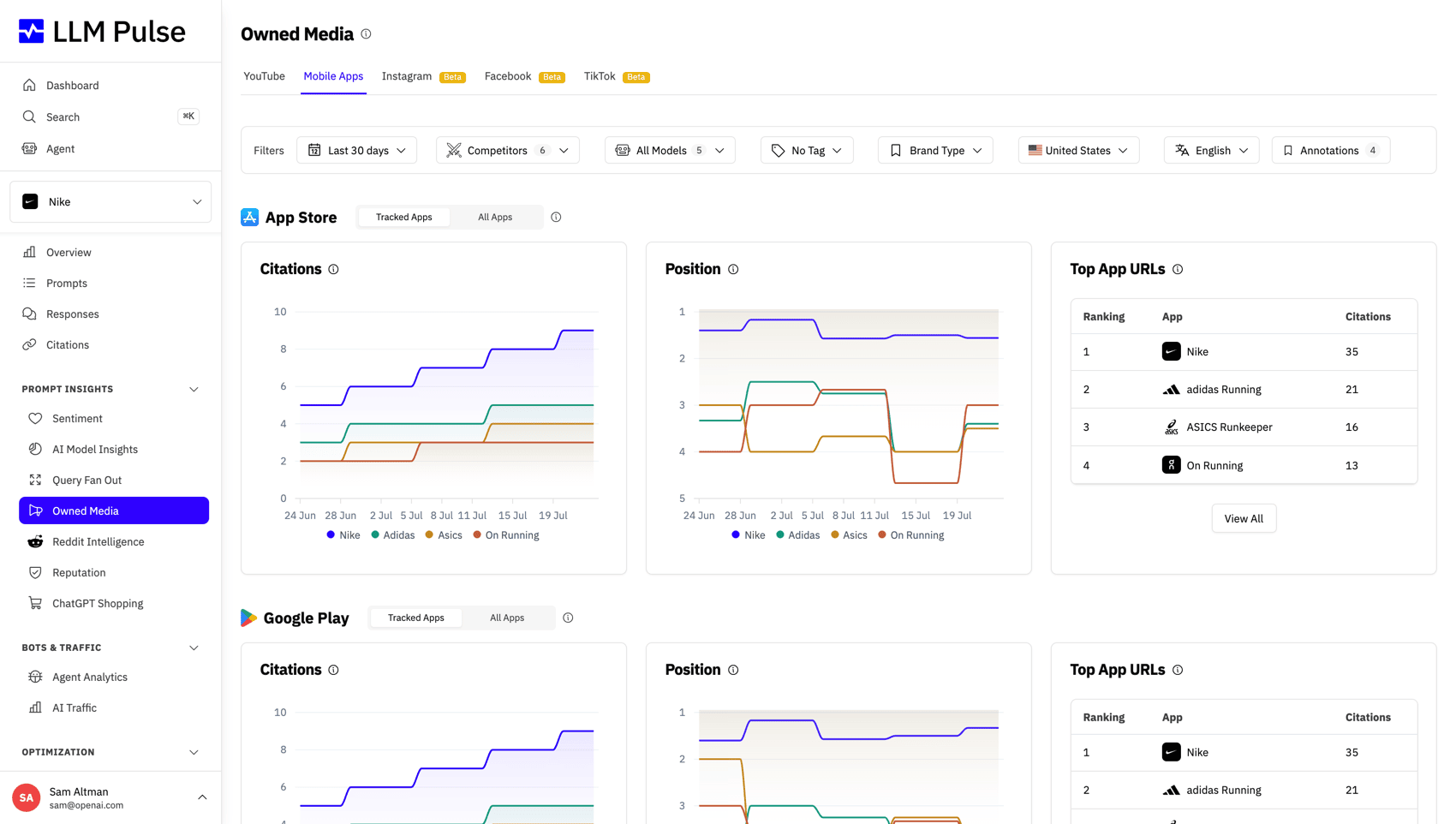
Track app store visibility for your project and competitors, including rankings and direct store links.
Choose colors for competitors and keep them consistent across reports.
Collapse report and settings groups to reduce navigation clutter in larger accounts.
Upload and review a batch of tags before adding them to a project.
Update tag descriptions after creation to keep prompt collections understandable as projects grow.
Set the language used for sentiment extraction and recalculation in Project Settings.
Move between answers with Previous and Next controls and copy every citation in one action.
5 product updates
Inspect cited pages and see whether their content mentions your brand or competitors.
Review recommended competitors before creating a new project.
Copy cited URLs in one action and keep citation context visible even when an answer has no sources.
Keep working while accepted suggested prompts are added in the background.
Compare where your brand and competitors appear within each AI response.
10 product updates
Explore a public ranking of the domains most often cited across the LLM Pulse dataset.
Change which projects an existing teammate can access after they join the account.
Analyze how AI models describe your brand with dedicated summaries, filters, tables, and exports.
Try LLM Pulse before subscribing, with clear trial status and plan guidance throughout the product.
Use the same searchable filter pattern across Overview, Prompts, Responses, Sentiment, and Citations.
Select an entire prompt table for bulk management without checking every row.
Review citation performance in one consistent Overview section instead of competing summaries.
Export the data behind Overview charts for use in reports and further analysis.
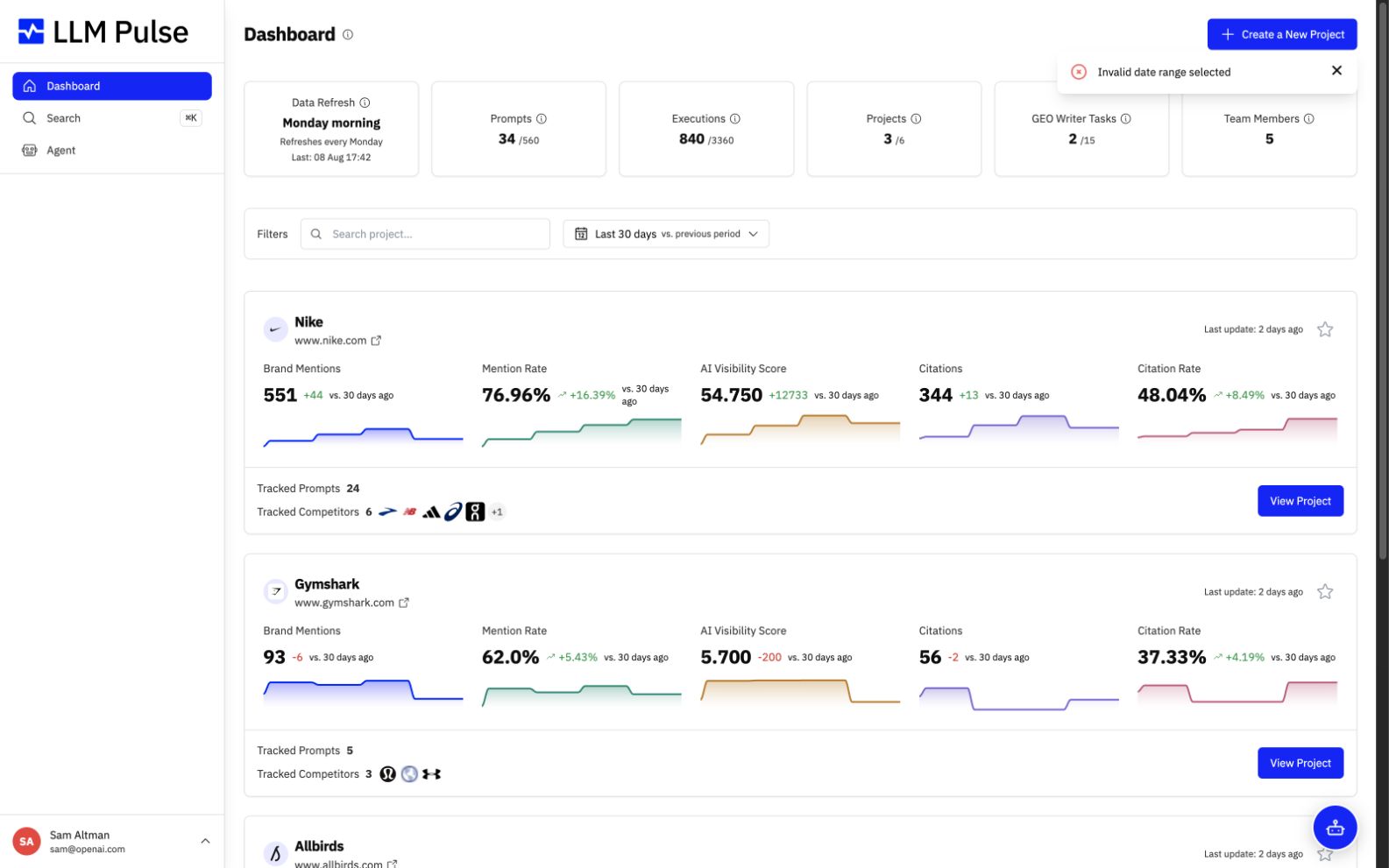
Search projects from the dashboard and see tracked competitor context on each project card.
Track AI Mode in Hindi, Indonesian, Japanese, Korean, and Portuguese as well as English.
9 product updates
Track Google AI Mode and AI Overviews as separate AI search surfaces.
Browse AI answers from every tracked prompt in one searchable table.
Track Perplexity alongside the other AI models in project reports and response analysis.
Download prompt, prompt detail, and citation tables as CSV or Excel workbooks.
Compare your brand with competitors through Share of Voice breakdowns and trend reporting.
Review and regenerate suggested prompts from the main prompt workflow in the project language.
Review the answer body, citations, and brand mentions in a clearer response detail view.
Limit invited teammates to selected client projects instead of sharing the entire account.
Assign prompts to a tag while adding them in bulk instead of cleaning them up later.
10 product updates
Add many prompts in one review flow or use a simplified modal for smaller additions.
Read project performance faster with compact KPI cards, clearer charts, and focused filters.
Create, edit, and organize prompt collections from a dedicated tags page.
Manage tracked and suggested competitors from one page, with add, edit, and removal workflows.
Compare and sort the domains cited across tracked AI responses in a dedicated report.
Model results, citations, and prompt context are easier to scan on the prompt detail page.
Account owners can move a project to another user from within the product.
Turn on brand highlighting to make mentions stand out while reviewing long AI responses.
New customers can create an account and start tracking their brand directly from the public site.
Regenerate suggested prompts without restarting project setup, then add the full set in one action.
1 product update
LLM Pulse went live with its first working product for tracking prompts, brand mentions, and competitor visibility across AI answers.
See how the features behind these updates work, then start tracking your brand across AI answers.
Track how often ChatGPT, Perplexity, and Gemini mention your brand.
See whether AI answers describe you positively, neutrally, or negatively.
Benchmark your visibility against every competitor in AI answers.
Draft citable, answer-first content built to win AI citations.
Pull every metric into your own stack or AI agents.
Compare tiers from EUR 49 per month with a 14-day free trial.
Join teams using LLM Pulse to monitor and grow their visibility across ChatGPT, Perplexity, Gemini, and Google AI.