



Last updated: October 5, 2026
Google’s AI Overviews now sit at the top of roughly a third of US searches, and they pull citations from a narrow set of sources. If your page is one of those sources, you get a slice of attention before any blue link is clicked. If it is not, your traffic for that query is quietly redirected to whoever Google decided to summarise.
Table of Contents
An AI Overview checker is the fastest way to find out where you stand. Plug in a keyword, get back a yes or no on whether an AI Overview appears, plus the list of cited URLs. This guide ranks the 12 best AI Overview checker tools available in 2026, splits them into free and paid, and explains when a one-shot checker is enough and when you need a continuous tracker instead.
Why checking Google AI Overviews matters in 2026
Google AI Overviews changed the math of SEO. A query that used to send a click to your page now shows a paragraph of synthesised text with three to five citation links. Click-through to the underlying sources drops, but the citations themselves carry weight: being cited in an AI Overview is the new top-of-page slot.
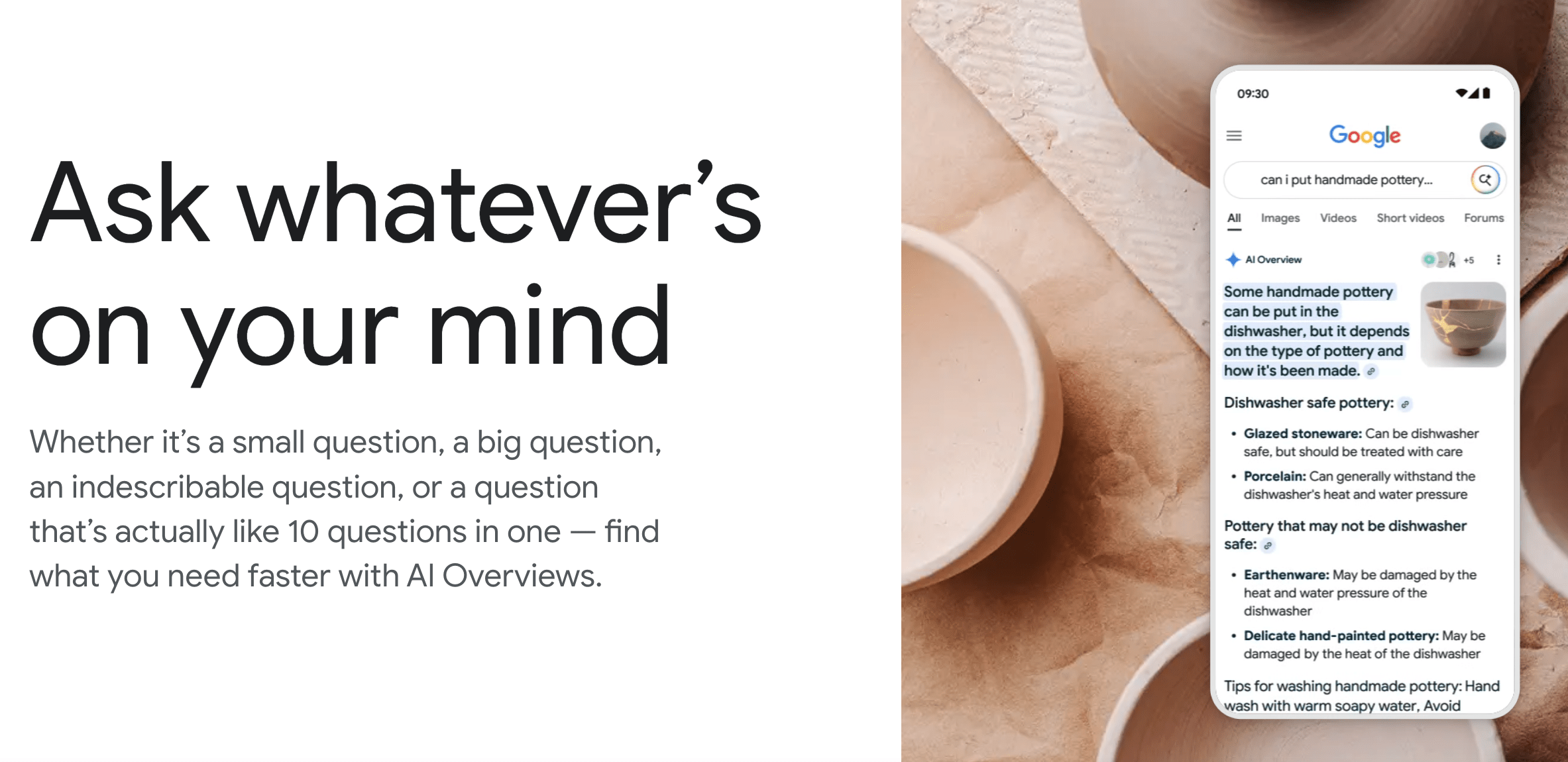
The catch is that the AI Overview panel does not appear for every query, and when it does appear, the cited sources rotate. A page that was cited last week might not be cited today. A query that triggered an AI Overview yesterday might serve plain SERPs tomorrow. Checking matters because the surface itself is volatile, and your assumptions about what Google is showing for your money keywords go stale fast.
There is a second reason to check: competitor research. If you know a rival page is cited for a high-intent query, you can reverse engineer why. Is the page longer? More structured? Better matched to the question? An AI Overview checker turns that diagnostic loop from days into minutes.
AI Overview checker vs. AI Overview tracker: what is the difference
The terms get used interchangeably, but the tools behave differently in practice. A checker is built for ad hoc, query-by-query lookups: you enter a single keyword, the tool fetches the SERP, and it tells you whether an AI Overview appeared and which sources were cited. The result is a snapshot of the present moment. Free checkers usually stop here.
A tracker is built for continuous, multi-keyword monitoring over time. You feed in a list of keywords, the tracker runs them on a schedule (typically daily or weekly), and it stores the history. You can ask questions like “which of my pages got dropped from AI Overviews this month” or “is my share of citations going up or down for this keyword cluster”. Trackers are almost always paid because the infrastructure is heavier.
The line between the two is not absolute, and some products combine both workflows. Others specialise. Our Google AI Overviews tracker comparison focuses on tools that store recurring results over time. If you only need one live query, use a dedicated checker.
How AI Overview checkers actually work
Under the hood, every AI Overview checker does roughly the same five steps:
- Accept a query. You enter a keyword and optionally a location and language.
- Fetch the Google SERP. The tool issues a request to Google (directly or via a SERP API) with the right user agent and geolocation. AI Overviews are personalised, so the geo and device parameters change the result.
- Detect the AI Overview panel. The tool parses the SERP HTML and looks for the AI Overview block (the bordered card at the top of the page with the “AI Overview” label and the chevron expanders).
- Parse cited sources. If an AI Overview is present, the tool extracts the citation links from the side panel and the inline references in the generated text.
- Return the result. The output is usually a boolean (AI Overview yes or no), the generated text, the list of cited URLs, and sometimes the rank position of those URLs in the regular blue link results below.
Premium tools layer extra steps on top: storing the answer for historical comparison, scoring share of citations across a keyword set, alerting you when your page is dropped or added, and (in the case of multi-model platforms) checking the same query against other surfaces like ChatGPT, Perplexity, and Gemini.
Quick comparison: top 12 AI Overview checker tools
| Tool | Free credits or limits | Bulk check support | API | Continuous tracking | Best for |
|---|---|---|---|---|---|
| LLM Pulse | See current pricing | Yes (up to 2,400 prompts on self-serve plans) | Yes (REST and MCP) | Yes (5 models) | Teams and agencies needing both check and continuous tracking |
| Semrush AI Overviews Visibility Checker | Free single check | Paid (inside Semrush) | Within Semrush API | Yes (paid plans) | Quick domain-level check |
| SEO.com AI Overview Checker | 3 checks per day, free | No | No | No | Casual single-query lookups |
| AIRanked AI Overviews Checker | Free credits at signup | Limited | Paid | Yes | Mid-market SEO teams |
| SEOmator AI Overview Keywords Checker | Free domain check | Paid | Paid | Limited | Quick keyword sweep against a domain |
| Sitechecker AI Overview Checker | Free single check | Paid | Paid | Yes (paid) | SEO audit users already in the platform |
| Seobility AI Overview Tracker | Free tier with limits | Paid | No | Yes (paid) | Small sites and freelancers |
| Rankwise AI Overview Checker | Free single check | Paid | No | Yes (paid) | One-off competitive snapshots |
| SE Ranking AI Search Insights | 14-day trial | Yes (paid) | Yes (paid) | Yes | SEO teams already on SE Ranking |
| Sistrix Voice Search and AIO | Limited free tools | Paid | Paid | Yes | European agencies on Sistrix |
| ZipTie | Free trial | Yes | Paid | Yes | Lightweight AI visibility checks |
| GEO Check Tool | Free single-query check | No | No | No | Free one-off curiosity checks |
1. LLM Pulse: best for ongoing multi-model tracking
Why it stands out
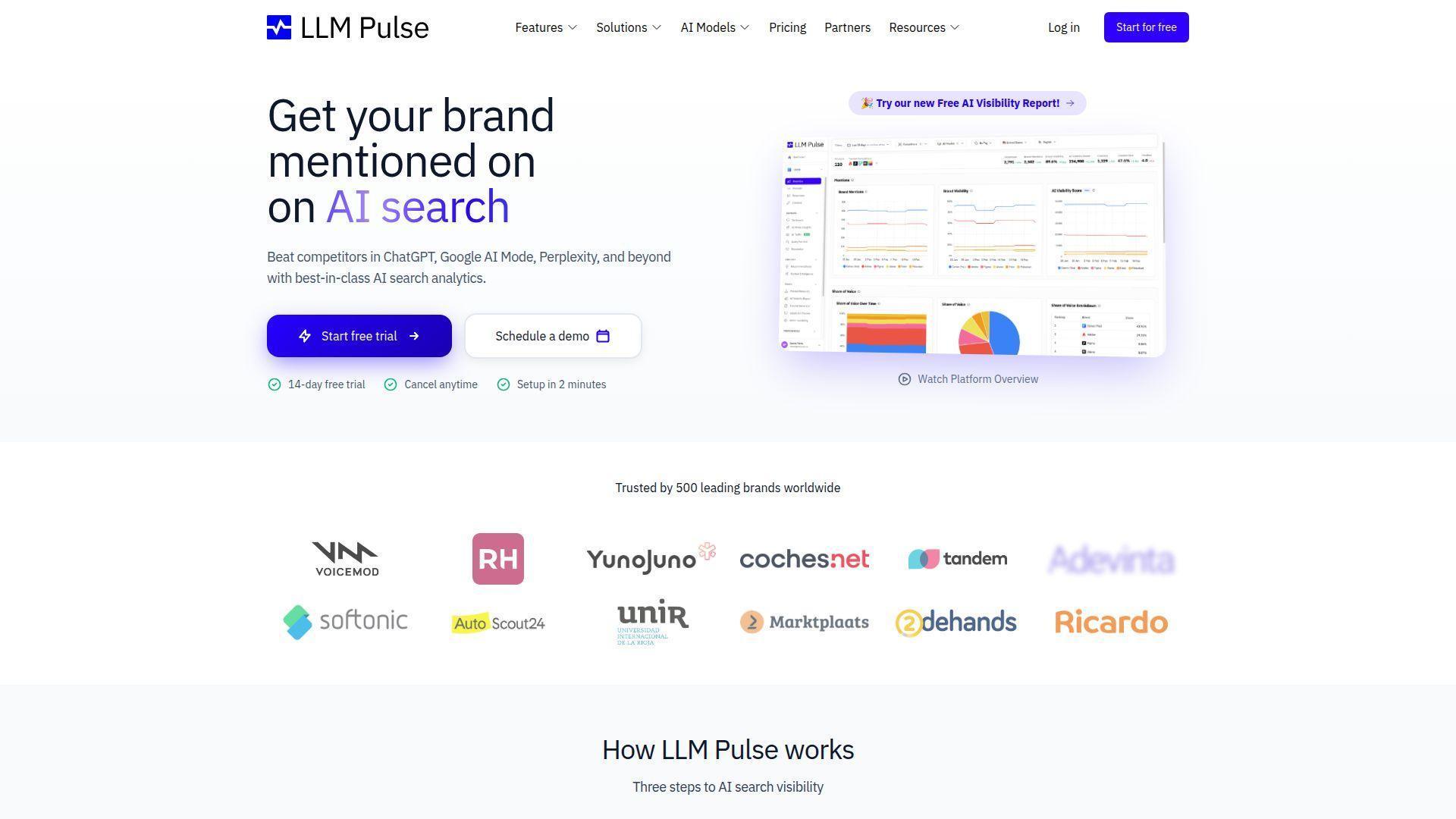
LLM Pulse runs saved prompts on a recurring schedule across ChatGPT, Perplexity, Gemini, Google AI Mode, and Google AI Overviews. It stores the results so teams can compare AI Overview presence, brand mentions, competitors, and cited sources over time. It is not a live, one-off SERP checker.
That dual mode is what makes LLM Pulse the default choice for any team that has outgrown free single-shot tools. AI Overviews are only one of the surfaces where your brand needs to surface; the rest of the AI search ecosystem (ChatGPT, Perplexity, Gemini) often shows different cited sources for the same query. Checking just AI Overviews while ignoring the others gives you an incomplete picture.
Key features
- Continuous AI Overview tracking with per-query history, citation breakdown, and share of answer.
- Multi-model coverage: ChatGPT, Perplexity, Gemini, Google AI Mode, and Google AI Overviews, with Claude, Copilot, Grok, DeepSeek, Naver AI Briefing, Baidu AI and Meta AI available as self-serve paid add-ons. Alexa for Shopping is available as a self-serve paid add-on. Further models are available through Talk to sales.
- Citation tracking per URL: see which pages on your site get cited, on which queries, and which competitors are stealing the slot from you.
- Brand sentiment analysis using five sentiment levels.
- Share of voice dashboards that benchmark your visibility against named competitors across all five models.
- Unlimited seats and Looker Studio, with white-label access by arrangement.
- OAuth MCP, REST API, and headless API-key MCP access.
- Extra tools that go beyond checking: GEO Writer, AI Models Comparison, Query Fan-out, Prompt Research, the Query Detector Chrome Extension, web analytics integration with GA4 and Plausible, App Store tracking, Reputation monitoring, CSV and Excel exports.
Watch-outs
LLM Pulse is built for teams that want a long-term view, not a one-time check. If you only need to look up a single keyword once, a free checker is faster. See current LLM Pulse pricing for plan details.
Pricing
€49/month (50 prompts) on Starter. Growth €99/month (150 prompts). Scale €299/month (450 prompts). Higher self-serve tiers scale up to Scale+ at €599/month (1,200 prompts) and Scale++ at €1,199/month (2,400 prompts), with custom Enterprise pricing above that. See full pricing.
2. Semrush AI Overviews Visibility Checker: free single domain check
Why it stands out
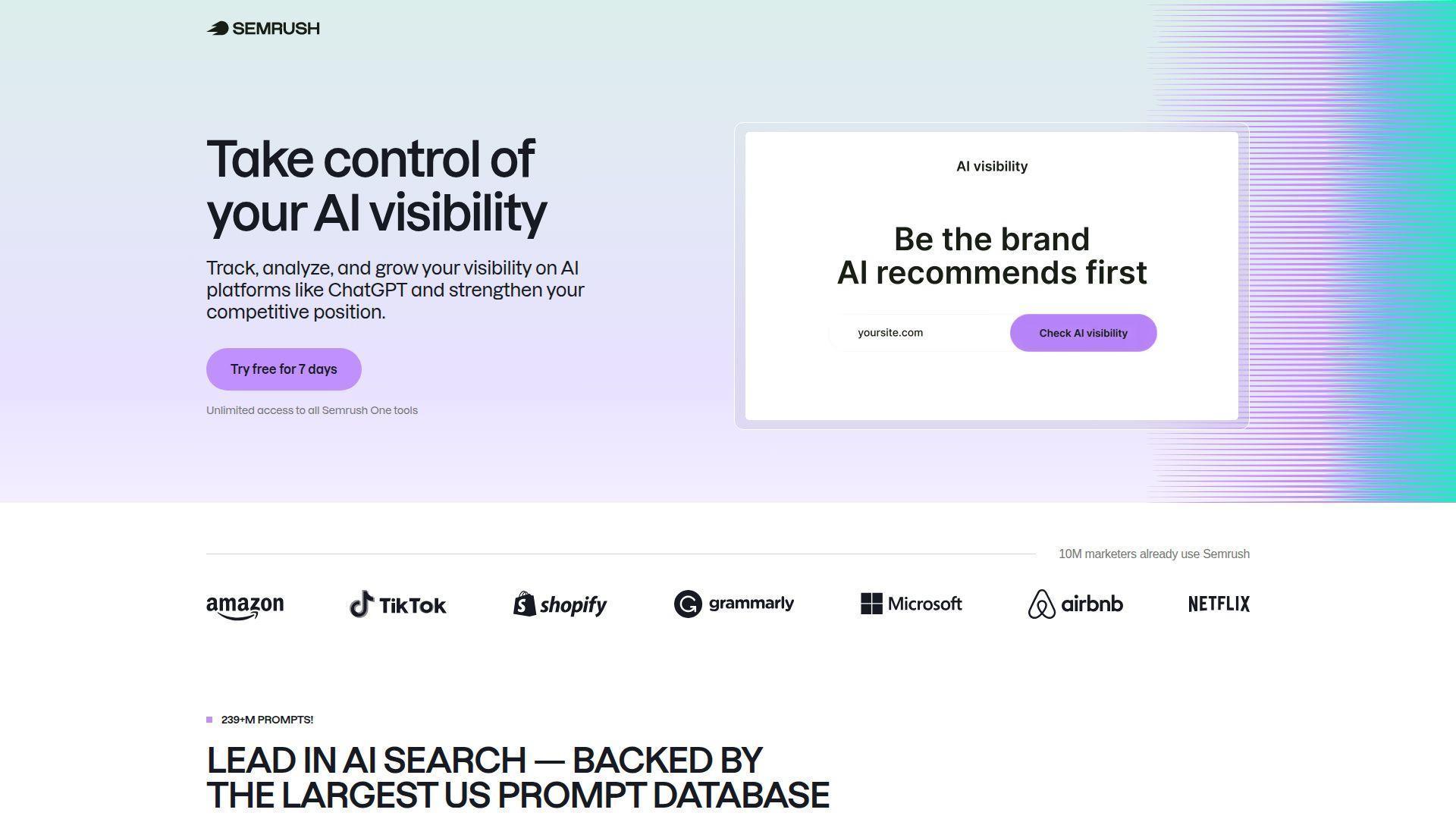
Semrush published a free single-page AI Overviews Visibility Checker that takes a domain and returns a quick estimate of how many tracked keywords trigger AI Overviews and how often the domain is cited. It is one of the most polished free tools because it sits on top of Semrush’s existing keyword database, which already knows the SERP composition for millions of queries. For SEO teams who already use Semrush, the checker is a one-click extension of the workflow.
Key features
- Free single-domain lookup without an account.
- Estimated count of keywords where the domain appears in AI Overviews.
- Direct upgrade path into Semrush SEO + AI Search plans for ongoing tracking and historical data.
Watch-outs
The free checker is designed for a quick domain-level view. Semrush’s SEO + AI Search plans expand beyond Google AI Overviews to ChatGPT, Google AI, Gemini, and Perplexity, with custom prompts, sentiment, citations, and competitor analysis.
Pricing
Free single-domain check. Paid Semrush plans for bulk and historical data.
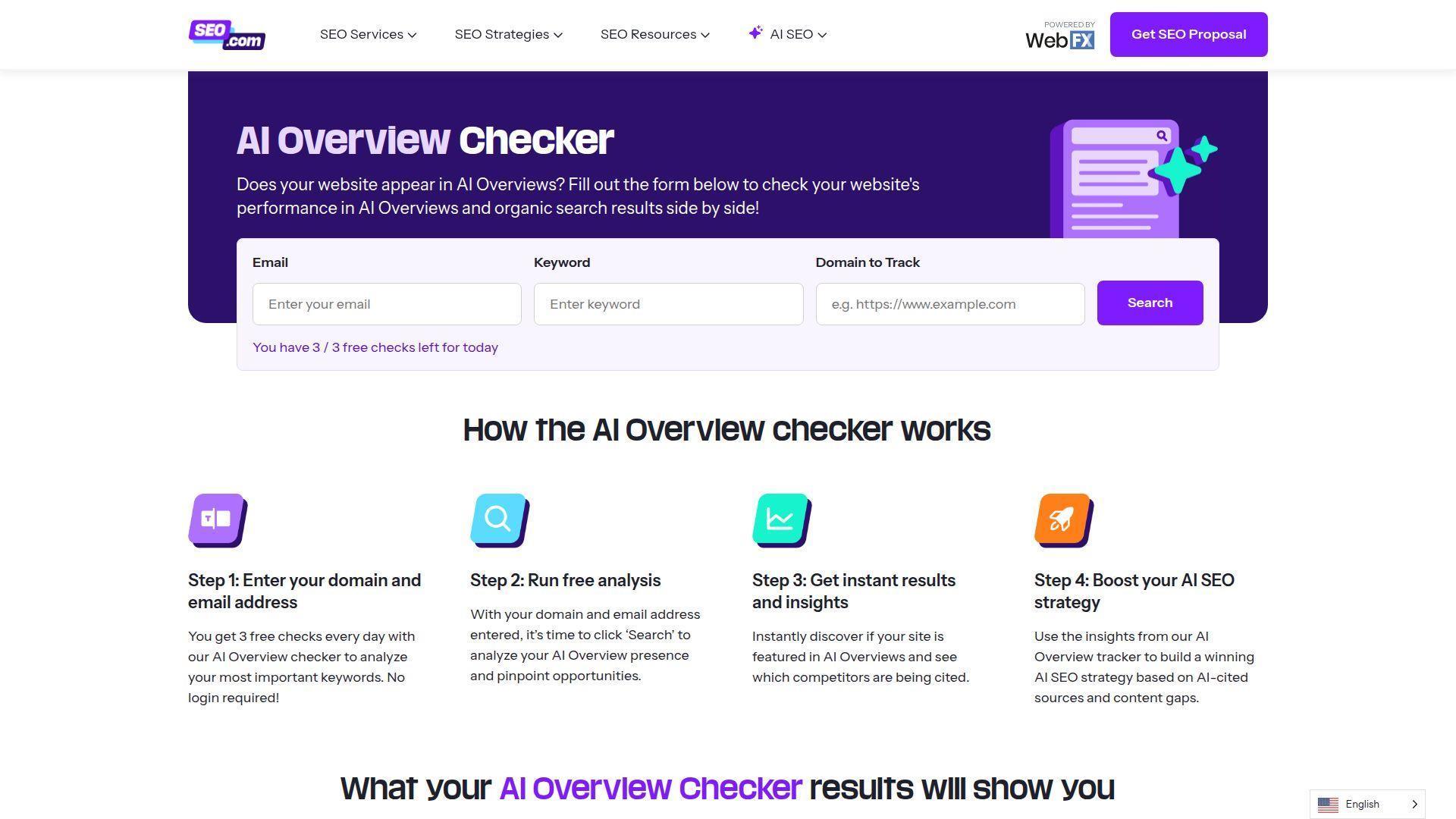
3. SEO.com AI Overview Checker: 3 free checks per day
Why it stands out
SEO.com runs a clean public AI Overview checker that lets you submit a query, choose a country, and see whether an AI Overview appears with the cited URLs listed. The 3 checks per day limit makes it well suited for one-off curiosity checks or spot-checking a few priority keywords every morning.
Key features
- Free, no signup required for occasional use.
- Country selector so you can test geo-specific AI Overviews.
- Cited URLs returned alongside the AI Overview text.
Watch-outs
3 checks per day is enough for casual use, not for any serious keyword universe. There is no bulk upload, no API, no history, and no tracking. The tool is a lead-magnet for the agency’s broader SEO services, so expect the upsell path.
Pricing
Free with 3 checks per day. Agency services priced separately.
4. AIRanked AI Overviews Checker: free credits then paid tiers
Why it stands out
AIRanked positions itself as a dedicated AI search visibility tool, with a free-credits checker on the marketing site that lets new users run a handful of AI Overview checks before deciding to subscribe. It tries to bridge the gap between free single-shot tools and full trackers by offering a streamlined onboarding into continuous monitoring.
Key features
- Free credits at signup to test the checker.
- Per-keyword AI Overview detection with cited sources.
- Paid plans add continuous tracking and a dashboard view.
Watch-outs
The free credits run out quickly, and the paid tiers are not always the cheapest in the category. Multi-model coverage (beyond Google’s AI Overviews) is limited compared with dedicated AI visibility platforms. Smaller dataset and fewer integrations than the broader SEO suites.
Pricing
Free credits at signup, paid plans for continuous tracking.
5. SEOmator AI Overview Keywords Checker: free domain-level sweep
Why it stands out
SEOmator’s free AI Overview Keywords Checker is built around a single use case: enter a domain, get back a list of keywords where the domain ranks and where an AI Overview is present. That makes it especially useful for a quick “where am I losing clicks to AI Overviews on my own site” diagnostic.
Key features
- Domain-level free check returning keywords with AI Overview presence.
- Country and language selectors.
- Integrated into the wider SEOmator audit toolset.
Watch-outs
The free output is limited to the top portion of the data; deeper keyword lists, historical view, and any continuous tracking require a paid plan. As with most free domain checkers, the keyword universe is dependent on what the underlying database has indexed, so very niche or new keywords may not return results.
Pricing
Free single-domain check. Paid SEOmator plans for fuller access.
6. Sitechecker AI Overview Checker
Why it stands out
Sitechecker bundles an AI Overview checker into its broader SEO audit suite, so the value is highest if you already use Sitechecker for site audits, on-page checks, and rank tracking. The AI Overview module slots into the rest of the workflow rather than living on its own.
Key features
- Single-query AI Overview check on the free tier.
- Integration with site audit, rank tracking, and on-page tools.
- Paid plans add bulk checks and historical data.
Watch-outs
Standalone value is lower than dedicated AI visibility tools because the AI Overview module is one of many features. Multi-model coverage is limited. If you only need AI Overview tracking, you will likely pay for parts of the platform you do not use.
Pricing
Free trial; paid plans scale with site count and feature set.
7. Seobility AI Overview Tracker
Why it stands out
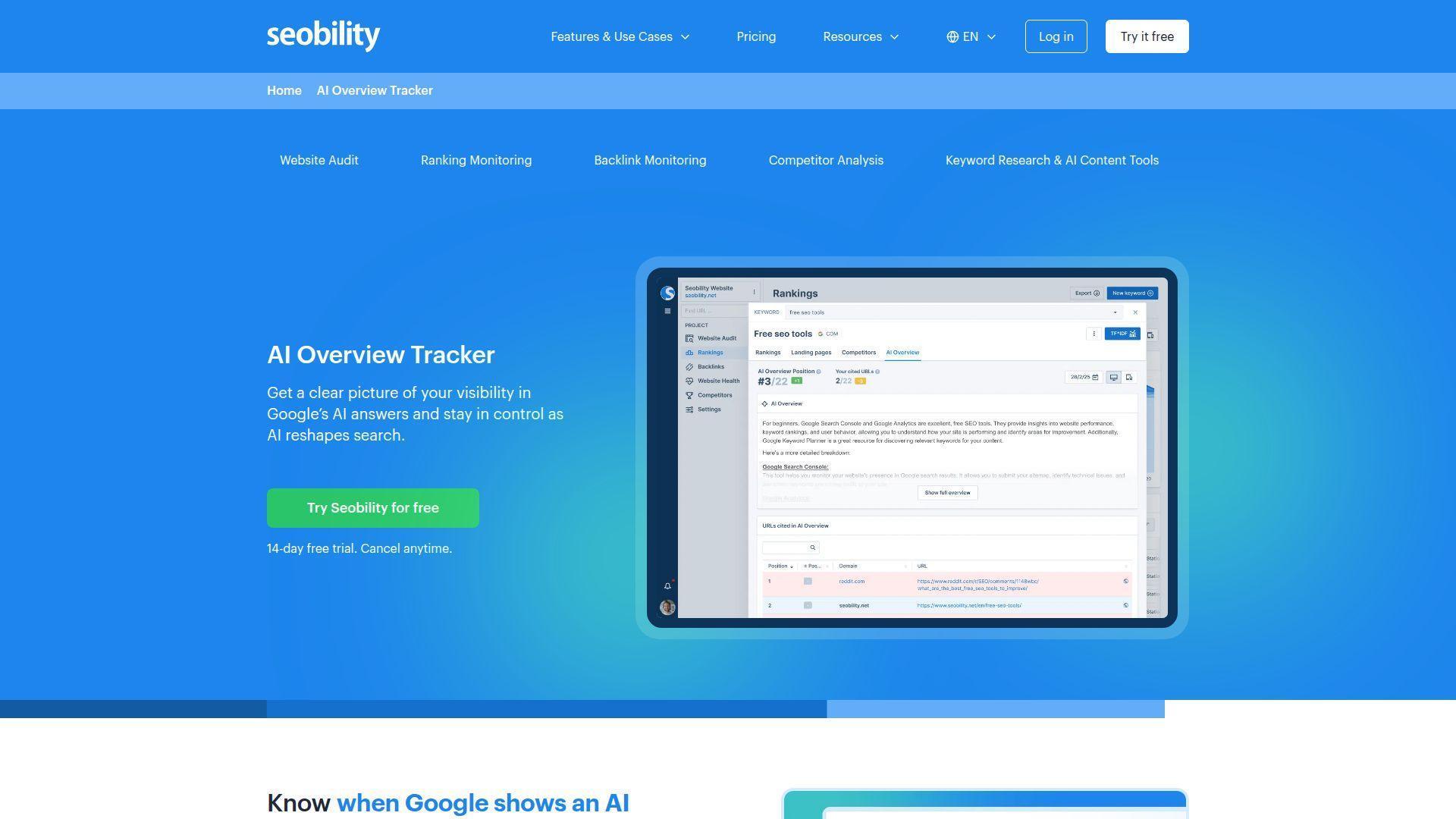
Seobility added an AI Overview tracker on top of its existing rank tracking and SEO audit features. It is one of the more accessible options for small sites and freelancers because the entry-level pricing is friendly and the AI Overview view sits inside the rank-tracking interface they already know.
Key features
- AI Overview presence flagged inside the rank tracker.
- Historical view of AI Overview appearance for tracked keywords.
- Citation list for each AI Overview answer.
Watch-outs
Coverage is limited to Google AI Overviews; other AI search surfaces are not included. The keyword universe and tracking cadence are designed for traditional rank tracking, so very fast-moving AI Overview rotations may not show up in time. No multi-model view.
Pricing
Free tier with limited keywords; paid plans by keyword count.
8. Rankwise AI Overview Checker
Why it stands out
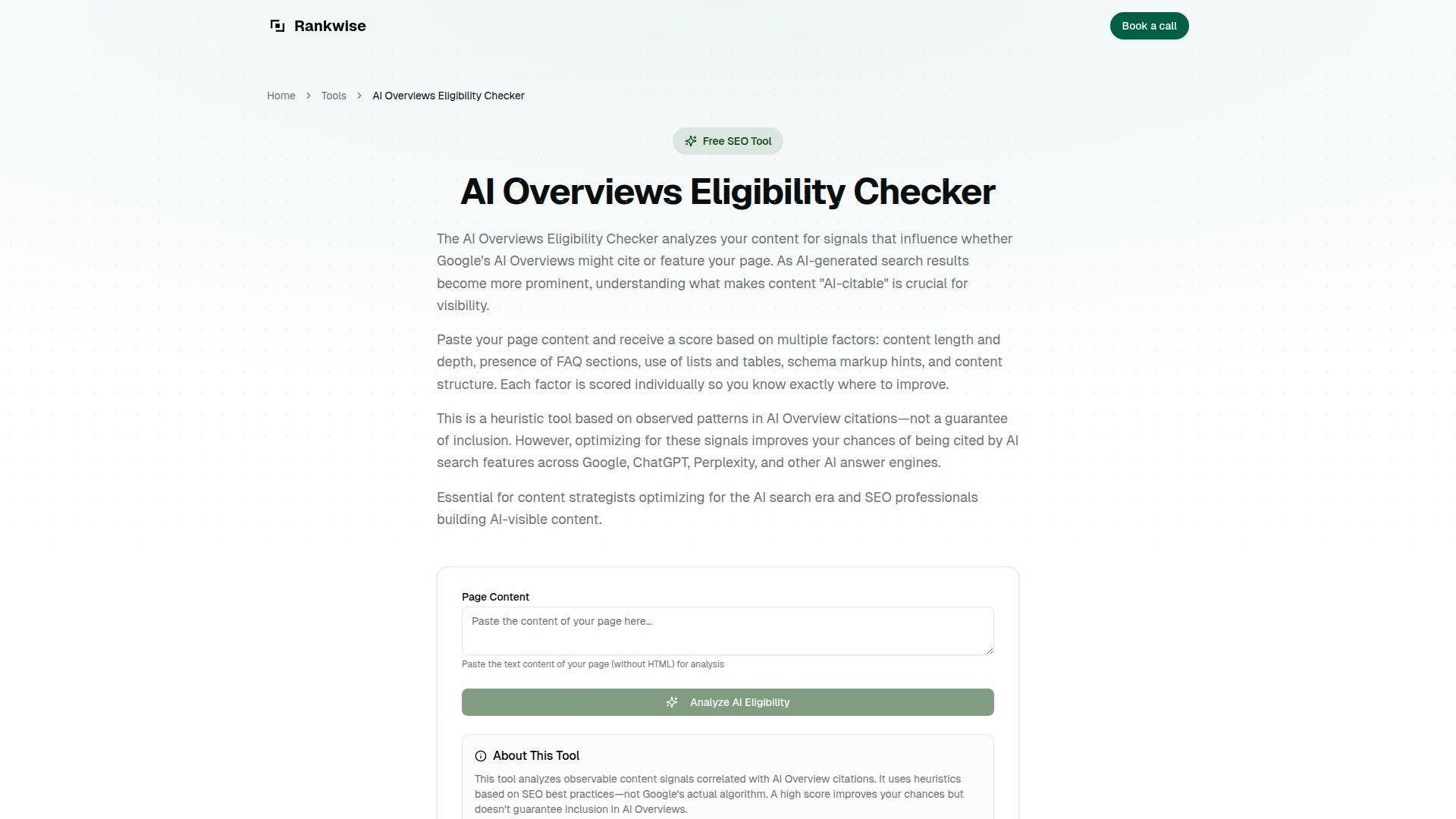
Rankwise offers a focused AI Overview checker with a clean interface and per-query detail (AI Overview text, cited URLs, regular SERP context). It is useful for quick competitive snapshots when you want to see why a competitor page is being cited.
Key features
- Free single-query check with AI Overview text and citations.
- Country selector.
- Paid plans for tracked keyword sets.
Watch-outs
The tool is narrower than the multi-model platforms: it focuses on Google AI Overviews, so you will not see how the same query plays out in ChatGPT, Perplexity, or Gemini. Bulk operations and API access are gated to paid tiers.
Pricing
Free single-query checks; paid plans for tracked sets.
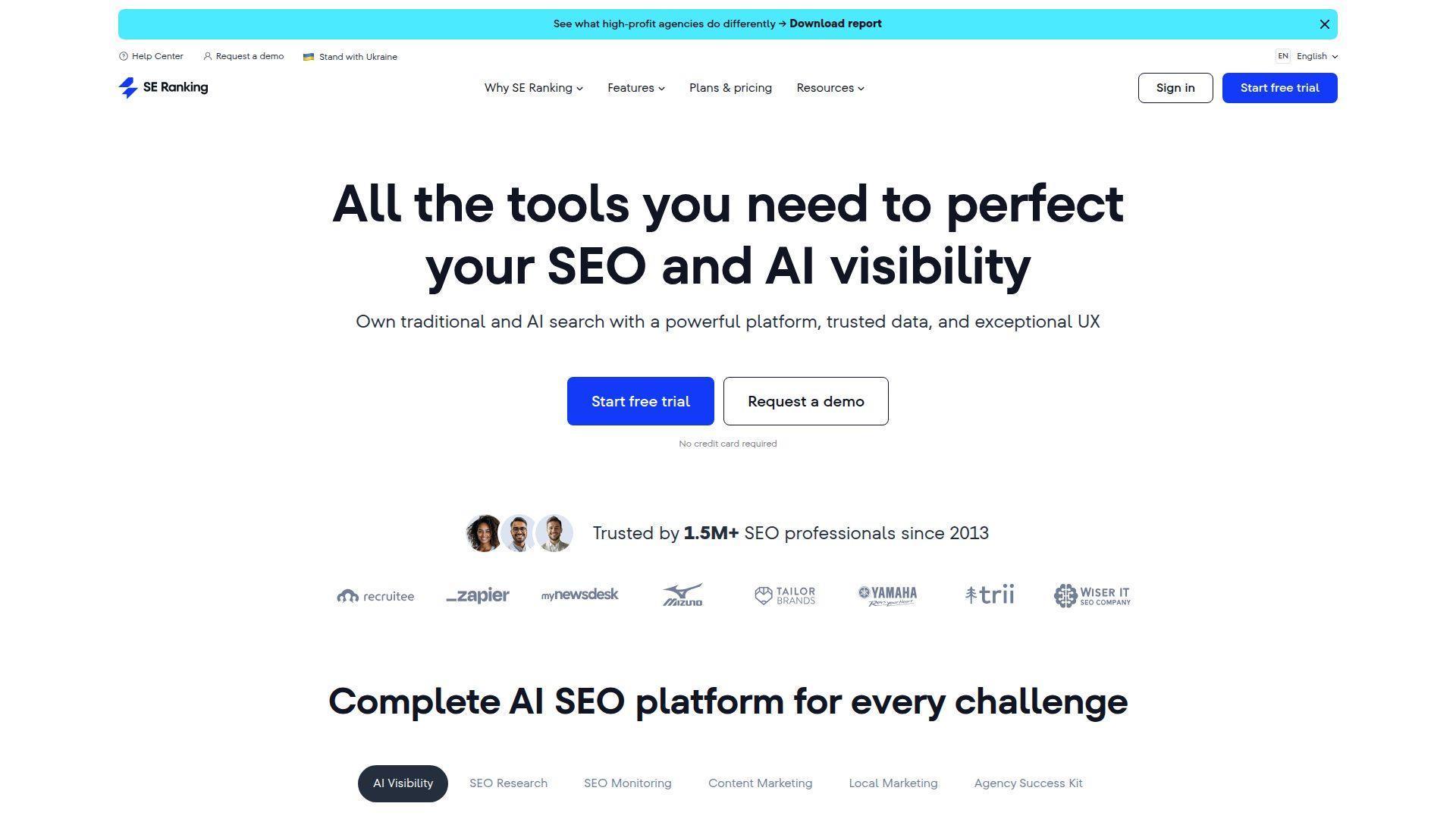
9. SE Ranking AI Search Insights
Why it stands out
SE Ranking has rolled AI search insights into its rank tracker, which means you can see AI Overview presence next to your normal Google rankings without switching tools. For agencies already using SE Ranking for client reporting, that integration is the main appeal.
Key features
- AI Overview presence marker per tracked keyword.
- Cited domains and URLs visible inside the rank tracker.
- Country and device segmentation.
Watch-outs
The AI search module is one feature inside a broader platform; standalone AI Overview functionality is less deep than purpose-built AI visibility tools. Multi-model coverage is limited. If your AI strategy spans ChatGPT, Perplexity, and Gemini, you will need a separate tool alongside.
Pricing
14-day trial; paid plans scale with keyword count and feature set.
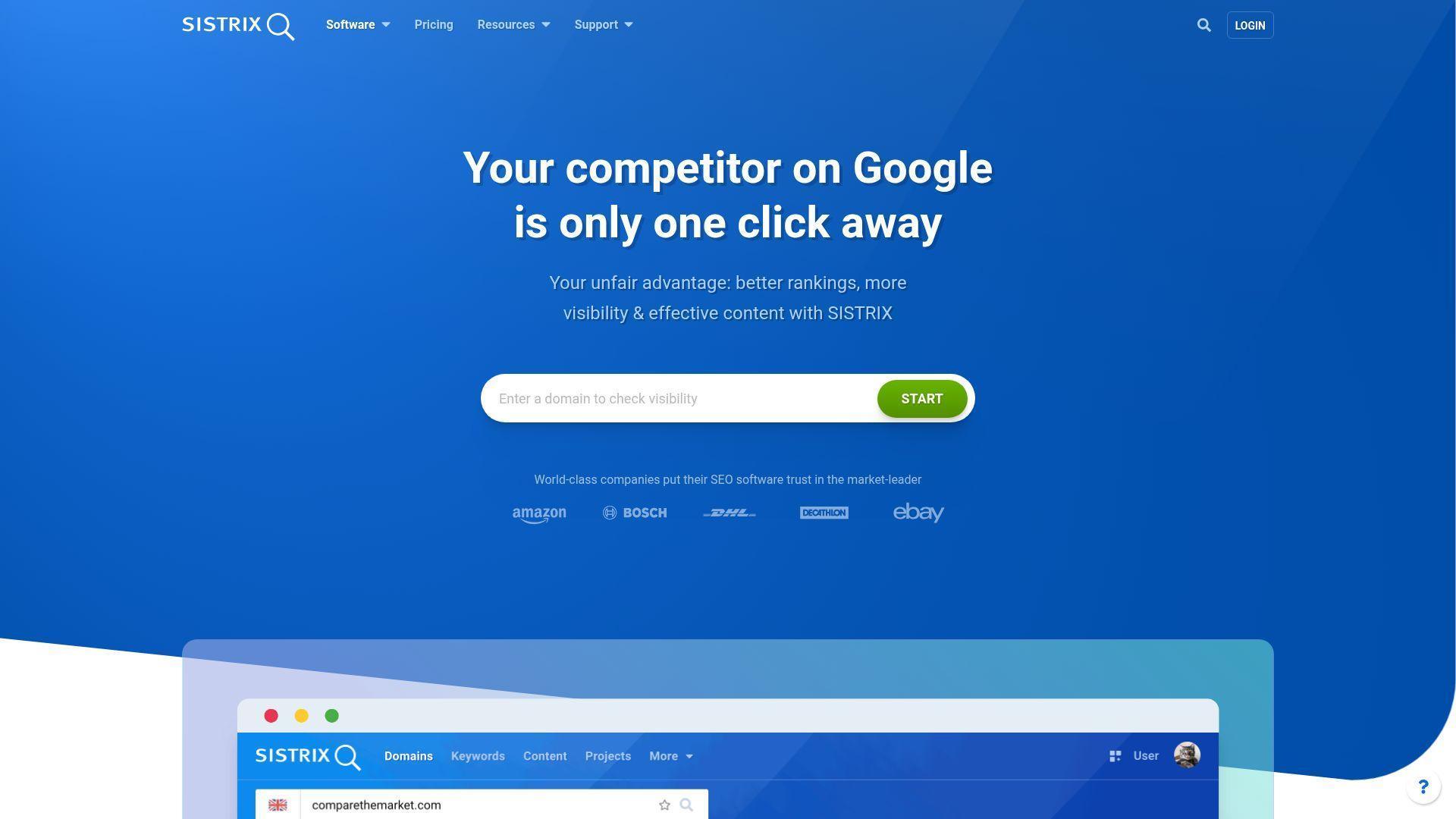
10. Sistrix Voice Search and AIO
Why it stands out
Sistrix has long been a staple for European SEO teams, and its voice search and AIO modules now flag AI Overview presence for tracked keywords. The strength is its mature keyword database and the integration with the wider Sistrix toolbox that many European agencies already pay for.
Key features
- AI Overview detection across tracked keywords.
- Mature European-market keyword data.
- Integration with the rest of the Sistrix suite.
Watch-outs
SISTRIX now offers a Prompt Tracker with daily monitoring across ChatGPT, Perplexity, and Google AI Overviews, including sentiment analysis. It remains part of a broader SEO suite rather than a single-purpose free checker.
Pricing
Sistrix suite plans; AIO included in higher tiers.
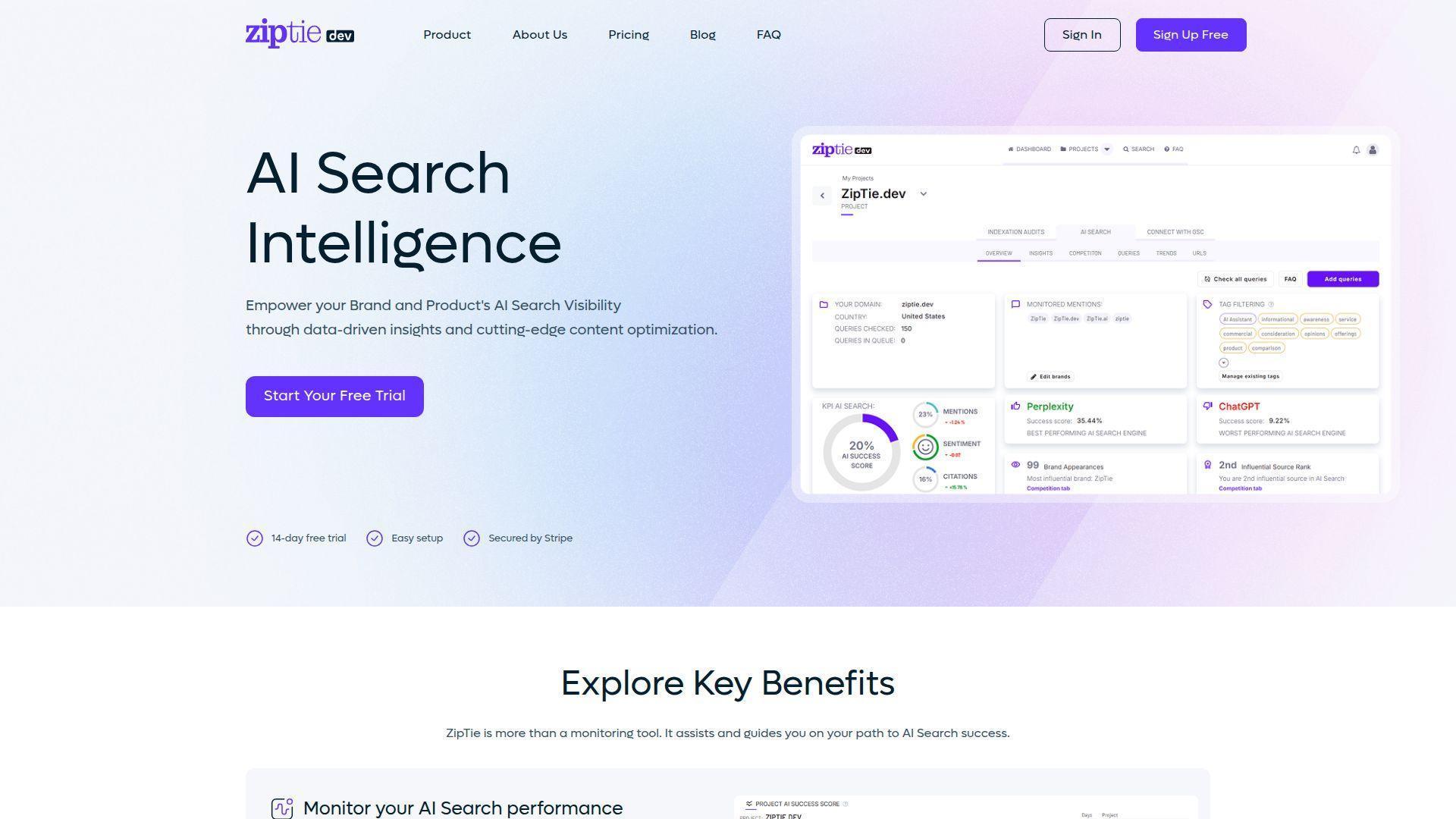
11. ZipTie
Why it stands out
ZipTie is a lightweight AI visibility tool that includes AI Overview checks as part of a broader multi-model view. It is positioned as a simpler, faster-to-set-up alternative to enterprise SEO suites, and it focuses on the AI search layer rather than traditional rank tracking.
Key features
- AI Overview tracking alongside other AI surfaces.
- Simple onboarding and small-team pricing.
- Bulk keyword support on paid plans.
Watch-outs
Check its sentiment, citation, and competitor reports against your needs. REST API and MCP access cost an additional $10/month and are unavailable during the free trial.
Pricing
Seven-day trial; paid pricing depends on monitored prompts, selected engines, and refresh frequency.
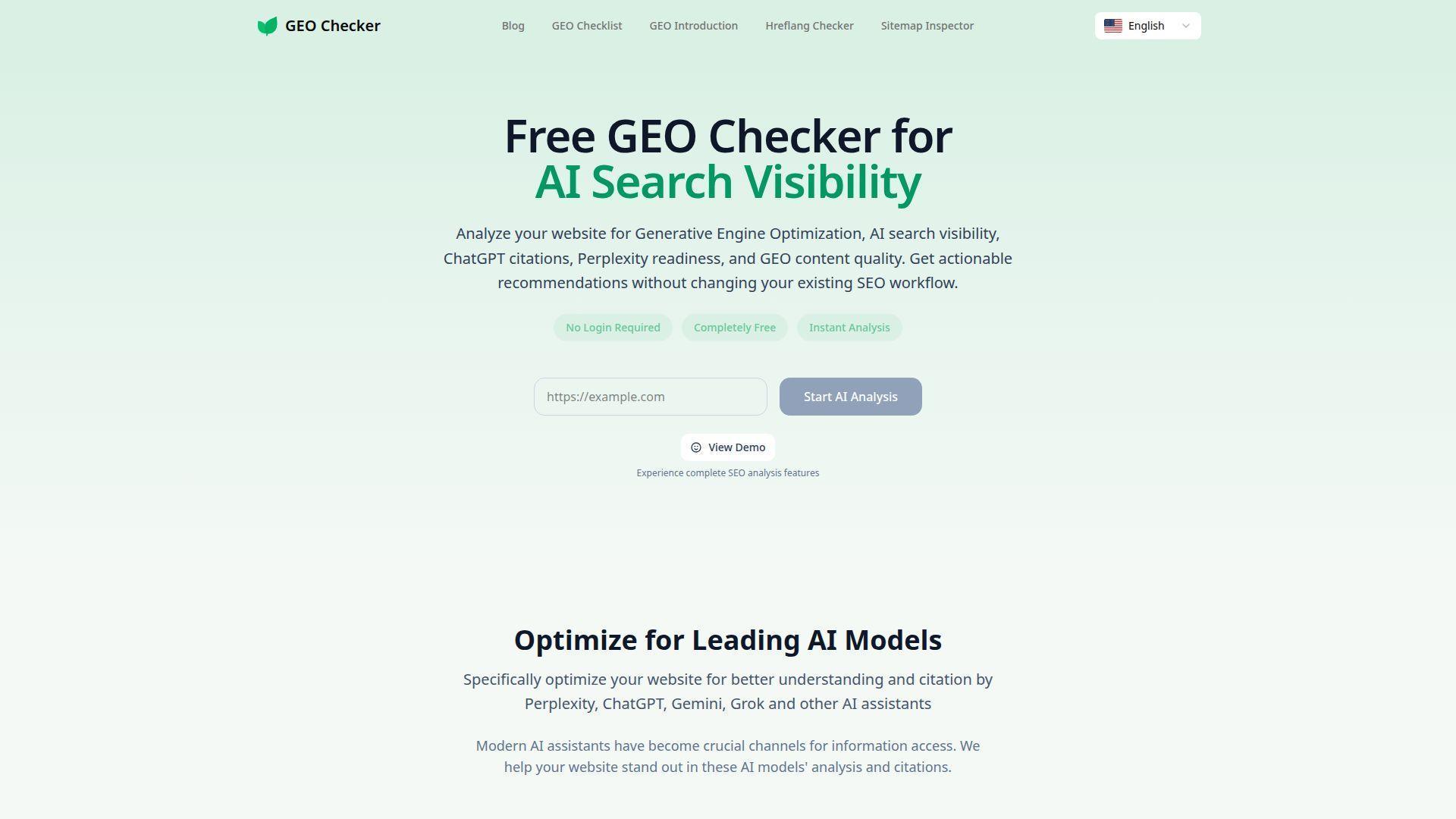
12. GEO Check Tool: free single-query check
Why it stands out
GEO Check Tool is a free single-query AI Overview check that requires no signup. You enter a keyword and a country, and it tells you whether an AI Overview is present along with the cited links. It is the simplest tool on this list and a useful zero-friction option for one-off lookups.
Key features
- No signup or account required.
- Country selector for geo-specific AI Overviews.
- Returns the AI Overview text and cited URLs.
Watch-outs
There is no history, no bulk upload, no API, and no continuous tracking. The tool answers “is there an AI Overview right now for this query” and nothing more. It is fine for quick checks but not for any serious workflow.
Pricing
Free.
Other AI Overview checkers worth mentioning
A handful of other tools also surface AI Overview presence as a side feature, including Mangools KWFinder (AI Overview tag inside its SERP analysis), Pulse Ranking, Geosige, and various SERP API providers (Serpstack, ValueSERP) that return AI Overview blocks if you build your own checker on top. These do not warrant their own entry for an AI Overview checker buyer’s guide, but they are worth a look if you already use them for something else.
How to choose a free vs. paid AI Overview checker
The free vs. paid decision usually comes down to three questions.
How many queries are you actually checking? If you check fewer than 10 queries per week, a free single-shot tool is fine. If you check 50, 500, or 5,000, the free tools will either rate-limit you, ban your IP, or simply take too long to be practical. Paid bulk and continuous tools pay for themselves quickly above a few dozen queries per week.
Do you need history? Free checkers give you a snapshot. AI Overviews rotate, and Google rewrites the generated text constantly. If you want to know “is my page being cited more often than it was last month”, you need historical data, which only paid trackers store. A paid tool typically keeps at least 90 days of history out of the box.
Are you only checking Google AI Overviews? Most free checkers only look at Google AI Overviews. If your audience also uses ChatGPT, Perplexity, Gemini, or Google AI Mode, you are flying blind on three or four other surfaces. Multi-model platforms like LLM Pulse check Google AI Overviews and also run the same queries on ChatGPT, Perplexity, Gemini, and Google AI Mode, so you see the complete AI search picture in one dashboard.
How to use an AI Overview checker effectively
The tool is only as useful as the workflow you wrap around it. Here is the four-step playbook that high-performing GEO teams follow:
- Define your keyword universe. Start with your existing top organic queries, your branded queries, and the questions your sales team hears most often. Aim for between 50 and 500 prompts to start, depending on plan size. Tag them by funnel stage (awareness, consideration, decision) so you can analyse later.
- Set a weekly cadence. AI Overviews change too fast for monthly checks and too slow for daily ones, except on the most volatile heads. Weekly is the sweet spot. Schedule the checker to run at the same time each week so you can compare like with like.
- Track presence and citations over time. Do not just record “is there an AI Overview”. Record which URLs are cited, in which positions, and how the cited text mentions your brand. That is the only way to spot trends like “we lost the citation slot for our money keyword three weeks ago”.
- Gap-analyse against competitors. Pick three to five named competitors and run the same keyword set against them. Where do they get cited and you do not? Where do you both get cited but with different framing? That gap analysis is where most of the actionable optimisation work comes from. Our guide on share of voice in AI search walks through the math step by step.
If you want a deeper view of the playbook, our guides on optimising for Google AI Overviews and AI search optimisation walk through the workflow in more detail. For the strategy layer, our explainer on answer engine optimisation sets the wider context.
AI Overview checker limitations to know about
Even the best AI Overview checker has limits, and you need to plan around them.
Personalisation noise. AI Overviews are personalised based on location, browsing history, and other signals Google does not document. A checker uses a clean session, so the result is closer to a “neutral” view than to what your typical user sees. Two checks of the same query, run minutes apart, can return slightly different cited sources.
Generated text rewrites. Google rewrites the AI Overview text constantly. Even if the cited sources are stable, the prose may change wording, length, and emphasis between checks. Tools that store text history are useful for spotting these rewrites, but you should not expect identical text week to week.
Coverage gaps. Some niche or very new keywords are not in any tool’s keyword database, so they return no result even when an AI Overview is in fact present. The fix is to run the check on a live SERP rather than rely on a cached database, which is what most paid trackers do.
Google’s regional rollouts. AI Overviews are not equally available in every country and language. A checker may correctly report “no AI Overview” because Google has not rolled the feature out in that market yet, even if your local audience is starting to see them.
Single-model blind spots. A Google AI Overview checker only tells you about Google. The same query in ChatGPT, Perplexity, or Gemini will cite different sources and frame your brand differently. If you optimise for Google AI Overviews alone, you may still be invisible across the rest of the AI search ecosystem. This is why multi-model platforms exist.
Summary
If you only need a one-off check, free tools like SEO.com, GEO Check Tool, and the Semrush AI Overviews Visibility Checker are fine. They will tell you whether an AI Overview exists for a specific query and which sources are cited, and that is enough for a quick diagnostic.
If you are doing this seriously (running checks every week, watching a portfolio of keywords, reporting to clients or executives, doing competitive analysis) you will outgrow free tools fast. The right move is a paid tracker with multi-model coverage, history, and reporting. LLM Pulse tracks ChatGPT, Perplexity, Gemini, Google AI Mode, and Google AI Overviews. Looker Studio is available, and white-label access is arranged separately.
Choose a plan, connect your keyword universe, and within a week you will see things in your AI search visibility you cannot see in any free single-shot checker.
FAQ
What is an AI Overview checker?
An AI Overview checker is a tool that takes a Google query, fetches the live SERP, and tells you whether Google’s AI Overview panel appears for that query along with the list of cited URLs. It is the fastest way to see if your page is being cited in AI Overviews for a specific keyword.
Is there a truly free AI Overview checker?
Yes. Tools like SEO.com (3 free checks per day), GEO Check Tool (no signup), and the Semrush AI Overviews Visibility Checker offer free single-query lookups. They are fine for occasional use but they do not store history, support bulk uploads, or cover non-Google AI surfaces. For ongoing work, a paid tool with continuous tracking is the right choice.
How accurate are AI Overview checkers?
Most modern AI Overview checkers correctly detect the AI Overview panel and parse the cited URLs accurately. The main accuracy caveats come from personalisation (the AI Overview shown to a clean session may differ slightly from what your user sees), live rewrites by Google, and regional rollout gaps. For high-stakes decisions, run the check from multiple geos and over multiple weeks.
Can I bulk-check AI Overviews?
Yes, but typically only on paid plans. Free single-shot checkers are rate-limited and do not support uploading a keyword list. Paid platforms like LLM Pulse let you check hundreds of keywords at once on a recurring schedule, with the results stored for historical comparison and exported to CSV, Excel, or Looker Studio.
What is the difference between an AI Overview checker and an AI Overview tracker?
A checker is built for ad hoc, query-by-query lookups: enter a keyword, get a snapshot. A tracker is built for recurring, multi-keyword monitoring with history and dashboards. LLM Pulse is the tracker in this comparison, while dedicated checker tools handle one-off live lookups.
Why does Google AI Overview content change over time?
Google rewrites AI Overview text continuously based on fresh content, ranking signal changes, and model updates. Cited sources rotate as Google’s ranking algorithm re-evaluates the answer space. That is why checking once is not enough: weekly tracking shows the trend, not just the snapshot.
Do AI Overview checkers track other LLMs too?
Most pure AI Overview checkers only look at Google. To see how your brand appears in ChatGPT, Perplexity, Gemini, and Google AI Mode, you need a multi-model AI visibility platform. LLM Pulse runs every prompt across five standard surfaces, with self-serve paid add-ons for Claude, Copilot, Grok, DeepSeek, Naver AI Briefing, Baidu AI and Meta AI. Alexa for Shopping is available as a self-serve paid add-on. Further models are available through Talk to sales.
Which AI Overview checker is best for agencies?
Agencies need appropriate project limits, unlimited seats, and client-ready reporting. LLM Pulse includes unlimited seats, OAuth MCP, a REST API, and Looker Studio, while white-label access is arranged separately. Our best AI visibility tools roundup goes deeper into the agency criteria.