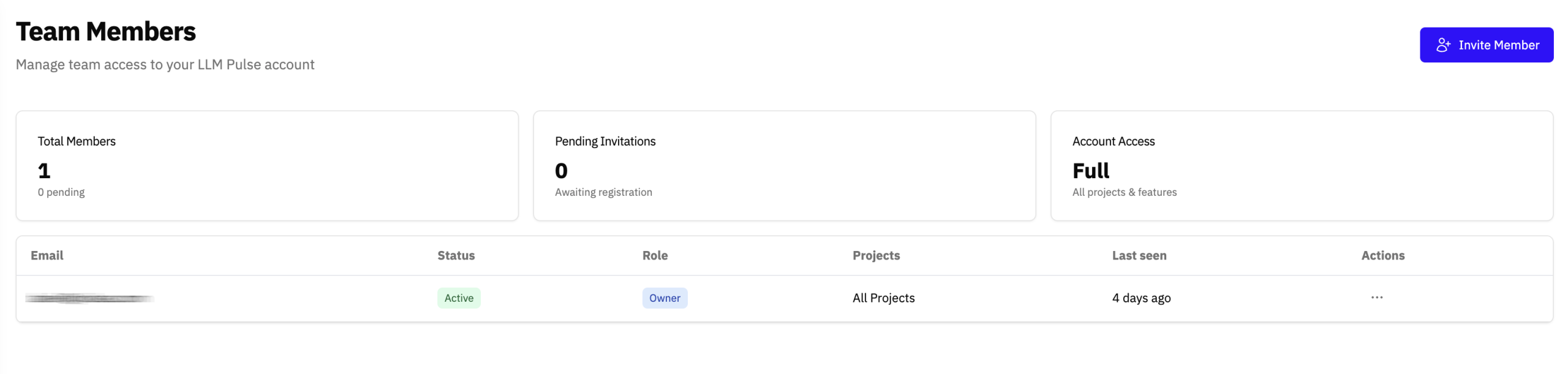
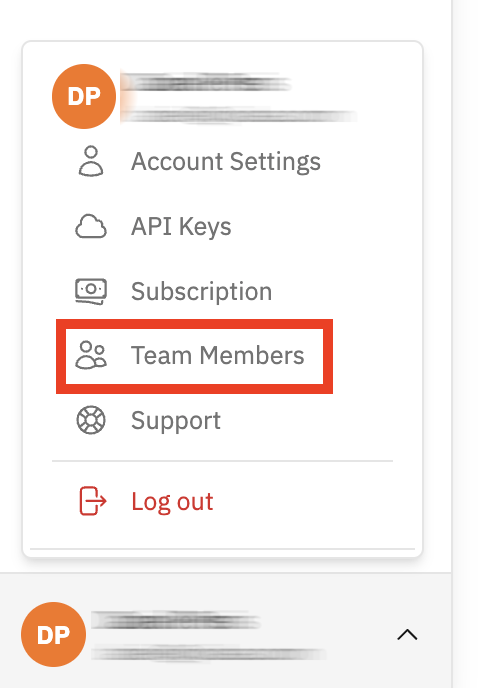
You can add team members to your LLM Pulse account from the “Team members section”. This option is available in the user menu, located in the bottom left corner of the platform.
From there, you can invite new users and manage their access in a few clicks. You can also grant access to specific projects only, giving each team member visibility exactly where it is needed.